How to Accept Online Payments for Blinds Quotes and Invoices
Pay from the quote, not from memory.
Sign Up
Start your 7-day free trial
Make Paying You Easy
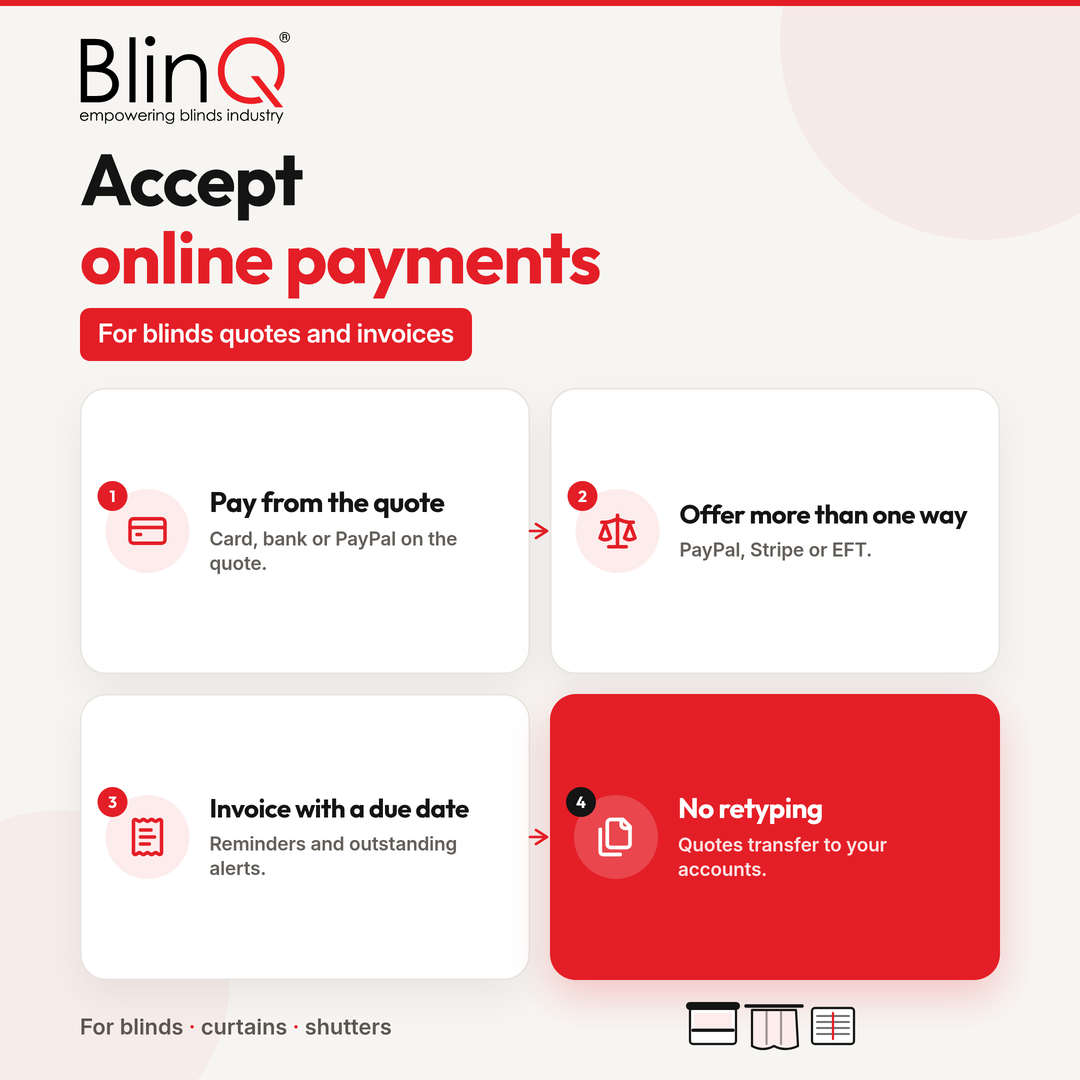
To accept online payments for blinds quotes and invoices, put the payment option on the document the customer is already looking at. If customers have to find your bank details, open their banking app and type a reference, payment waits until they remember. Here is how to make paying you simple, and how to keep track of what is still owed.
PUT THE PAYMENT OPTION ON THE QUOTE
The moment a customer accepts is the moment they are most ready to pay. Let them pay from the quote itself, rather than sending a separate request later and hoping it is not buried in their inbox.
In BlinQ: you can accept payments from credit cards, debit cards, linked bank accounts and PayPal from your quotes, and Stripe can be connected in the same way. Set-up is fast, easy and free.
OFFER MORE THAN ONE WAY TO PAY
Some customers prefer card, some PayPal and some a bank transfer. Offer the main options, state clearly on the quote and invoice which ones you accept, and make the amount due and the job reference easy to find.
In BlinQ: payments can be accepted through PayPal or EFT, with Stripe available for card and linked bank account payments.
INVOICE PROMPTLY AND SET A DUE DATE
Send the final invoice when the job is fitted, not at the end of the month, and give it a clear due date. A friendly reminder close to that date does more than a stern one weeks later.
In BlinQ: create an invoice on site, email it to the customer, set a due date for reminders, and get alerts on outstanding invoices.
ACCEPT ONLINE PAYMENTS WITHOUT RETYPING THE NUMBERS
Every quote and payment eventually needs to reach your accounts. If someone copies figures across by hand, small errors become reconciliation headaches at BAS time.
In BlinQ: quotes transfer from BlinQ to Xero, QuickBooks or MYOB, so the figures are not typed in a second time.
Check your last few invoices: how long did each take to be paid, and how did the customer pay? See pricing:
https://www.blinq.com.au/pricing
Or book a demonstration:
https://calendly.com/blinq/team
Accept online payments
Pay from the quote
Card payments
PayPal payments
Stripe payments
EFT payments
Invoice due dates
Outstanding invoices
Accounting transfer
Get Started
Workflow automation software for retailers and manufacturers of blinds, shutters & curtains.