Appointment Reminder SMS for Blinds Measures and Installs
Remind, confirm and fill the gaps before the van leaves.
Sign Up
Start your 7-day free trial
Fewer Wasted Trips
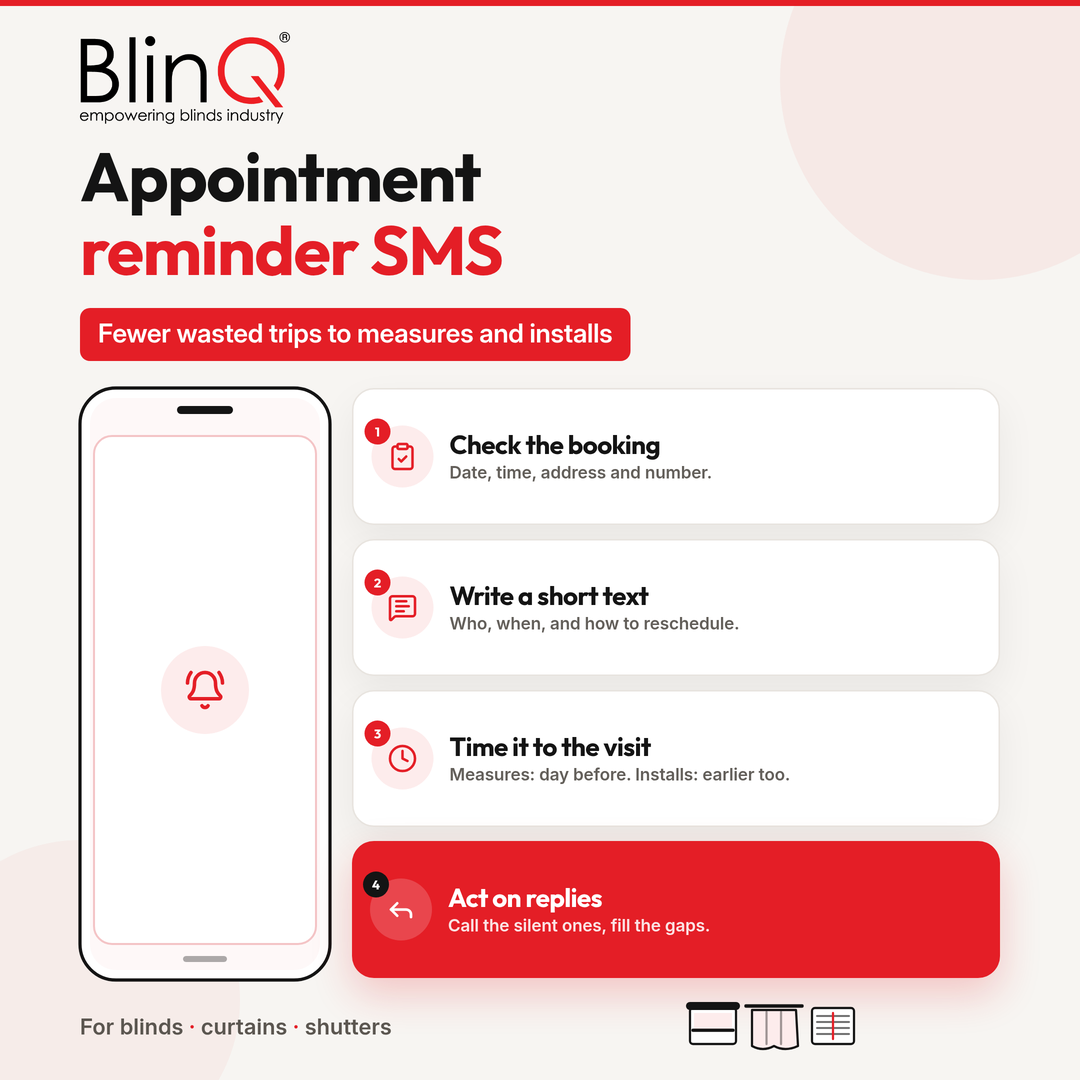
An appointment reminder SMS is the cheapest way to stop a wasted drive to a measure or install where nobody is home. For a blinds business, a no-show costs more than the hour: travel, a reshuffled day, and an installer with made-to-measure stock still in the van. Here is a simple reminder routine for measures and installs.
CONFIRM THE BOOKING DETAILS FIRST
A reminder only helps if the booking behind it is right. Check the date, time window, address and contact number when the appointment is made, and keep it in the calendar your team works from.
In BlinQ: connect Google or Office 365 calendars to set appointments, and assign the preferred staff member for each measure or install.
WRITE AN APPOINTMENT REMINDER SMS THAT GETS A REPLY
Keep the text short: who is coming, what for, the date and time window, and a clear way to reschedule. Ask the customer to reply to confirm, so silence becomes a signal to call.
In BlinQ: use SMS messaging from within BlinQ to send customers instant notifications, and include a Google Map of the appointment location.
TIME REMINDERS AROUND THE VISIT TYPE
Measures and installs need different notice. A measure reminder the day before is usually enough. For an install, the customer may need to clear windows or arrange access, so remind them earlier and again the day before.
In BlinQ: Workflow Automation is listed in the plans to automate routine tasks and reminders, and the job moves through statuses such as Ready to Fit and Fitted as work progresses.
ACT ON REPLIES AND GAPS
Reminders are only half the job. Check replies each afternoon, call anyone who has not confirmed, and fill freed slots instead of leaving them empty. Record what was agreed so the next person knows.
In BlinQ: block unavailable time in the appointment calendar to prevent clashes, and keep staff notes and emails in the customer's Story, so the office sees every change.
Cut wasted trips to measures and installs. See pricing:
https://www.blinq.com.au/pricing
Or book a demonstration:
https://calendly.com/blinq/team
Appointment reminder SMS
Appointment reminder text
Reduce no-shows
Measure reminders
Install reminders
SMS with Google Map
Confirm by reply
Calendar sync
Block unavailable time
Get Started
Workflow automation software for retailers and manufacturers of blinds, shutters & curtains.