Blinds CRM: What to Keep on Every Customer Record
One record the whole team trusts.
Sign Up
Start your 7-day free trial
The Full Customer Story
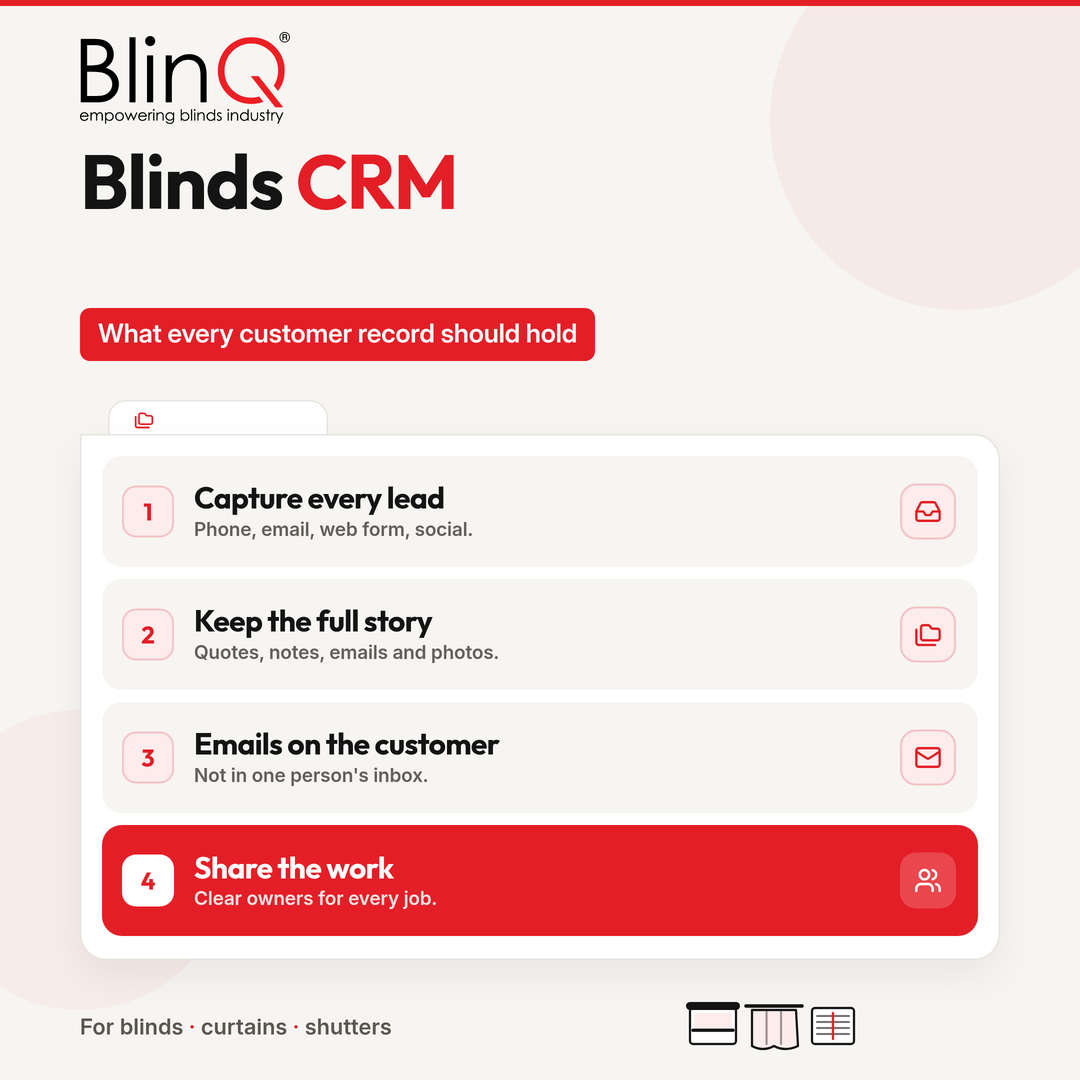
A blinds CRM is only useful if the whole team trusts it to hold the full story of each customer. Blinds, curtains, shutters and drapery customers rarely buy on the first contact, and they reach you by phone, email, web form and social media along the way. When those conversations are scattered, the next person to call starts from nothing. Here is what to keep on every customer record.
CAPTURE EVERY LEAD, WHEREVER IT COMES FROM
Enter each enquiry the same day, with its source, the products they asked about and the address. A lead that only exists in one person's inbox or notebook cannot be followed up by anyone else.
In BlinQ: contact management supports email, telephone, social media, instant messenger, web forms and website live chat, saving every contact in one place.
WHAT A BLINDS CRM SHOULD RECORD ABOUT EACH CUSTOMER
Beyond a name and phone number, keep quotes, emails, notes, site photos and job history together. That is what lets a new staff member pick up a customer without a handover meeting, and lets you answer a returning customer properly years later.
In BlinQ: the customer's story tracks the journey from initial quote to job completion, and photos, house plans and other attachments are stored on the customer's file.
KEEP EMAILS ON THE CUSTOMER, NOT IN PERSONAL INBOXES
If quotes and replies live in one salesperson's mailbox, the record is incomplete the day that person is on leave. Every email should land on the customer, where the team can see it.
In BlinQ: auto connect your mailbox so incoming customer emails appear in the customer's story, and read and reply to emails from the customer's record, with open and click tracking on what you send.
SHARE THE WORK ACROSS THE TEAM
A CRM should show who owns each customer and job, so nothing falls between sales, scheduling and installation, and so reassigning work is a quick change rather than a phone call.
In BlinQ: assign jobs to staff from a drop-down list, see assigned staff on the customer's record, and book appointments into connected Google or Office 365 calendars.
Pick your last ten enquiries and check whether each one has a complete record. See pricing:
https://www.blinq.com.au/pricing
Or book a demonstration:
https://calendly.com/blinq/team
Blinds CRM
CRM for blinds and curtains
Customer records
Lead capture
Customer story
Email tracking
Mailbox connection
Job assignment
Shutters and drapery
Get Started
Workflow automation software for retailers and manufacturers of blinds, shutters & curtains.