Customer Order Status Updates That Stop Chasing Calls
Tell them before they have to ask.
Sign Up
Start your 7-day free trial
Less Chasing, More Trust
Customer order status updates stop most "just checking on my order" calls before they start. Customers rarely call because something is wrong; they call because, from where they sit, nothing seems to be happening. Made-to-measure blinds take time, and the gap between deposit and installation is where doubt grows. Here is a simple update routine.
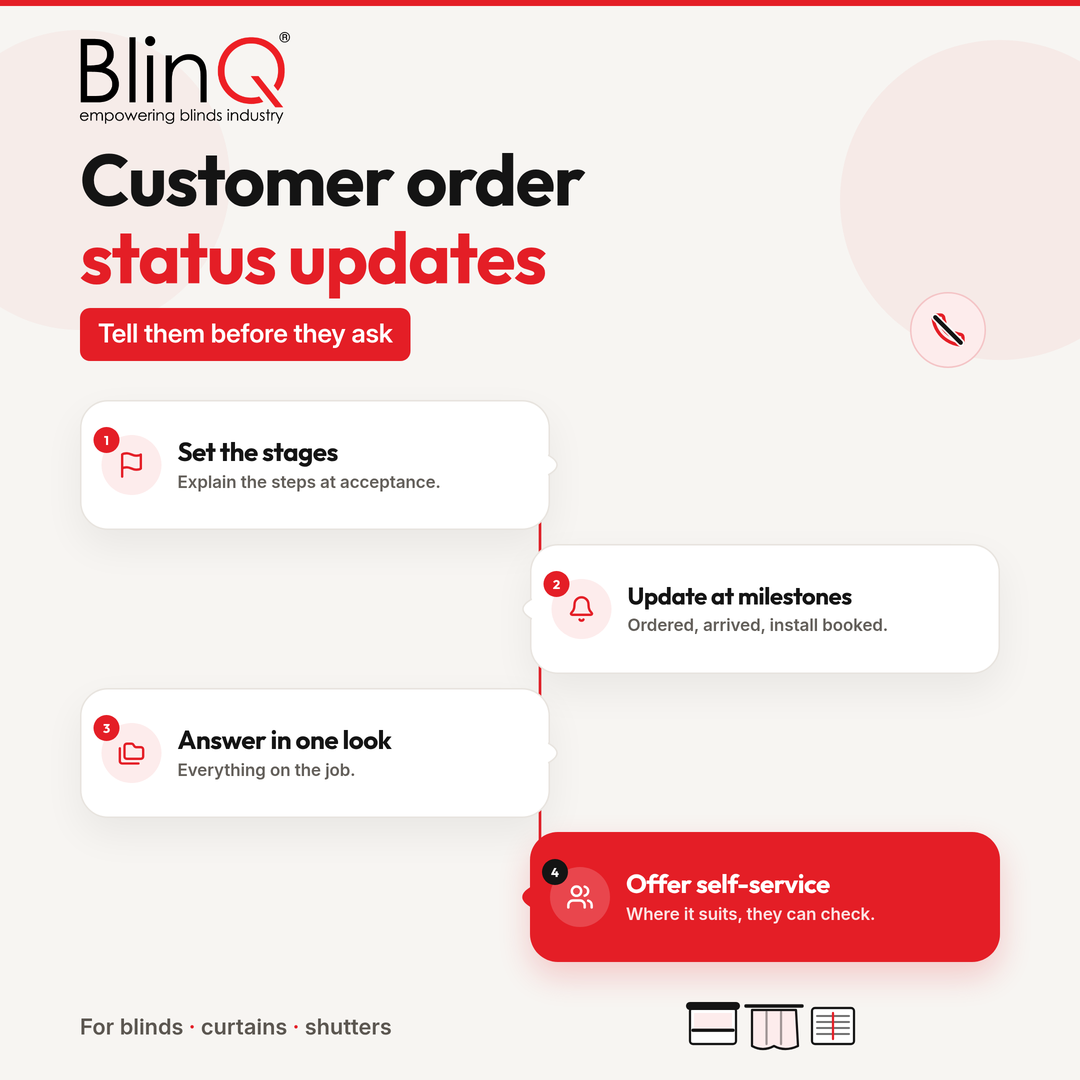
TELL CUSTOMERS THE STAGES UP FRONT
When the quote is accepted, explain the main stages: order placed, check measure if needed, ready to fit and installation. When customers know the stages, a quiet week feels normal instead of worrying.
In BlinQ: jobs move through statuses such as Approved, Check Measurement, Ready to Fit, Fitted and Completed on a visual dashboard, so the stages you promise match the stages you track.
SEND CUSTOMER ORDER STATUS UPDATES AT EACH MILESTONE
Send a short message when the order is placed, when stock arrives and when the install date is set. Keep it to what changed and what happens next.
In BlinQ: use SMS messaging from within BlinQ to send instant notifications, reply to emails from the customer's record, and see whether customers are opening your emails.
KEEP EVERY ANSWER ON THE JOB
When a customer does call, anyone in the office should be able to answer in one look, without promising to ring back.
In BlinQ: view the job's progress in real time, with staff notes, emails, purchase orders and deposits on the customer's job, and use the purchase order dashboard to see estimated arrival and installation dates.
OFFER SELF-SERVICE WHERE IT SUITS
Some customers would rather check for themselves. A self-service view lets them see where things are at any hour, without waiting on the phone.
In BlinQ: Customer Portal Access, a self-service portal for customers, is listed in the complete features list on the pricing page, so check which plan includes it.
Predictable updates build trust long before the installer arrives, and free your office from chasing calls.
See pricing:
https://www.blinq.com.au/pricing
Or book a demonstration:
https://calendly.com/blinq/team
Customer order status updates
Where is my order calls
Order milestones
SMS order updates
Email updates to customers
Job status for customers
Answer in one look
Self-service customer portal
Blinds order progress
Get Started
Workflow automation software for retailers and manufacturers of blinds, shutters & curtains.