How to Revise a Quote for Blinds Without Losing Track
Change the quote, keep the history, carry it to the job.
Sign Up
Start your 7-day free trial
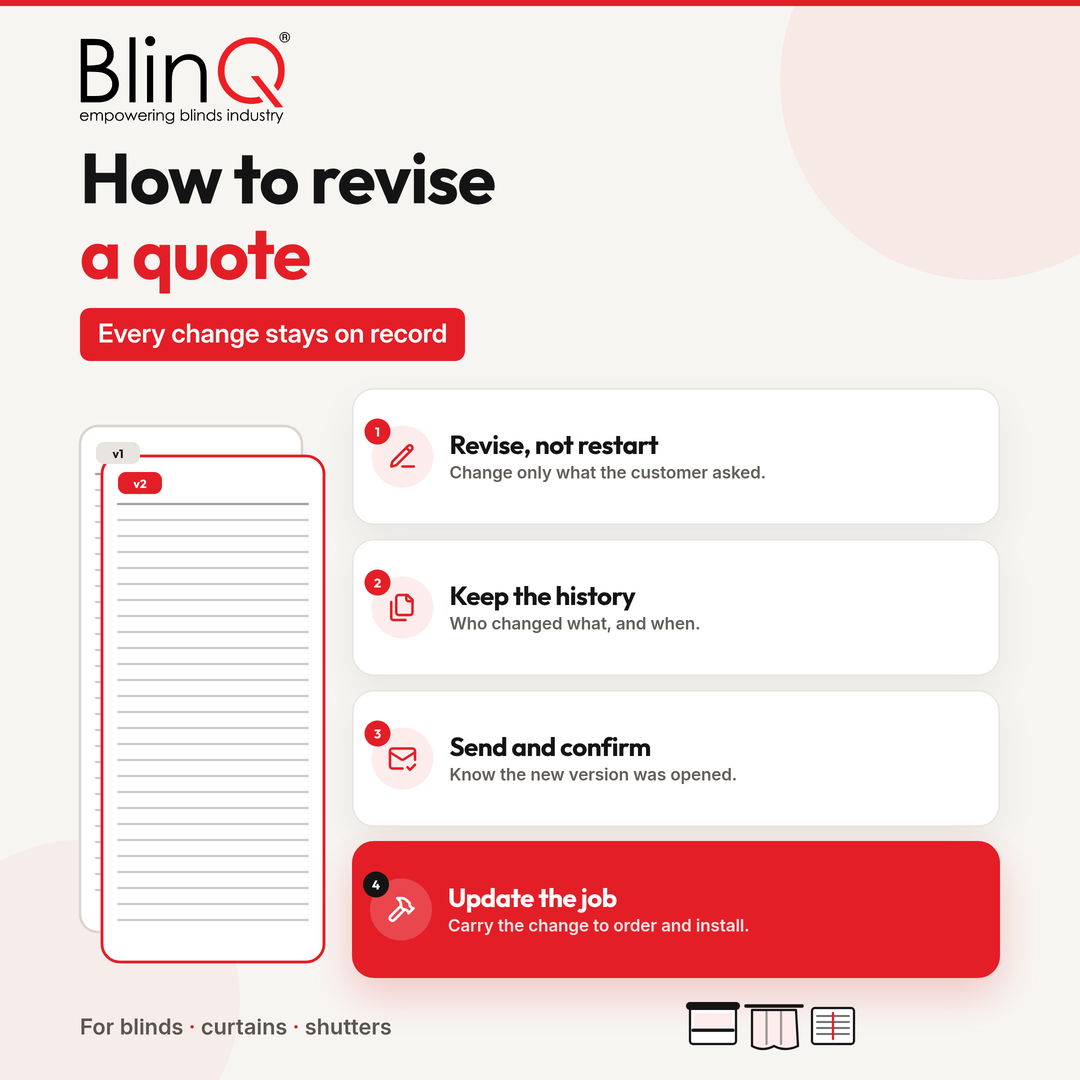
Every Change on Record
Knowing how to revise a quote cleanly matters in a blinds business, because customers change their minds. A different fabric, an extra room, a new size after the check measure: each change risks a wrong price, an old version sent by mistake, or an order placed from the wrong sheet. Here is a simple way to handle quote changes without losing track.
HOW TO REVISE A QUOTE STEP BY STEP
Revise the existing quote rather than starting a new one from scratch. Change only what the customer asked for, let the price recalculate from your price lists, and check the total before anything is sent.
In BlinQ: open the quote and update the measurements or product options. As measurements are entered, the system generates the pricing from your price grids, so a change is priced the same way as the original.
KEEP A HISTORY OF EVERY CHANGE
When a customer asks why the price moved, you need to show what changed, who changed it and when. Overwriting a file loses that answer.
In BlinQ: quote history tracks all changes, including who made what change and when, and previous iterations of the quote can be viewed at any time.
SEND THE REVISED QUOTE AND CONFIRM IT WAS SEEN
Make it obvious which version is current. Send the revised quote with a short note listing what changed, and confirm the customer has opened it before ordering anything.
In BlinQ: email the quote with a personalised message in a couple of clicks, see when and how many times it has been opened, and let the customer click to accept.
CARRY CHANGES THROUGH TO THE JOB
A revised quote is only safe if the job, the order and the installer copy follow it. Changes found at the check measure are the most common gap, so record them on the job straight away.
In BlinQ: update job specifications after a check measure and record the change in the customer's Story history, where staff notes, emails, purchase orders and deposits are also kept.
Handle every quote change with a clear record. See pricing:
https://www.blinq.com.au/pricing
Or book a demonstration:
https://calendly.com/blinq/team
How to revise a quote
Revised blinds quote
Quote change history
Previous quote versions
Who changed what
Send the revised quote
Quote open tracking
Check measure changes
Update the job
Get Started
Workflow automation software for retailers and manufacturers of blinds, shutters & curtains.