Blinds Quote Tracking Software: See Which Quotes Are Live
See the open, then make the call.
Sign Up
Start your 7-day free trial
Know Which Quotes Are Warm
Blinds quote tracking software tells you what happened after you pressed send, so you stop guessing which customers are still interested. Most blinds businesses email a quote and then lose sight of it. It sits in a sent folder while the customer compares prices, and nobody knows whether it was even opened. Here is how to track every quote from sent to approved.
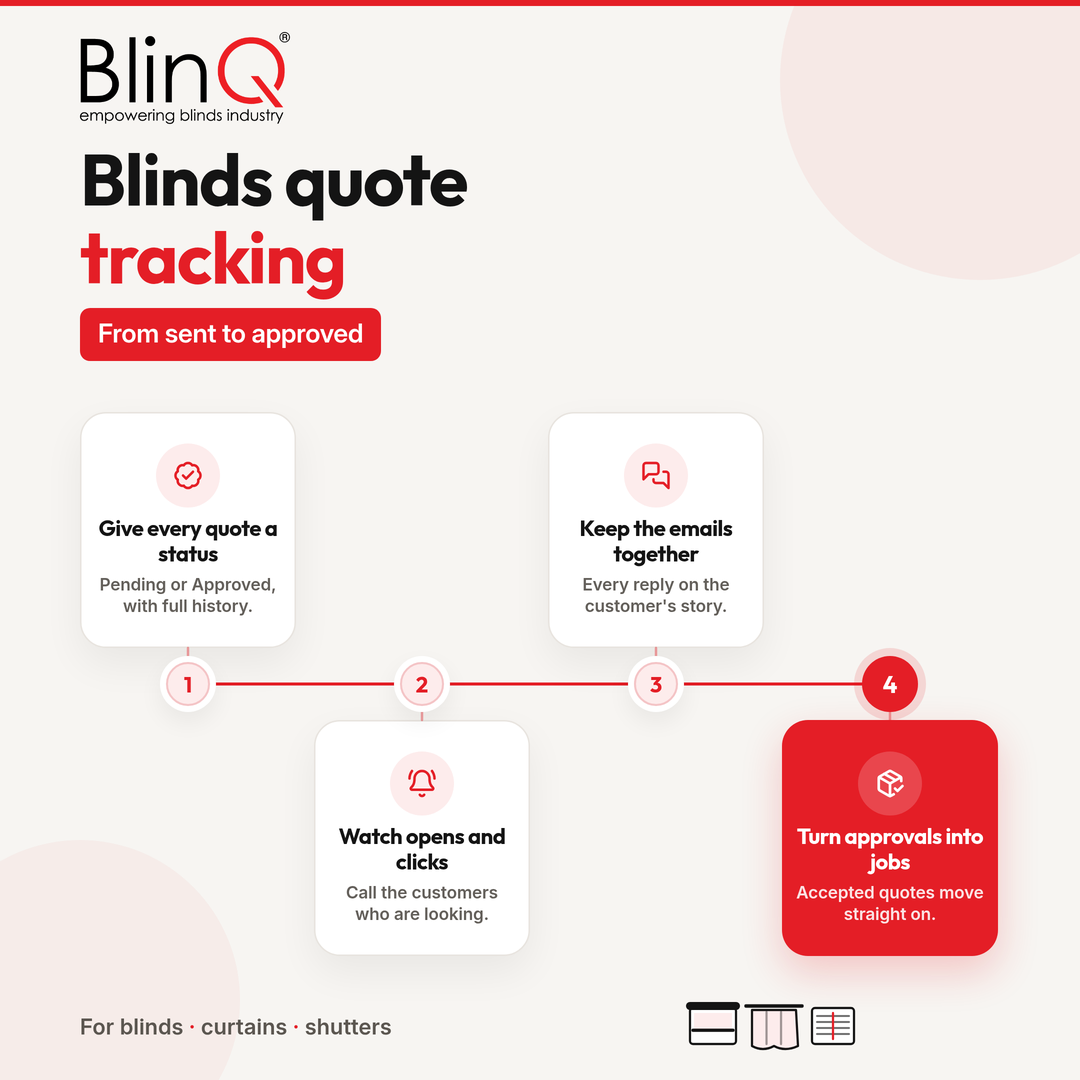
GIVE EVERY QUOTE A STATUS
A quote that has been sent is not finished. Mark each one as pending or approved, and keep every revision on the same record, so anyone in the team can see where it stands without asking around.
In BlinQ: each quote carries a status such as Pending or Approved, and the quote history shows who changed what and when, with earlier versions available at any time.
WATCH OPENS AND CLICKS, NOT JUST SENDS
Sending is the easy part. The useful signal is whether the customer opened the quote, how often, and whether they clicked through. A quote opened several times overnight deserves a call this morning; one that was never opened may need a resend.
In BlinQ: you can see when and how many times a customer has opened your quote, with real-time alerts on quote email opens, link clicks and new emails.
WHAT BLINDS QUOTE TRACKING SOFTWARE SHOULD KEEP TOGETHER
When replies, questions and changes are scattered across personal inboxes, the next person to call the customer starts from scratch. Keep the email thread, staff notes and the quote in one place, so each call picks up where the last one ended.
In BlinQ: emails to and from the customer can be read and answered from the customer's record, and every interaction is stored in the customer's story. A connected mailbox brings incoming emails into that story too.
TURN APPROVED QUOTES INTO JOBS
Tracking ends when the quote is approved and becomes a job. Make that handover a single step, so no approved quote waits in an inbox while the customer wonders what happens next.
In BlinQ: customers can click and accept your quote, and confirmed quotes convert into jobs on the visual job dashboard.
Start with the quotes you sent this week, and sort them by who has opened them. See pricing:
https://www.blinq.com.au/pricing
Or book a demonstration:
https://calendly.com/blinq/team
Blinds quote tracking software
Quote open alerts
Quote status tracking
Pending and approved quotes
Quote history
Email open tracking
Click and accept quotes
Quote to job
Window furnishing quotes
Get Started
Workflow automation software for retailers and manufacturers of blinds, shutters & curtains.