Curtain Business Software: 4 Checks Before You Choose
Pricing, quotes, bookings and jobs in one system.
Sign Up
Start your 7-day free trial
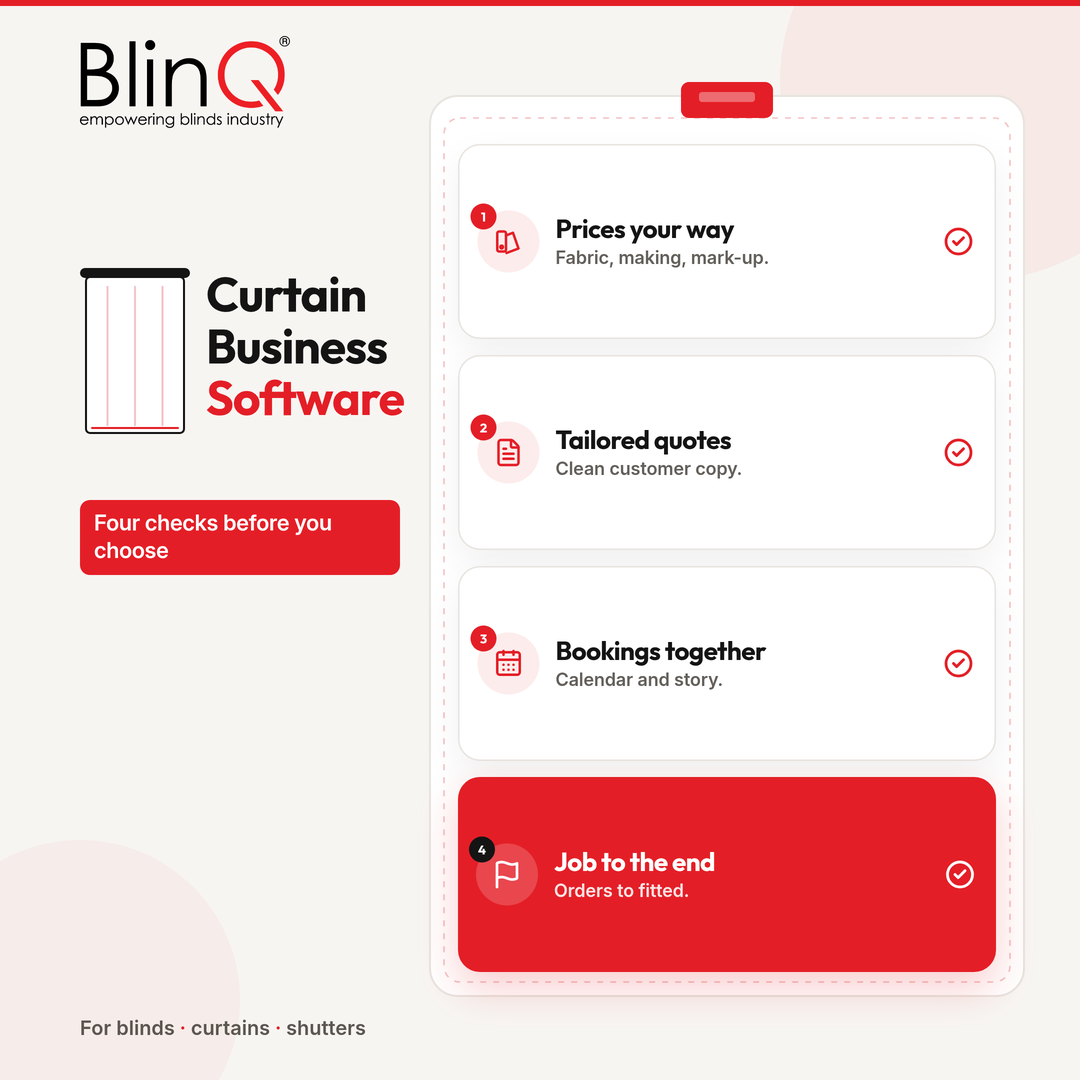
Four Checks for Curtain Shops
Curtain business software should do more than price a pair of curtains. Most curtain retailers and workrooms juggle quotes, customer details, appointments, supplier orders and installs, and when each sits in a different tool, jobs fall through the gaps. Use these four checks before you choose a system, and test each one with a real job from your own records rather than a sales demonstration script.
CHECK 1: DOES THE CURTAIN BUSINESS SOFTWARE PRICE YOUR WAY?
Curtains are priced from fabric, making and margin, not a simple size grid. The software should hold your own costs, so quotes match what your workroom charges, and it should handle any blinds you sell too.
In BlinQ: import your fabric cut price and making charges with your mark-up, and customise products, fields and price grids for your other product lines.
CHECK 2: CAN EACH QUOTE BE TAILORED?
Customers want a clear, professional quote, while your workroom needs every detail. Good software gives you both without typing two documents, and keeps your branding consistent on every quote that leaves the business.
In BlinQ: customise quote templates and hide details such as measurements on the customer's copy with simple tick boxes.
CHECK 3: ARE CUSTOMERS AND APPOINTMENTS TOGETHER?
Measure bookings, emails and notes should sit with the quote, so anyone in the team can pick up the job without asking around or searching through a personal inbox.
In BlinQ: book appointments into connected Google or Office 365 calendars with a preferred staff member, and keep emails, notes and photos in the customer's story.
CHECK 4: CAN YOU FOLLOW THE JOB TO THE END?
After approval, you should be able to order fabric and hardware and track the install without a separate whiteboard. If the system stops at the quote, the gaps simply move further down the job.
In BlinQ: raise purchase orders directly from approved quotes, and move jobs through statuses such as Ready to Fit, Fitted and Completed.
The best test is your own products on a real job. See pricing:
https://www.blinq.com.au/pricing
Or book a demonstration:
https://calendly.com/blinq/team
Curtain business software
Software for curtain shops
Curtain workroom software
Fabric and making charges
Tailored quote templates
Hide measurements on quotes
Book measure appointments
Purchase orders from quotes
Curtains and blinds in one
Get Started
Workflow automation software for retailers and manufacturers of blinds, shutters & curtains.