Blinds Quote Template: What to Include and How to Send It
Every quote, the same standard.
Sign Up
Start your 7-day free trial
One Template, Every Quote
A blinds quote template decides how professional your business looks before the customer has seen a single sample. When every salesperson builds quotes differently, customers get mixed layouts, missing options and sometimes measurements they never needed to see. Here is what a good template should hold, and how to send it so it gets accepted.
WHAT A BLINDS QUOTE TEMPLATE SHOULD INCLUDE
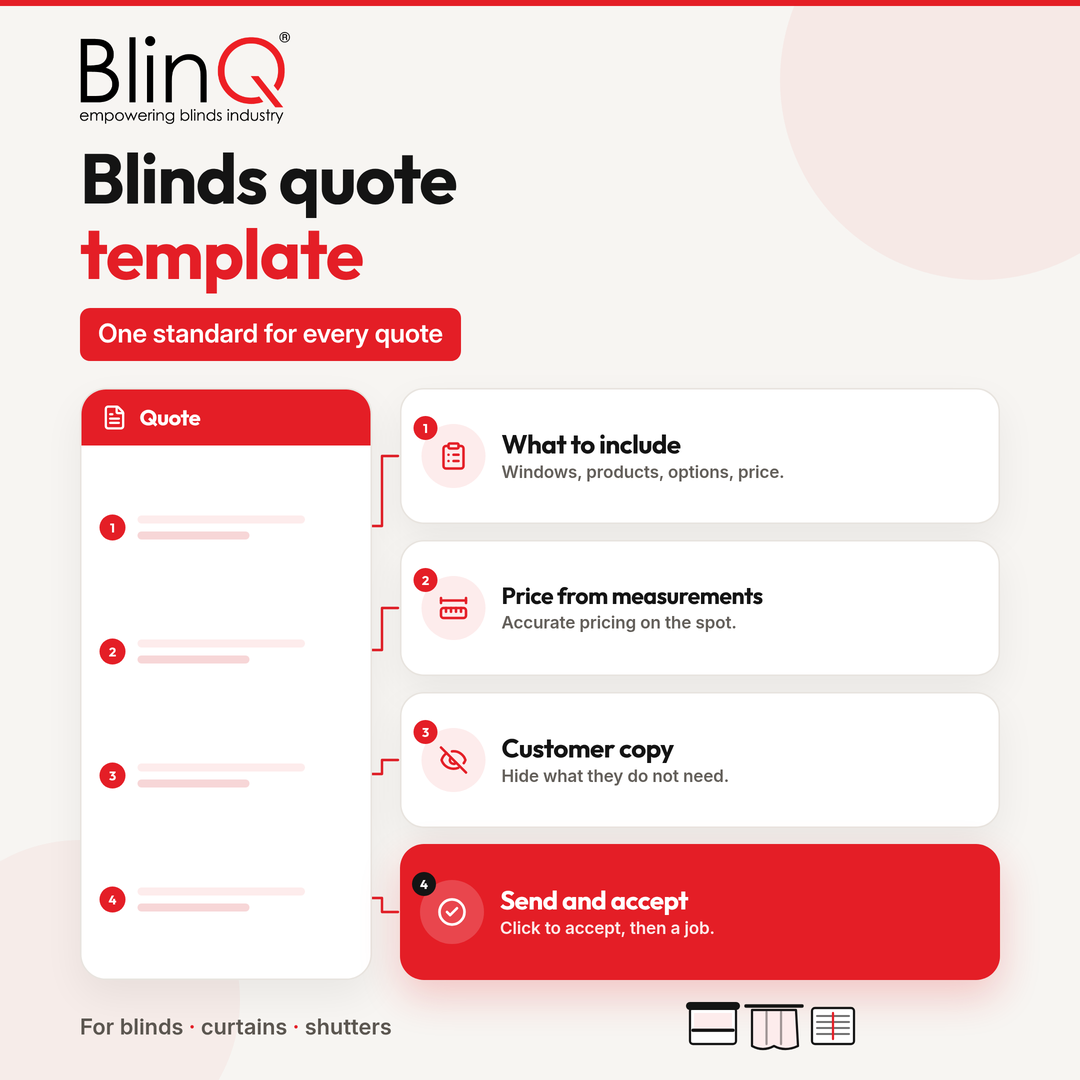
Every quote needs your business details, the customer and job address, each window with its product, fabric, colour and options, the price per line, the total and clear terms. Keep the same order on every quote so customers can compare at a glance.
In BlinQ: customise your quote templates to suit your business, and control which products and fields are used, including what is visible on printed copies.
PRICE FROM MEASUREMENTS, NOT LOOKUPS
A template is only as good as the numbers inside it. Flicking through price lists, material books and a calculator in the customer's lounge room is slow, and it is where errors creep in.
In BlinQ: as you enter measurements, the system generates accurate pricing and the quote on the spot, so you can create quotes on site and there is no cap on how many you create.
SHOW THE CUSTOMER ONLY WHAT THEY NEED
Your installer needs measurements and fitting details. Your customer needs products, options and the price. Use two versions of the same quote rather than one crowded page that confuses both.
In BlinQ: keep an admin copy and a customer copy, and hide details such as measurements from the customer quote with simple tick boxes.
SEND IT, TRACK IT, TURN IT INTO A JOB
Send the quote while the visit is still fresh, with a short personal message, and make saying yes easy. Once it is accepted, the work should move straight into production without being retyped.
In BlinQ: email the quote in a couple of clicks with your personalised message, see when and how many times it has been opened, and give customers the option to click and accept. Confirmed quotes convert into jobs on the visual job dashboard.
Set up one quote template your whole team can use. See pricing:
https://www.blinq.com.au/pricing
Or book a demonstration:
https://calendly.com/blinq/team
Blinds quote template
Quote template for blinds
What to include in a quote
Customise quote layouts
Customer copy and admin copy
Hide measurements on quotes
On-site quoting
Email quotes to customers
Convert quotes into jobs
Get Started
Workflow automation software for retailers and manufacturers of blinds, shutters & curtains.