Blinds Work Order Sheet: What to Include Before It Goes Out
If it is not on the sheet, it is not on the job.
Sign Up
Start your 7-day free trial
Written for the Installer
A blinds work order sheet is the page your workroom or installer actually works from, so anything missing from it becomes a phone call, a wasted trip or a remake. The quote the customer approved is written for the customer. The work order has to be written for the person making or fitting the blinds. Here is what to include, and how to produce it without retyping.
WHAT A BLINDS WORK ORDER SHEET SHOULD INCLUDE
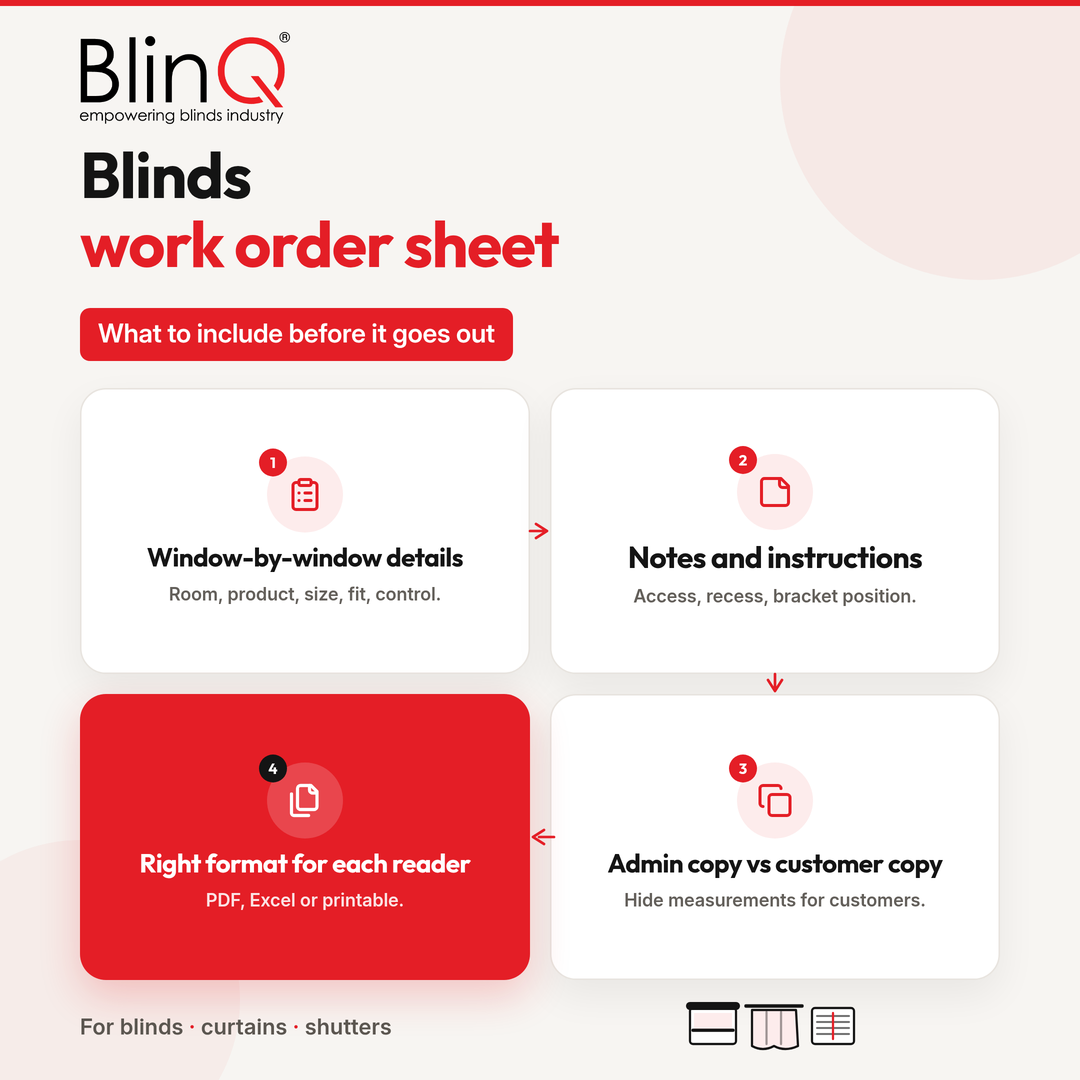
List each window with its room, product, fabric and colour, width and drop, fit type, control side and any extras. Add the job reference, customer name, site address and agreed install date, so every page traces back to the right job.
In BlinQ: quotes and work order sheets export as a printable file, a Microsoft Excel spreadsheet or a PDF, so the lines come from the quote rather than being typed again.
ADD NOTES AND SPECIAL INSTRUCTIONS
Access details, parking, a tiled recess, an awkward bracket position: write it down once, close to the job, so the installer reads it before the visit, not after. Keep instructions short and specific to a window where possible.
In BlinQ: staff notes sit on the customer's story with the job, and photos can be marked up and attached to the customer's file for the team to refer back to.
SEPARATE THE ADMIN COPY FROM THE CUSTOMER COPY
Your workroom and installers need measurements; most customers only want to see products and prices. Keep one quote, but print different versions for different readers.
In BlinQ: quote layouts can be customised, with simple tick boxes to hide details such as measurements from the customer's copy, while the admin copy keeps them for the team.
CHOOSE THE FORMAT EACH PERSON NEEDS
A PDF suits an installer reading on a phone. A spreadsheet suits a workroom that sorts or filters lines by product. Pick a format for each recipient and use it every time, so nobody has to ask which version is current.
In BlinQ: choose a PDF, an Excel spreadsheet or a printable file each time you export the work order sheet.
Check your next work order against this list before it goes out. See pricing:
https://www.blinq.com.au/pricing
Or book a demonstration:
https://calendly.com/blinq/team
Blinds work order sheet
Blinds work order
Special instructions
Installer notes
Admin and customer copy
Export to PDF
Export to Excel
Window-by-window details
Fewer wasted trips
Get Started
Workflow automation software for retailers and manufacturers of blinds, shutters & curtains.