Supplier Delivery Delays: How Blinds Businesses Stay Ahead
See the late order before the installer does.
Sign Up
Start your 7-day free trial
No Surprises on Install Day
Supplier delivery delays are one of the main reasons blinds installs get rescheduled, and the customer usually hears about it last. A supplier pushes a date back by email, nobody connects it to the install booked for Thursday, and the installer turns up without the goods. Here is how to spot delays early and handle them before they reach the customer's front door.
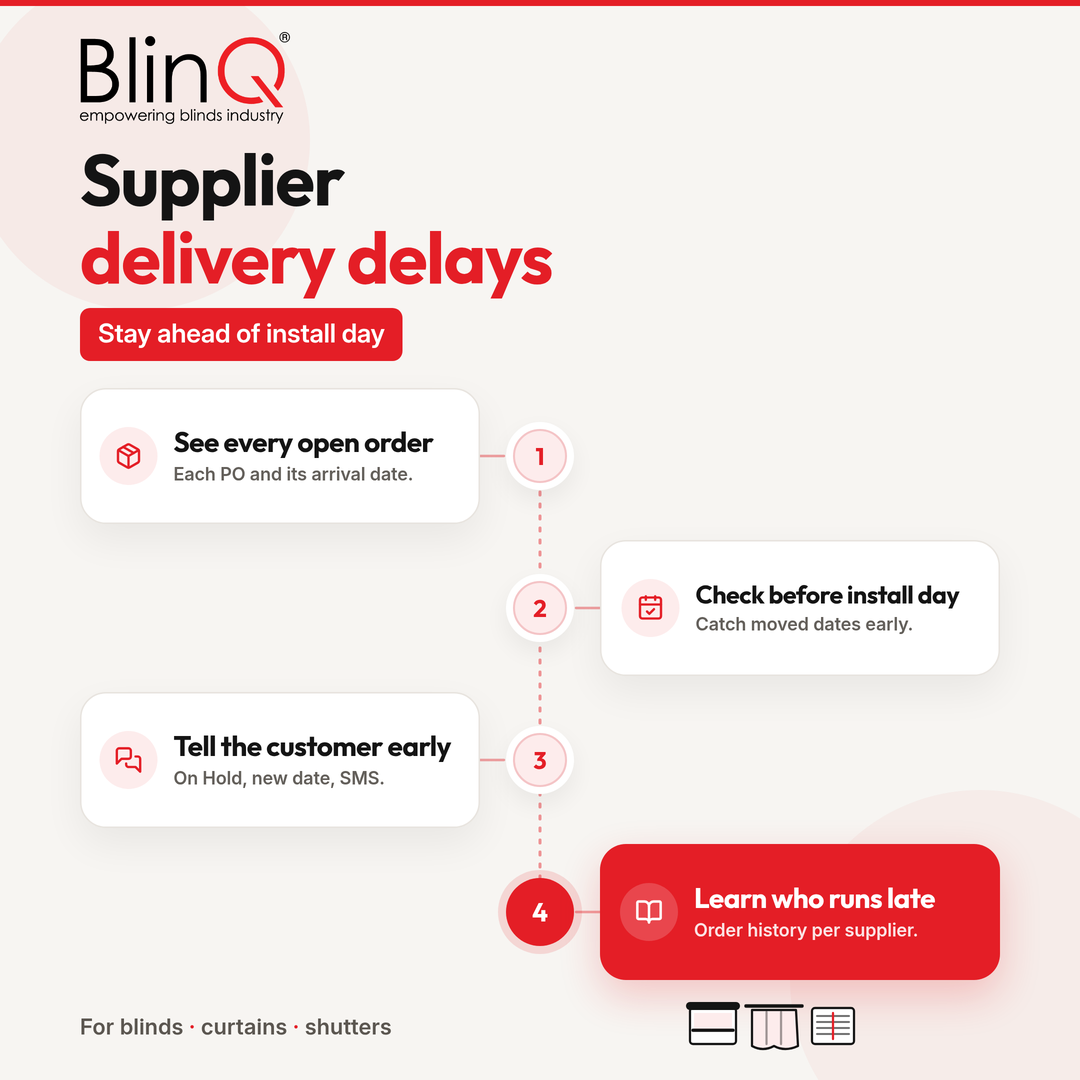
SEE EVERY OPEN ORDER AND ITS EXPECTED DATE
You cannot manage a delay you cannot see. Keep each purchase order linked to its job, with the estimated arrival date recorded on the order, and review the open list in one view rather than across email threads.
In BlinQ: the PO tracking dashboard tracks current POs and estimated arrival dates (ESDs), shows the status of purchase orders and installation dates, and lets you search and filter specific information in one view.
CATCH SUPPLIER DELIVERY DELAYS BEFORE THE INSTALL DATE
Set a regular check a few days ahead of each install: is everything for this job due before the fitter arrives? If a date has moved, change the plan then, not on the morning of the visit.
In BlinQ: purchase orders are tracked from estimated arrival date to delivery completion, so open orders sit beside the installation dates they affect.
TELL THE CUSTOMER EARLY
Customers accept a delay far better than a surprise. Give a new date as soon as you have one, put the job on hold if needed, and confirm the rebooked visit in writing.
In BlinQ: the visual job dashboard includes an On Hold status, appointments sit in connected Google or Office 365 calendars, and SMS messages can be sent to the customer from within BlinQ.
LEARN WHICH SUPPLIERS RUN LATE
Over time, the order history shows which suppliers deliver when they say they will. Use that when you promise lead times, and when you choose who to order from for urgent jobs.
In BlinQ: a history of all purchase orders raised for each supplier is kept, with a dashboard view of what has been ordered and where and when to expect delivery.
Look at next week's installs and check every order behind them today. See pricing:
https://www.blinq.com.au/pricing
Or book a demonstration:
https://calendly.com/blinq/team
Supplier delivery delays
Open purchase orders
Estimated arrival dates
PO tracking dashboard
Check before install day
On Hold jobs
Customer delay updates
Supplier order history
Fewer rebooked installs
Get Started
Workflow automation software for retailers and manufacturers of blinds, shutters & curtains.