How to Chase Unpaid Invoices in a Blinds Business
Paid on time, without the awkward calls.
Sign Up
Start your 7-day free trial
Invoice, Remind, Get Paid
Knowing how to chase unpaid invoices matters in a blinds business, because the balance often falls due after the install, when the customer is happy and the urgency has gone. Without a clear routine, overdue amounts sit in a spreadsheet until someone remembers them. Here is a simple process that gets you paid without awkward phone calls.
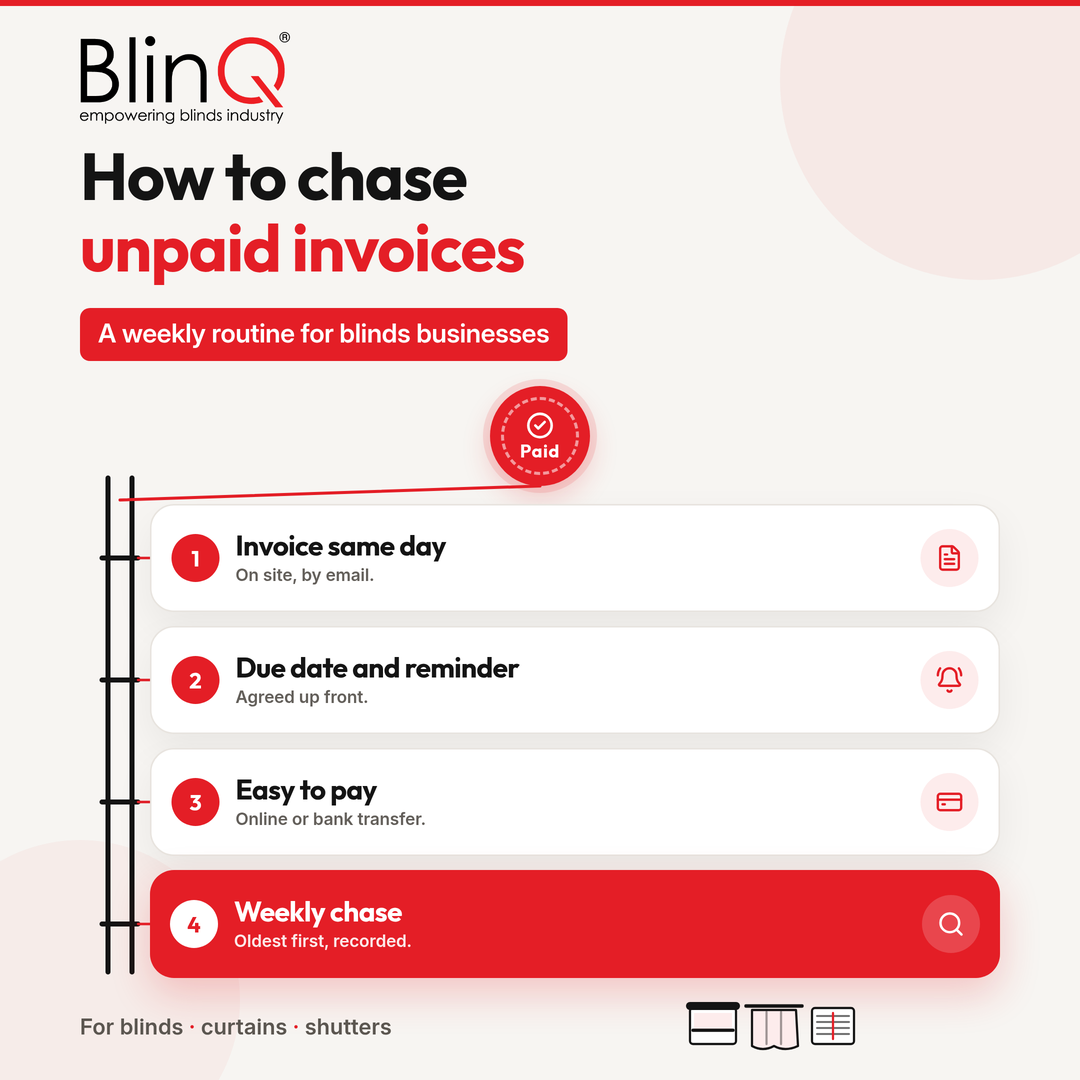
INVOICE ON THE DAY THE WORK IS DONE
The longer an invoice waits, the later it gets paid. Raise it while you are still on site, or as soon as the job is fitted, and send it straight to the customer's email while the result is in front of them.
In BlinQ: create the invoice on site and email it to the customer from the same system that holds their quote and job.
SET A DUE DATE AND A REMINDER
Every invoice needs a clear due date, ideally agreed when the quote was accepted, so a reminder feels like a polite follow-up rather than a surprise. Put the terms for deposits and balances in writing.
In BlinQ: set a due date for reminders on each invoice, so follow-ups happen on time without relying on a diary note.
MAKE PAYING THE EASY PART
Customers pay sooner when they can pay the way they prefer. Offer an online option as well as bank transfer, and put the payment details where the customer will see them.
In BlinQ: accept payments through PayPal or EFT, and connect PayPal or Stripe so customers can pay by credit card, debit card or linked bank account from your quotes.
HOW TO CHASE UNPAID INVOICES EACH WEEK
Pick a weekly slot to review what is outstanding, oldest first. Send a friendly reminder, then a firmer one, then call. Record every contact so two staff members never chase the same customer on the same day, and stop new work for accounts that stay overdue.
In BlinQ: outstanding invoices are flagged with alerts, and each customer's job history shows staff notes, email correspondence and deposits, so whoever follows up can see the full story before they call.
A steady routine turns overdue balances into paid jobs. See pricing:
https://www.blinq.com.au/pricing
Or book a demonstration:
https://calendly.com/blinq/team
How to chase unpaid invoices
Overdue invoices
Outstanding invoice alerts
Invoice due date reminders
Invoice on site
Email invoices to customers
PayPal and EFT payments
Deposits and balances
Weekly accounts review
Get Started
Workflow automation software for retailers and manufacturers of blinds, shutters & curtains.