Work in Progress Tracking for Blinds Businesses
Know what you have sold but not yet finished.
Sign Up
Start your 7-day free trial
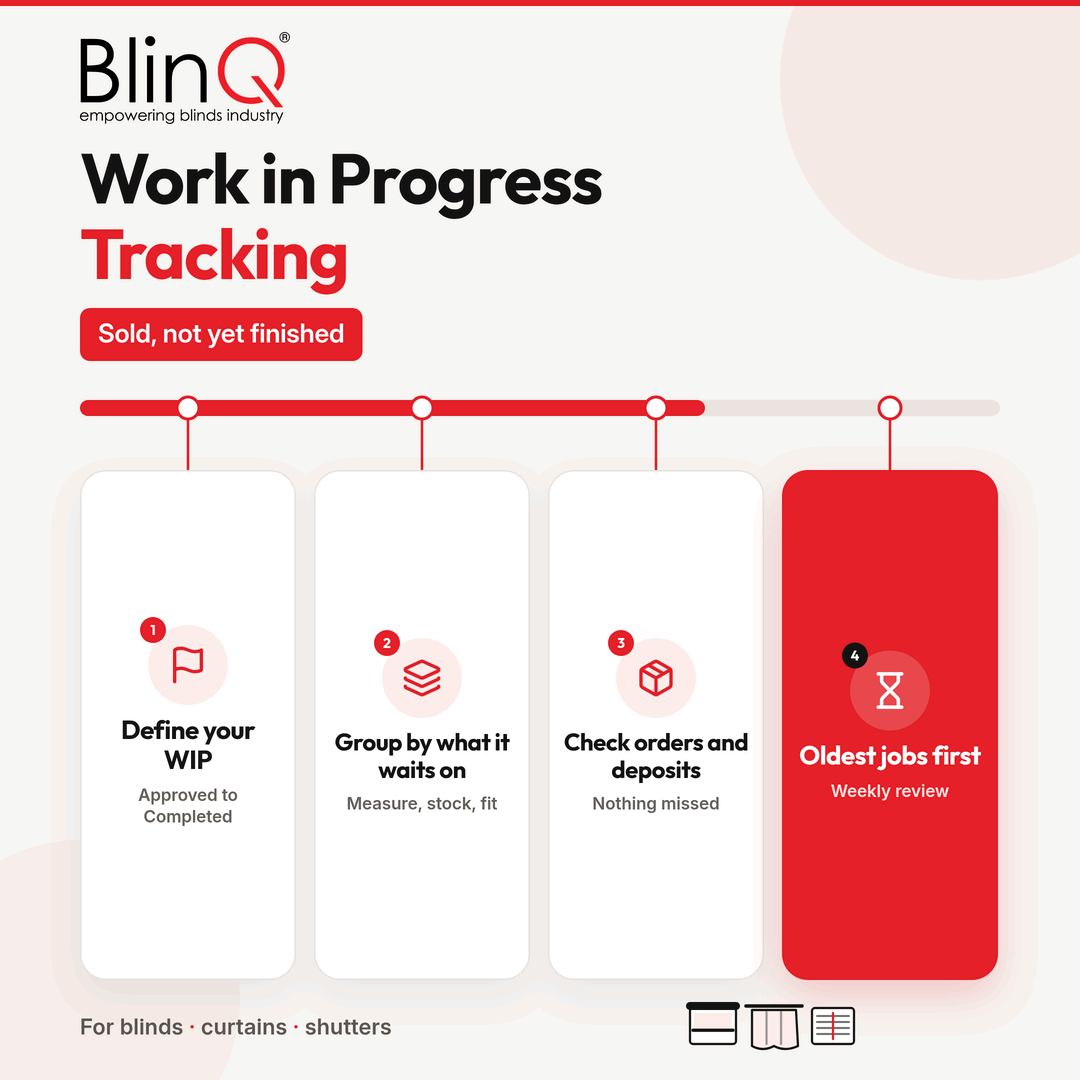
Sold, Not Yet Finished
Work in progress tracking answers a question every blinds business owner should be able to answer in a minute: what have we sold that is not yet finished? Approved jobs waiting on orders, fits that need booking and installs awaiting sign-off all tie up time and cash. If that list lives in someone's head, jobs slip quietly until a customer rings to ask. Here is how to track it properly.
DEFINE WHEN WORK STARTS AND ENDS
Decide what counts as work in progress. For most businesses it begins when the customer approves the quote and ends when the job is fitted and closed off. Everything in between is your WIP list.
In BlinQ: jobs move through statuses from Approved to Completed on a visual job tracking dashboard.
GROUP JOBS BY WHAT THEY ARE WAITING ON
A single long list hides the problem. Group jobs by what they need next: a check measure, stock from a supplier, a fitting date or a decision from the customer.
In BlinQ: statuses such as Check Measurement, On Hold and Ready to Fit show what each job is waiting on, and you can customise statuses for your own steps.
WORK IN PROGRESS TRACKING FOR ORDERS AND DEPOSITS
Many jobs stall quietly at the ordering stage. Check that every approved job has its supplier order raised, an expected arrival date and the deposit recorded.
In BlinQ: raise purchase orders directly from an approved quote, track them from estimated arrival to delivery, and see deposits on the customer's job record.
REVIEW THE OLDEST JOBS FIRST
Once a week, start with the jobs that have been open longest. The oldest unfinished jobs are usually the ones hiding a problem, such as a missing part or a customer who has gone quiet.
In BlinQ: open any job to see its full history, including staff notes, email correspondence, purchase orders and deposits.
Count your open jobs by stage today and write the numbers down, so next week you can see whether the list is shrinking.
See pricing:
https://www.blinq.com.au/pricing
Or book a demonstration:
https://calendly.com/blinq/team
Work in progress tracking
WIP list
Approved jobs
What each job waits on
Check Measurement status
Ready to Fit
Purchase orders from quotes
Deposits on the job
Oldest jobs first
Get Started
Workflow automation software for retailers and manufacturers of blinds, shutters & curtains.