Blinds Quoting App: How to Quote On Site in the Customer's Home
Measure, price and send from the lounge room.
Sign Up
Start your 7-day free trial
Quote Before You Leave
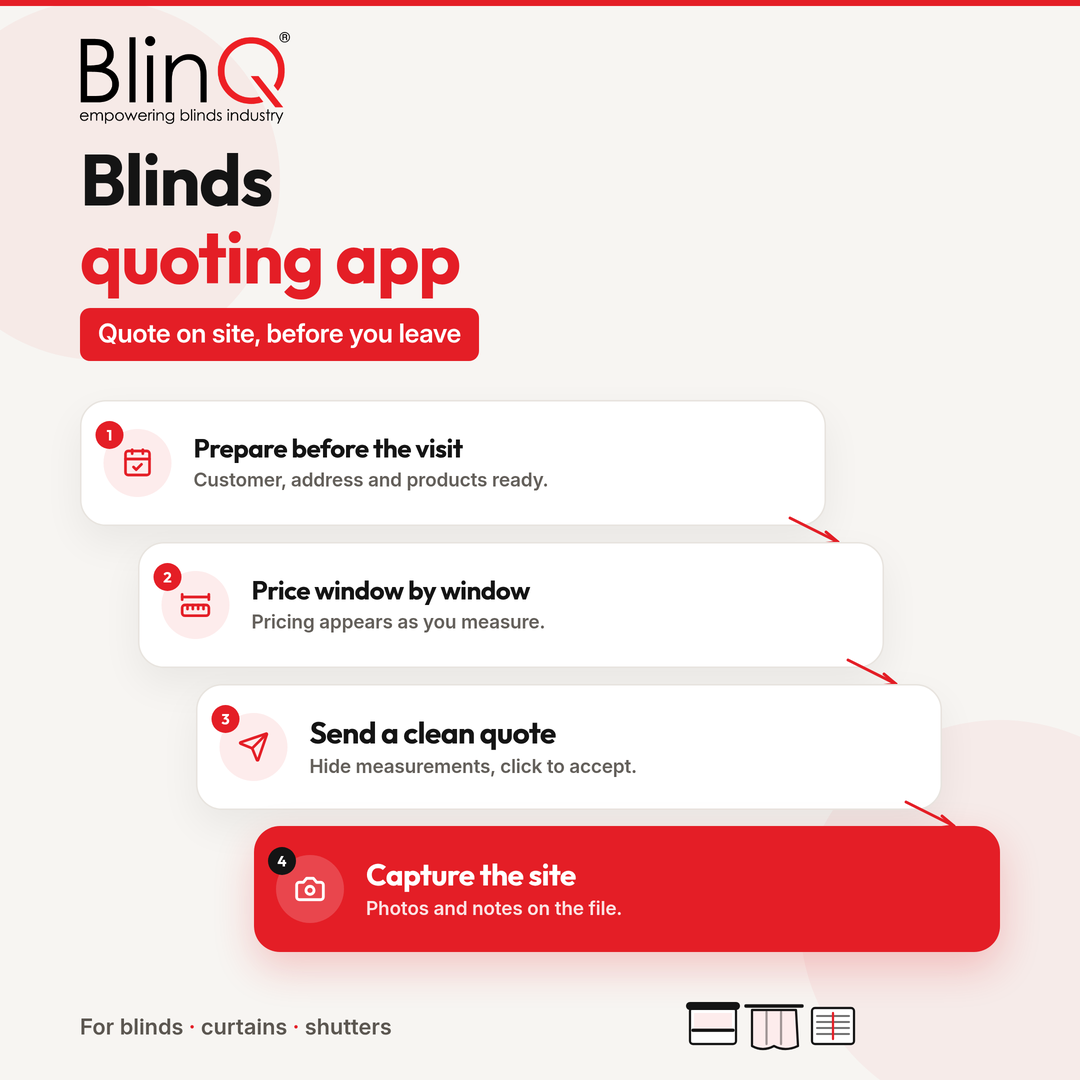
A blinds quoting app lets you measure, price and send a quote before you leave the customer's home, while they are still deciding. Quoting back at the office means a second round of emails, a delay, and a customer with time to call someone else. Here is how to run an on-site quote from the driveway to the signed job.
PREPARE BEFORE THE VISIT
Load the customer, address and appointment time before you go, and check that the products you plan to show are set up and priced. A quote can only be fast on site if the setup work was done in the office.
In BlinQ: leads, customers and job locations are stored in one place, appointments sit in connected Google or Office 365 calendars, and click and navigate takes you to the address without typing it in.
MEASURE AND PRICE WINDOW BY WINDOW
Enter each window as you measure it, with the room name, product, size and fit. Pricing as you go stops a missed window or a wrong size from reaching the final quote, and lets you answer price questions on the spot.
In BlinQ: as you enter measurements, the system generates pricing and quotes on the spot, with no price lists, material books or calculators to juggle.
WHAT A BLINDS QUOTING APP SHOULD LET YOU SEND
Show the customer a clean quote, not your workings, and send it before you leave so it is in their inbox while you are still in the driveway. Make accepting it as easy as reading it.
In BlinQ: tick boxes hide details such as measurements from the customer's copy, emailing a quote with a personalised message takes a couple of clicks, and customers can click and accept the quote.
CAPTURE THE SITE WHILE YOU ARE THERE
Photograph tricky windows, bracket positions and access so the installer sees what you saw. Note anything the customer asked about that is not on the quote, so the follow-up call has context.
In BlinQ: take a photo, make a note on it and store it on the customer's file. BlinQ is available on Google Play, the Microsoft Store and the App Store.
Try timing your next in-home quote from first measurement to sent email. See pricing:
https://www.blinq.com.au/pricing
Or book a demonstration:
https://calendly.com/blinq/team
Blinds quoting app
On-site quoting
In-home quotes
Measure and quote
Price as you measure
Send before you leave
Click and accept
Site photos
Window covering quotes
Get Started
Workflow automation software for retailers and manufacturers of blinds, shutters & curtains.