Appointment Confirmation Text: What Blinds Businesses Should Send
Confirm the visit the moment it is booked.
Sign Up
Start your 7-day free trial
Who, When and Where
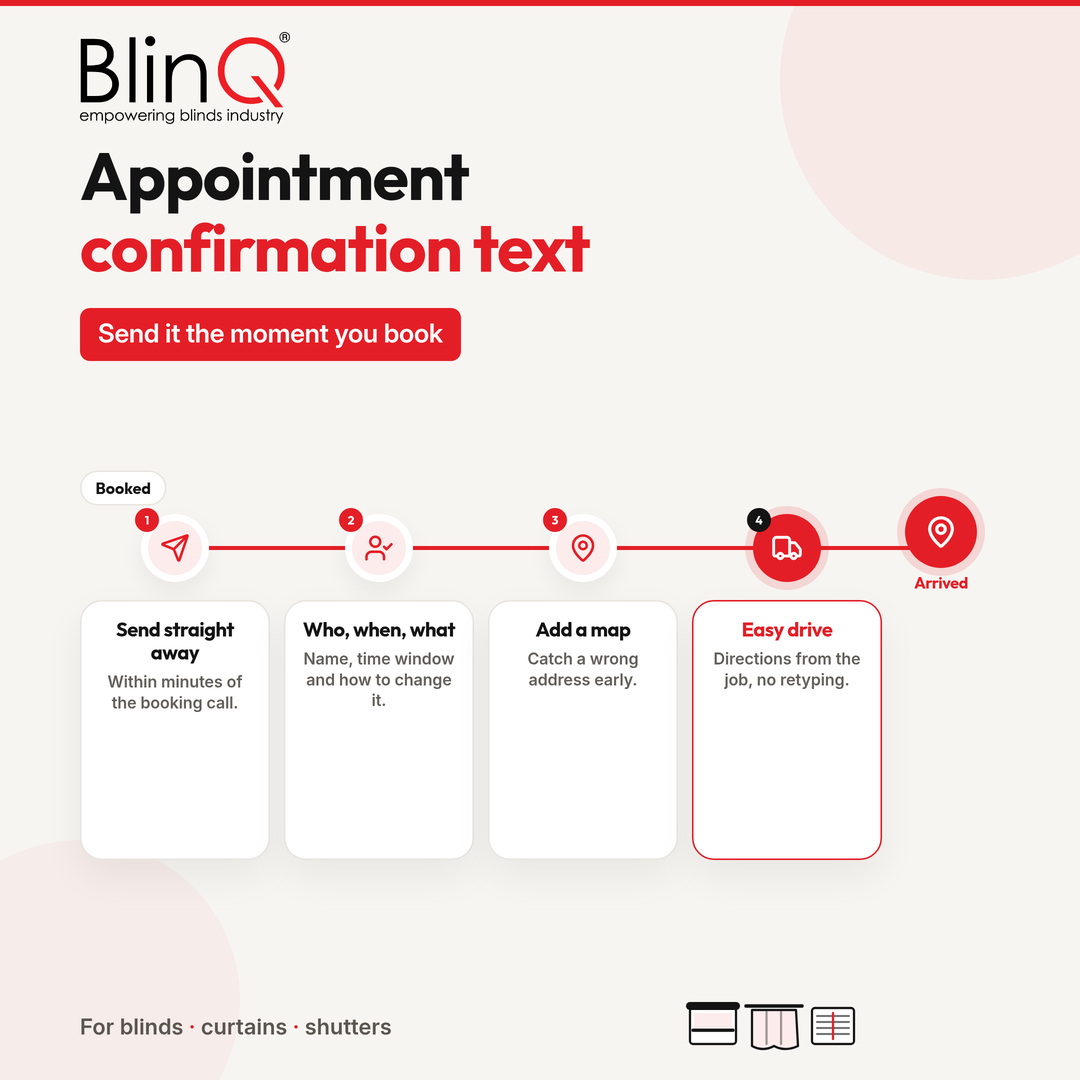
An appointment confirmation text sent the moment a visit is booked tells the customer exactly who is coming, when, and where. Many blinds businesses book by phone and trust the customer to remember. Days later the time is fuzzy, the address has a typo, and the consultant is circling the wrong street. Here is how to confirm every booking properly.
SEND THE CONFIRMATION STRAIGHT AWAY
Confirm while the customer is still expecting it, ideally within minutes of the call, and before you move on to the next enquiry. A text is read quickly and is easy to find again on the day.
In BlinQ: set the appointment into your connected Google or Office 365 calendar, then send the customer a notification by SMS from within BlinQ.
WHAT TO PUT IN AN APPOINTMENT CONFIRMATION TEXT
Include your business name, the visit type, date and time window, the name of the person attending, and how to change the booking. Add anything the customer should prepare, such as access to every room being measured.
In BlinQ: assign the preferred staff member to the appointment from a drop-down list, so the name in the text matches the person who turns up.
ADD A MAP SO THE ADDRESS IS CHECKED
Including a map link lets the customer spot a wrong address before the day, not when your consultant is lost. It also helps with new estates and units where street numbers are hard to find.
In BlinQ: Alert SMS includes a Google Map with the notification, so the customer sees the location you have on file.
MAKE THE DRIVE EASY FOR YOUR TEAM
The confirmation protects the customer's time; the address on the job protects yours. The person attending should open directions from the job, not retype the address on the street.
In BlinQ: click and navigate opens the job location in maps with a single touch, and site notes about access restrictions stay with the job, so the installer arrives prepared too.
Confirm every booking the moment it is made. See pricing:
https://www.blinq.com.au/pricing
Or book a demonstration:
https://calendly.com/blinq/team
Appointment confirmation text
Appointment confirmation SMS
What to include
Send at booking
Name who is attending
Google Map link
Check the address
Click and navigate
Site access notes
Get Started
Workflow automation software for retailers and manufacturers of blinds, shutters & curtains.