CRM with Google Calendar Integration for Blinds Businesses
One booking, one calendar, one customer record.
Sign Up
Start your 7-day free trial
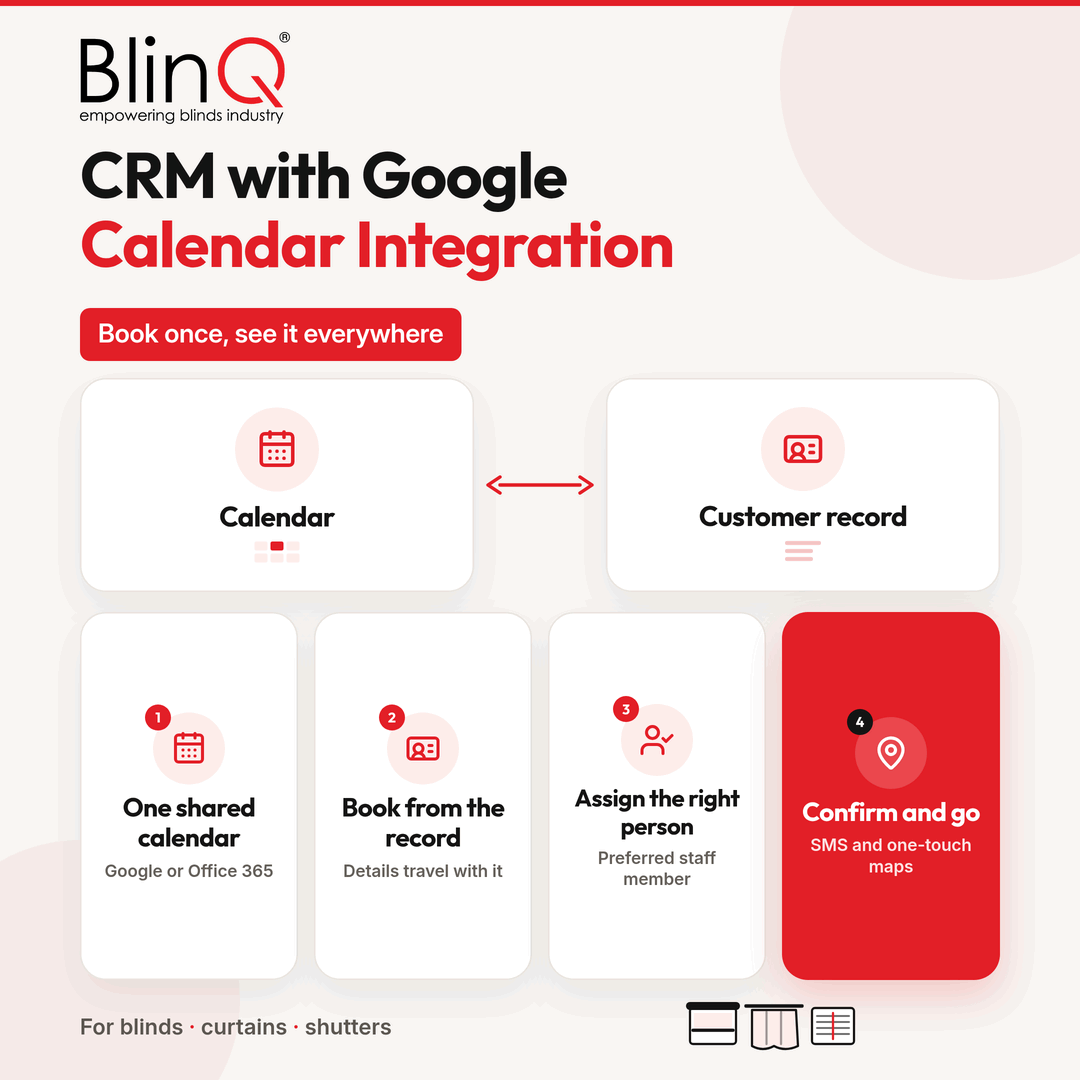
Book Once, See It Everywhere
A CRM with Google Calendar integration stops the most common booking mistake in a blinds business: the customer record says one thing and the calendar says another. When appointments are typed twice, once in the diary and once in the customer file, times drift, the wrong consultant turns up and nobody can see who is booked where. Here is how to make the calendar and the customer record work as one.
CHOOSE ONE CALENDAR THE WHOLE TEAM TRUSTS
Pick the calendar your staff already check on their phones, and agree that every measure, quote and install lives there. A second paper diary or whiteboard only creates double bookings.
In BlinQ: authorise the connection to your Google or Office 365 calendar, then set appointments without leaving BlinQ.
BOOK FROM THE CUSTOMER RECORD, NOT THE DIARY
Start every booking from the customer's file so the address, contact details and enquiry notes travel with the appointment. Typing details into a blank calendar event is where errors creep in.
In BlinQ: schedule the appointment from within BlinQ, where the lead or customer record already holds the contact details and the full story.
HOW A CRM WITH GOOGLE CALENDAR INTEGRATION ASSIGNS THE RIGHT PERSON
Decide who should attend before you confirm the time. Measures may suit one consultant, installs another, and some customers ask for the person who quoted last time.
In BlinQ: assign a preferred staff member to the appointment, and use the drop-down pick list of employee names to reassign the job if plans change.
CLOSE THE LOOP WITH THE CUSTOMER
A booking is only half done until the customer knows about it. Send a short confirmation with the date, time and address, and make it easy for your team to find the house on the day.
In BlinQ: send an SMS notification to the customer from within BlinQ, and navigate to the job location with a single touch instead of typing the address into maps.
Connect your calendar this week and start every new booking from the customer record.
See pricing:
https://www.blinq.com.au/pricing
Or book a demonstration:
https://calendly.com/blinq/team
CRM with Google Calendar integration
Google Calendar CRM
Office 365 calendar booking
Book from the customer record
Assign preferred staff
Measure and install bookings
SMS appointment notice
Click and navigate
Blinds appointment booking
Get Started
Workflow automation software for retailers and manufacturers of blinds, shutters & curtains.