Job Workflow Management for Blinds Businesses
Same stages, same hand-offs, every job.
Sign Up
Start your 7-day free trial
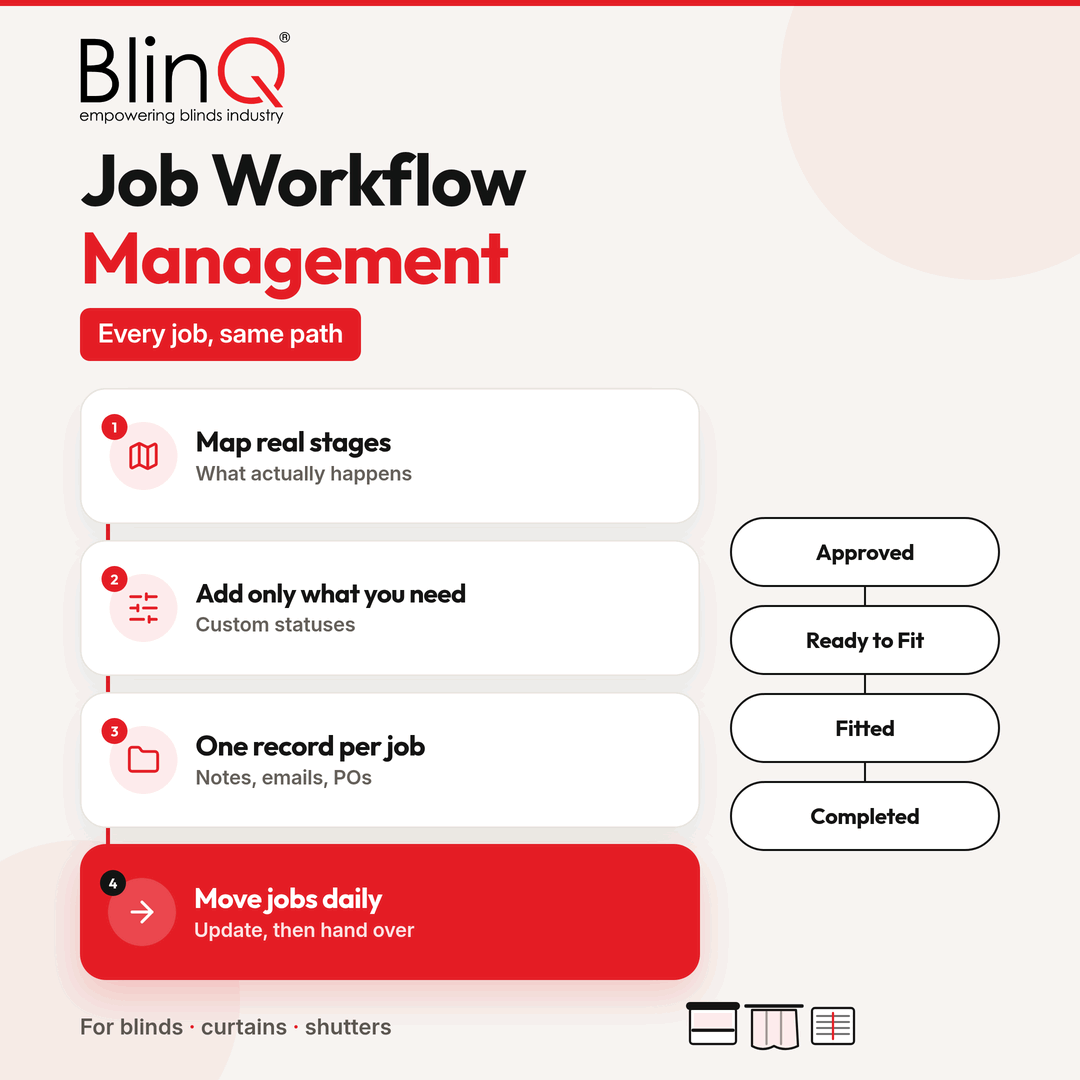
Every Job, Same Path
Job workflow management is the difference between a blinds business that runs to a plan and one that runs on phone calls. When every order takes a different path, staff keep asking where a job is up to, and the answer depends on who you ask. A clear workflow gives every job the same stages, the same hand-offs and the same record. Here is how to set one up.
MAP YOUR REAL STAGES FIRST
Write down what actually happens after a customer approves a quote: check measure, ordering, waiting on stock, fitting and sign-off. Keep the list short enough that everyone can remember it without a cheat sheet.
In BlinQ: the job tracking dashboard comes with stages such as Approved, On Hold, Check Measurement, Ready to Fit, Fitted, Cancelled and Completed.
ADD ONLY THE STAGES YOU NEED
Most businesses have one or two steps unique to them, such as a motorisation check or waiting on body corporate approval. Add those, but resist creating a stage for every small task, or the board becomes noise.
In BlinQ: specific statuses can be customised to fit your requirements.
JOB WORKFLOW MANAGEMENT NEEDS ONE RECORD PER JOB
A stage name tells you where a job is; the record tells you why. Notes, emails, orders and payments should sit on the job itself, not in separate inboxes and folders.
In BlinQ: view every activity on the customer's job, including staff notes, email correspondence, purchase orders and deposits.
MOVE JOBS FORWARD EVERY DAY
A workflow only works if jobs actually move. Set one time each day to update stages and act on anything stuck, and make sure the next person knows it is their turn.
In BlinQ: move jobs forward on the visual dashboard, and assign or reassign staff from a drop-down list of employee names.
Sketch your stages on paper today, then compare them with how last month's jobs really flowed. Where the two differ, fix the workflow first and the software settings second.
See pricing:
https://www.blinq.com.au/pricing
Or book a demonstration:
https://calendly.com/blinq/team
Job workflow management
Job stages
Map your workflow
Custom job statuses
One record per job
Approved to Completed
Daily job update
Staff hand-offs
Blinds job workflow
Get Started
Workflow automation software for retailers and manufacturers of blinds, shutters & curtains.