Job Management Software for Blinds: Clean Handovers
Every note, photo and change reaches the next person.
Sign Up
Start your 7-day free trial
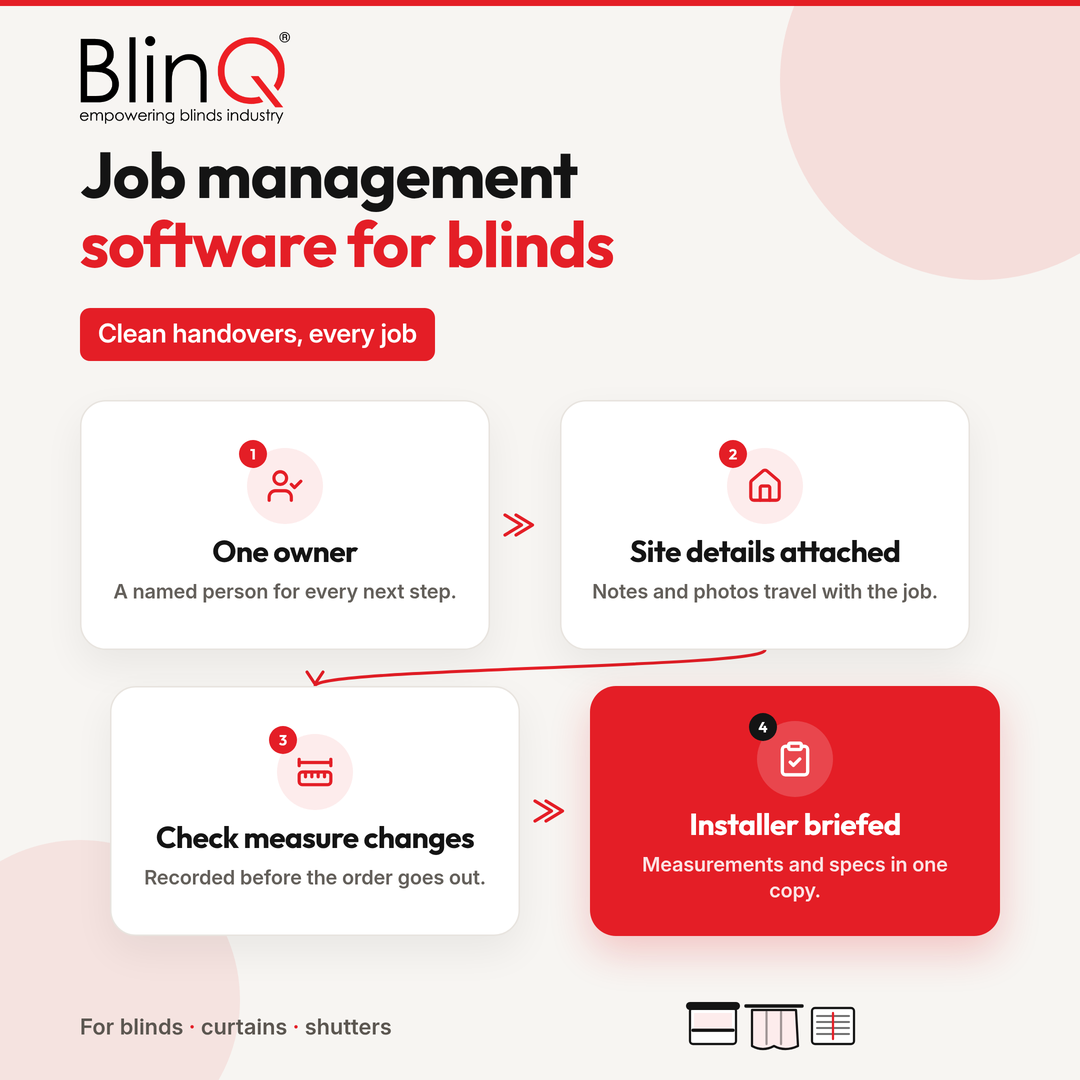
Four Clean Handovers
Job management software for blinds earns its keep at the handovers, when a job passes from sales to the office, to the check measure, to the installer. Most blinds businesses do not lose jobs at the quote. They lose time when a note, a photo or a changed measurement does not reach the next person. Here is how to make each handover clean.
GIVE EVERY JOB ONE OWNER AT A TIME
A job with no clear owner stalls. When a quote is approved, name the person responsible for the next step, and change the name when the job moves on. Everyone should be able to see who holds it.
In BlinQ: assign jobs to staff with a simple drop-down list, apply re-assignments quickly, and see the assigned staff on the customer's record.
ATTACH THE SITE DETAILS TO THE JOB
Measurements alone do not tell the full story. Access issues, mounting conditions and photos of tricky windows should travel with the job, so the next person does not have to ring the customer again.
In BlinQ: record site notes during the visit, and take a photo, mark it up and store it in the customer's file with house plans and other attachments.
RECORD CHANGES AT THE CHECK MEASURE
The check measure is where details change. If an updated size or a different bracket stays in someone's notebook, the order goes out wrong. Record every change on the job before it moves forward.
In BlinQ: update job specifications after the check measure and record the change in the customer's Story history, so the office and installers see the latest details.
JOB MANAGEMENT SOFTWARE THAT BRIEFS THE INSTALLER
The last handover is to the installer. They need the measurements, the product specifications and the customer's details in one document, not a forwarded email chain.
In BlinQ: generate an installer copy with measurements and product specifications, export work order sheets as PDF or Excel, and move the job through statuses such as Ready to Fit and Fitted.
Make every handover in the job a clean one. See pricing:
https://www.blinq.com.au/pricing
Or book a demonstration:
https://calendly.com/blinq/team
Job management software
Blinds job management
Assign jobs to staff
Site notes and photos
Check measure changes
Installer job copy
Work order sheets
Ready to Fit and Fitted
Clean job handovers
Get Started
Workflow automation software for retailers and manufacturers of blinds, shutters & curtains.