Email Open Tracking: Know When Customers Read Your Quote
Follow up when the customer is actually reading.
Sign Up
Start your 7-day free trial
Opened, Clicked, Called
Email open tracking tells you whether a customer has actually read the quote or message you sent, so you stop guessing about when to call. For a blinds business that matters, because many sales are lost to silence after the quote goes out rather than to a competitor. Here is how to use opens and clicks sensibly, without making customers feel watched.
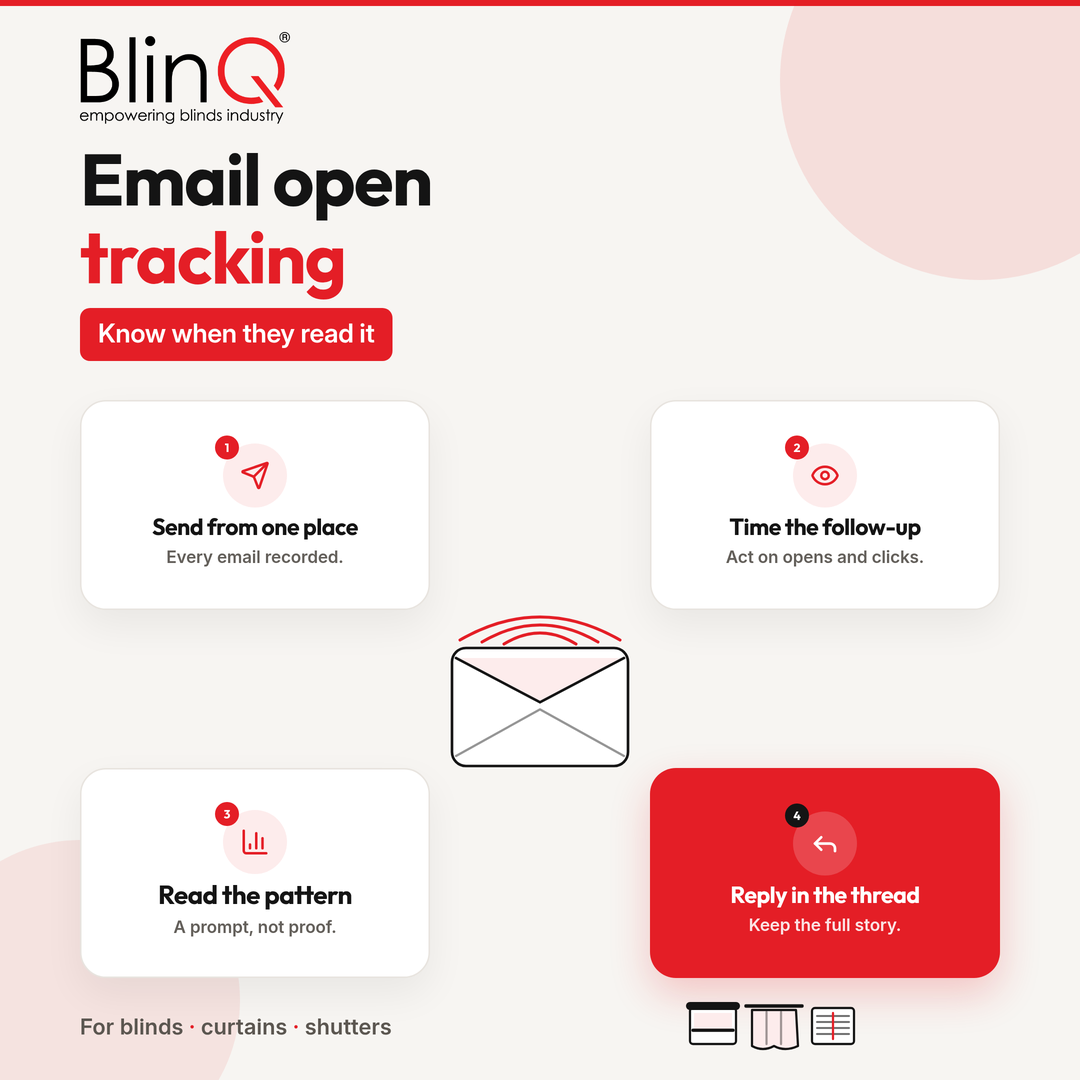
SEND FROM ONE PLACE SO EVERY EMAIL IS RECORDED
Tracking only helps if emails are sent and stored where your team can see them. Messages sent from personal inboxes leave gaps in the customer's history, and nobody else can see whether the customer replied.
In BlinQ: every email sent is recorded on the customer's record, and mailbox auto connect brings incoming customer emails into the customer's story.
USE EMAIL OPEN TRACKING TO TIME YOUR FOLLOW-UP
An open or a click is a sign the customer is thinking about the job. Call soon after, while the quote is in front of them, and keep the call helpful rather than pushy. Ask whether they have questions about the options, rather than whether they have decided.
In BlinQ: get real-time alerts on email opens, link clicks and new emails, and see when and how many times a customer has opened your quote.
READ THE PATTERN, NOT ONE OPEN
Repeated opens can mean the customer is comparing options or sharing the quote with family. No opens may mean a wrong address or a junk folder, so check the details or pick up the phone. Treat tracking as a prompt, not proof.
In BlinQ: open and click records stay on each customer's record, so whoever follows up can check the history first.
KEEP REPLIES IN THE SAME CONVERSATION
The reply matters as much as the send. Answer from the customer's record so the next person sees the full thread.
In BlinQ: access and reply to emails from the customer's record, with every interaction and email stored in the customer's story.
Make your next follow-up a well-timed one. See pricing:
https://www.blinq.com.au/pricing
Or book a demonstration:
https://calendly.com/blinq/team
Email open tracking
Open and click alerts
Know when quotes are read
Time your follow-up
Mailbox auto connect
Reply from the record
Customer email history
Read the open pattern
Blinds sales follow-up
Get Started
Workflow automation software for retailers and manufacturers of blinds, shutters & curtains.