Check Measure Blinds: What It Is and When to Do One
Confirm the sizes before anything is made.
Sign Up
Start your 7-day free trial
Measure Twice, Order Once
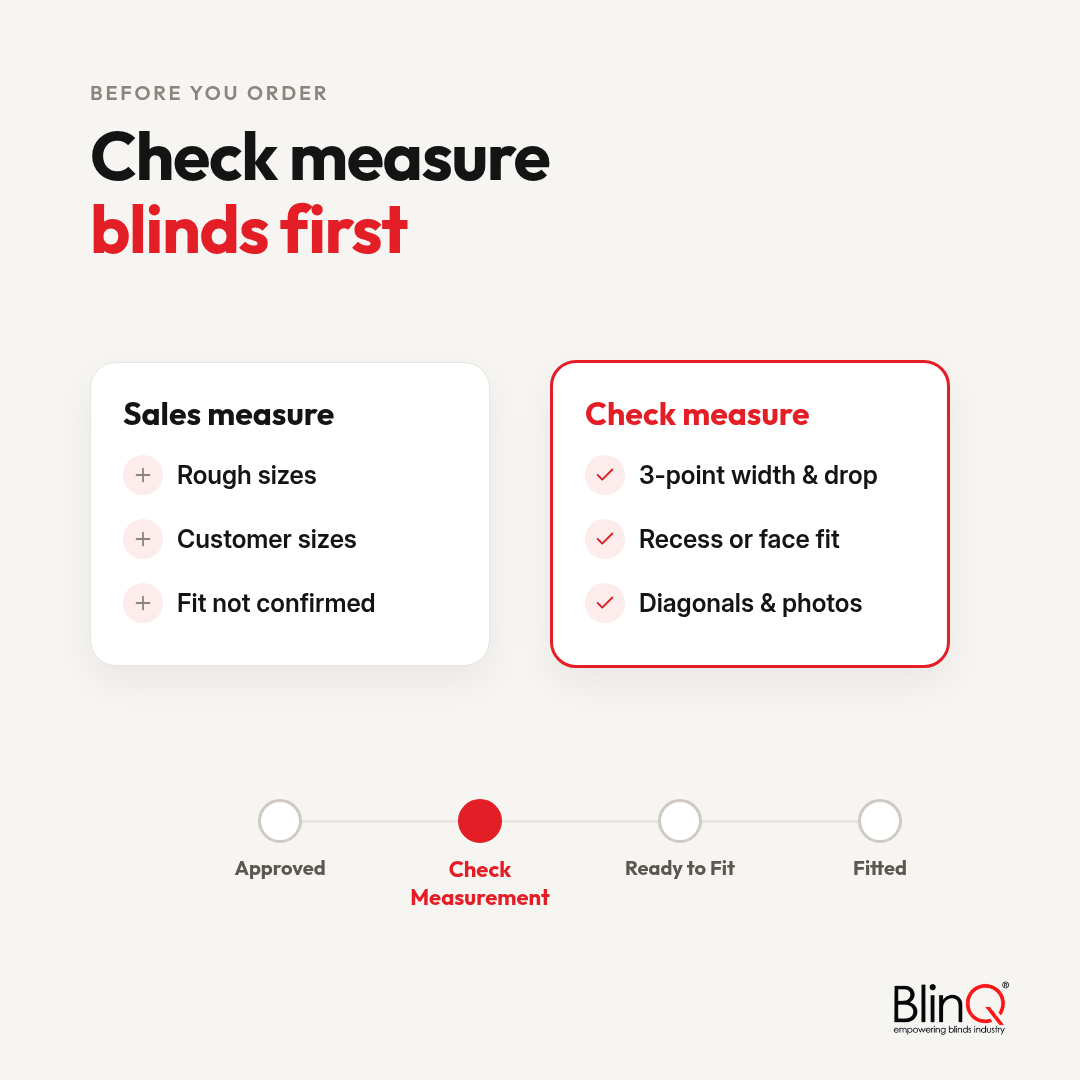
A check measure on blinds is a second, careful measure taken before anything is ordered. In window furnishings, a check measurement is the cheapest insurance you can buy, because a remake costs fabric, components, a second install visit and goodwill. Here is when to do one, what to recapture and how to keep the job on track.
WHEN TO BOOK A CHECK MEASURE
Book one when the sales measure was rushed or taken by someone other than the installer, when sizes came from the customer, on new builds and renovations, and whenever the order includes shutters, motorised or very wide blinds.
In BlinQ: move the approved job to the Check Measurement status on the job tracking dashboard, so the whole team can see it is not ready to order.
WHAT TO RECAPTURE ON SITE
Re-measure width and drop in millimetres at three points, confirm recess or face fit, check recess depth for brackets, and note obstructions such as handles, tiles or alarm sensors. Compare the diagonals to check the opening is square, and photograph anything unusual.
In BlinQ: update the job specifications with the confirmed sizes and record the changes in the customer's Story history, so the office never orders from the original sales measure.
CHECK MEASURE BLINDS BEFORE MANUFACTURE
Lock sizes in only after the check measure. Ordering early to save a week is how made-to-measure blinds remakes happen, and the cost lands on you, not the customer.
In BlinQ: keep the job in Check Measurement until sizes are confirmed, then move it forward. Statuses can be customised to match your own workflow.
TELL EVERYONE WHAT CHANGED
If a size, fit or product changes, the customer and the office both need to know before the order goes in, especially when the price changes too. Agree any new price in writing before you order.
In BlinQ: sales measurements and check-measure updates stay connected on the job, so sales, office and installers all work from the same record.
Try it on your next job. See pricing:
https://www.blinq.com.au/pricing
Or book a demonstration:
https://calendly.com/blinq/team
Check measure blinds
When to check measure
Three-point measuring
Recess or face fit
Diagonals and photos
Avoid remakes
Check Measurement status
Story history
One job record
Get Started
Workflow automation software for retailers and manufacturers of blinds, shutters & curtains.