Contact Management Software for Blinds Businesses
Every channel, one customer record.
Sign Up
Start your 7-day free trial
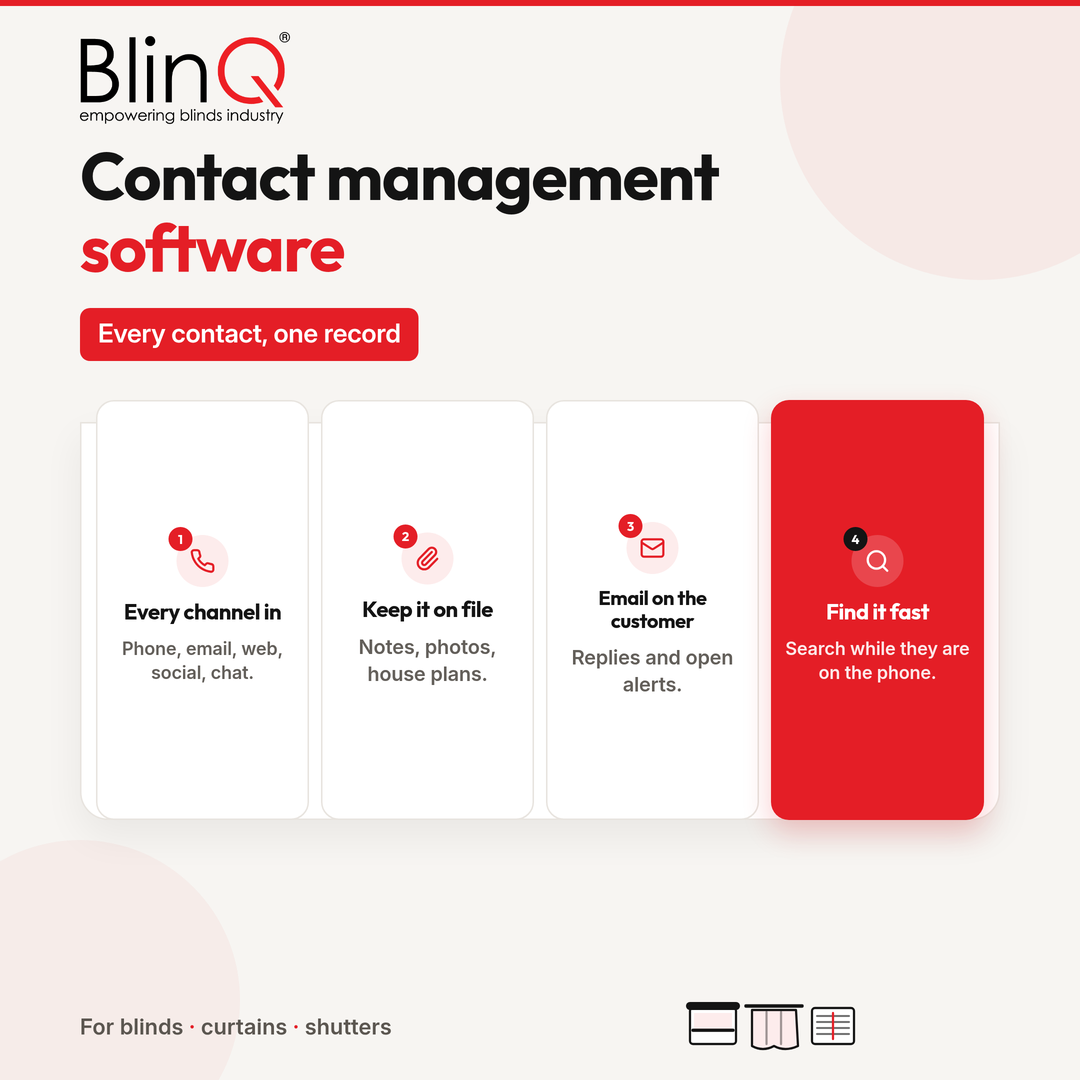
Every Contact, One Record
Contact management software earns its keep in a blinds business when a customer calls back and anyone in the office can pick up the conversation. Enquiries arrive by phone, email, web form, social media and live chat, and when each one lands somewhere different, details get lost, customers repeat themselves and follow-ups slip. Here is how to keep every contact organised in one place.
BRING EVERY CHANNEL INTO ONE RECORD
Decide that every enquiry, whatever the channel, ends up on a single customer record the same day. A phone note in a diary or a message in one person's social inbox is invisible to the rest of the team.
In BlinQ: contact management supports email, telephone, social media, instant messenger, web form and website live chat, saving all your contacts in one place.
WHAT CONTACT MANAGEMENT SOFTWARE SHOULD KEEP ON FILE
A useful record holds more than a name and number. Keep the address, the products discussed, quotes, emails, notes and any photos of the windows, so the next person does not start from scratch.
In BlinQ: take a photo, mark it up and store it in the customer's file, and attach house plans and other supporting documents for later reference.
KEEP EMAIL ON THE CUSTOMER
If replies sit in personal inboxes, the record is incomplete the day someone is on leave. Make sure customer emails are visible on the customer, along with whether your messages were opened.
In BlinQ: auto connect your mailbox so incoming customer emails appear in the customer's story, reply from the customer's record, and get real-time alerts on email opens and link clicks.
FIND ANY CONTACT FAST
A record only helps if staff can find it while the customer is on the phone. Search by the details people actually remember, and check new enquiries against existing customers before creating another entry.
In BlinQ: search leads, customers and job locations from one place, with a dashboard of your team's work at your fingertips.
Put this week's enquiries on single records and see what was missing. See pricing:
https://www.blinq.com.au/pricing
Or book a demonstration:
https://calendly.com/blinq/team
Contact management software
Customer contact management
Every channel, one record
Phone, email and web form
Social media and live chat
Photos and house plans
Customer emails on file
Search customers fast
Avoid duplicate records
Get Started
Workflow automation software for retailers and manufacturers of blinds, shutters & curtains.