Blinds Manufacturing Software: Connect Sales to the Factory
One order, entered once.
Sign Up
Start your 7-day free trial
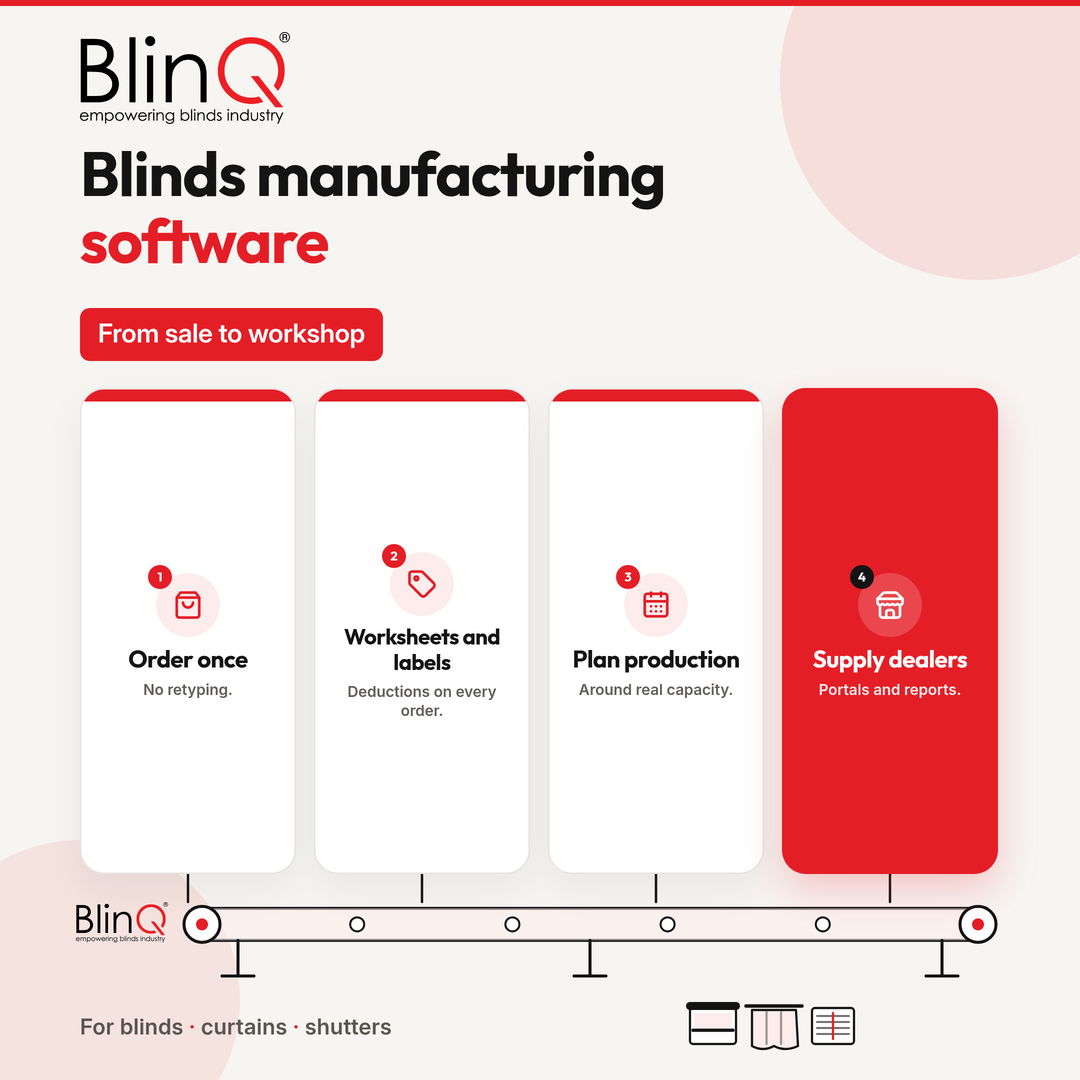
From Sale to Workshop
Blinds manufacturing software has to do more than produce a quote. Once an order is confirmed, a manufacturer still has to make, label, schedule and deliver it, often while selling to homeowners and supplying other retailers at the same time. When sales and the factory run on separate systems, orders are retyped and mistakes reach the workshop floor. Here is how to connect the two.
WHAT BLINDS MANUFACTURING SOFTWARE SHOULD CONNECT
Every order should be entered once, at the point of sale, and flow through to production without being keyed in again. Retyping is where widths, drops and colours go wrong.
In BlinQ: quotes are priced as measurements are entered, confirmed quotes convert into jobs, and order management tracks each customer order through to completion.
WORKSHEETS AND LABELS FOR EVERY ORDER
The workshop needs clear worksheets with sizes and deductions, and every finished item needs a label that matches the order and the window it belongs to. Handwritten sheets are slow and easy to misread.
In BlinQ: Worksheets and Labels organise orders with detailed deductions and labels, and quotes and work order sheets export as PDF or Excel.
PLAN PRODUCTION AROUND REAL CAPACITY
Schedule work against what the factory can actually make each week, not only the order date, and give every task a clear owner. Order components early so production is not waiting on a supplier.
In BlinQ: the Manufacturing plan includes production scheduling, capacity planning tools and task assignment. Purchase orders are raised from approved quotes, emailed to suppliers and tracked through to delivery.
SUPPLY DEALERS AND WATCH THE NUMBERS
If you supply other retailers, they need a simple way to order and see progress. You need live numbers on what is in production, who is installing and what is complete.
In BlinQ: the Wholesale / Dealer plan adds branded dealer portals, dealer-specific pricing and discounts, and shipping notifications. Reports give rapid access to Leads, Sales, Products, Production, Installers and Completed.
Compare the Retail, Manufacturing and Wholesale / Dealer plans. See pricing:
https://www.blinq.com.au/pricing
Or book a demonstration:
https://calendly.com/blinq/team
Blinds manufacturing software
Software for blinds manufacturers
Worksheets and labels
Deductions on worksheets
Production scheduling
Capacity planning
Dealer portals
Wholesale blinds ordering
Production reports
Get Started
Workflow automation software for retailers and manufacturers of blinds, shutters & curtains.