Purchase Order Tracking for Blinds: From Email to Delivery
Every supplier order visible until the stock lands.
Sign Up
Start your 7-day free trial
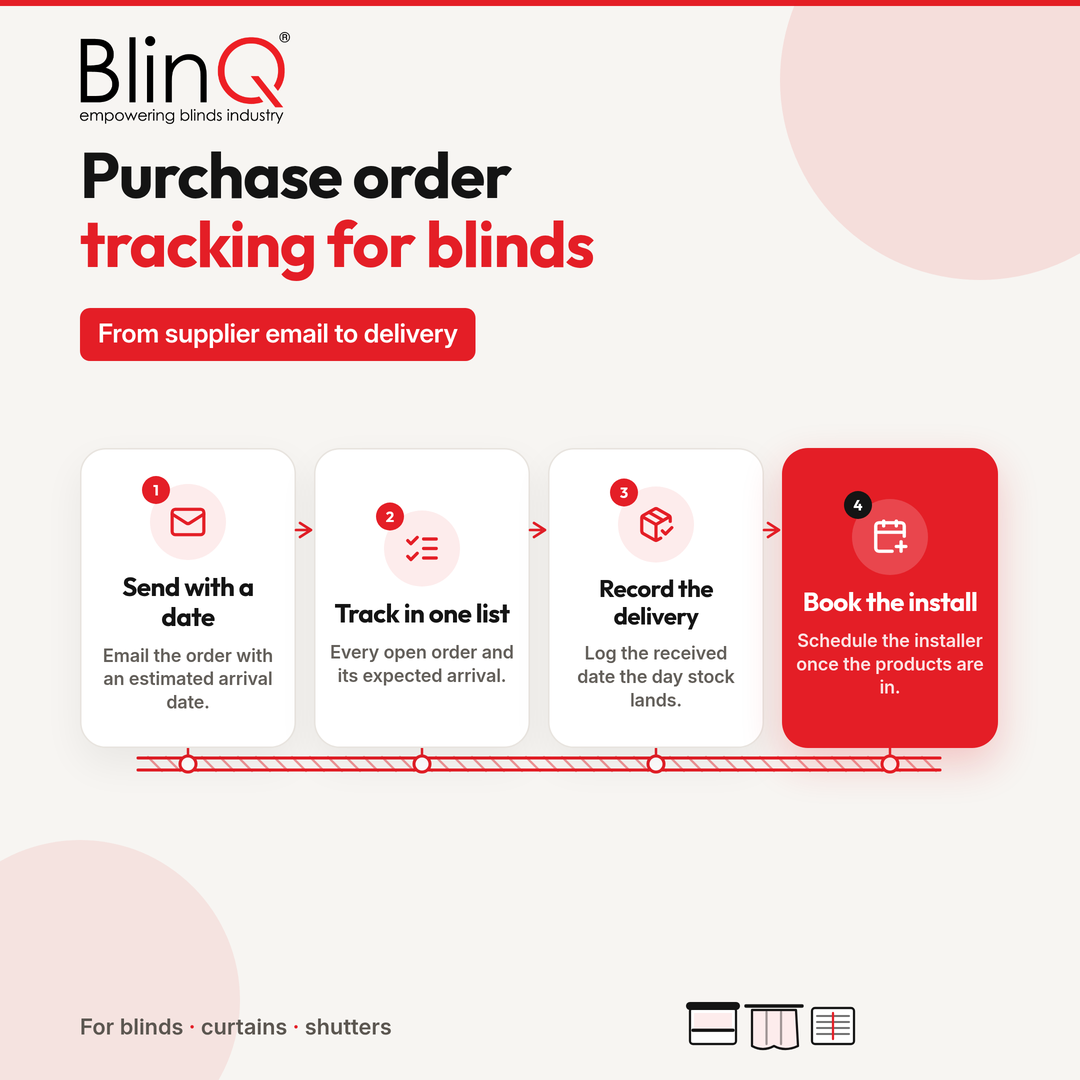
Send, Track, Receive, Install
Purchase order tracking for blinds starts the moment an order leaves your office, not when a customer rings to ask where their job is. Many blinds businesses email a supplier order, file it, and then rely on memory or a spreadsheet to know when stock should land. When a delivery slips, the installer booking slips with it. Here is a simple routine that keeps every order visible from supplier email to delivery.
SEND EVERY ORDER WITH A DATE ATTACHED
An order without an expected arrival date cannot be tracked. Record the estimated arrival date when the order goes out, and make sure the supplier sees the same details you do, so a mismatch shows up early.
In BlinQ: raise a purchase order directly from an approved quote and email it to the supplier with an estimated arrival date in a couple of clicks. Several jobs can share one order to avoid extra delivery charges.
PURCHASE ORDER TRACKING IN ONE DASHBOARD
Supplier orders spread across inboxes and folders are hard to check. Keep one list of open orders with the expected arrival beside each, and confirm the supplier has actually received every order, rather than assuming the email landed.
In BlinQ: the PO tracking dashboard shows current purchase orders, estimated arrival dates and installation dates. Use search to filter by supplier or job, and see when a supplier has opened or replied to the PO email.
RECORD DELIVERIES AS THEY ARRIVE
Tracking only works if the receiving side is updated the same day. When stock arrives, record the actual delivery date against the order, so the office and the installers work from the same information.
In BlinQ: open the PO Dashboard, find the order and update the shipment received date. The update is recorded in the customer's Story, alongside staff notes, emails and deposits.
BOOK THE INSTALL WHEN STOCK LANDS
The point of tracking is a confident install date. Once the products are in, book the installer and tell the customer straight away, while the job is fresh.
In BlinQ: update received stock with a single click, then schedule the installer appointment, with the full purchase order history kept for each supplier.
Keep supplier orders visible from send to delivery. See pricing:
https://www.blinq.com.au/pricing
Or book a demonstration:
https://calendly.com/blinq/team
Purchase order tracking
Blinds purchase orders
Purchase order tracking software
Estimated arrival dates
PO tracking dashboard
Supplier deliveries
Received stock
Link jobs to one order
Book installs on arrival
Get Started
Workflow automation software for retailers and manufacturers of blinds, shutters & curtains.