How to Send a Purchase Order for Fly Screens and Blinds
Right product, right size, right day.
Sign Up
Start your 7-day free trial
Order It Right, First Time
Knowing how to send a purchase order properly saves a fly screens and blinds business from the costliest kind of mistake: the wrong product, in the wrong size, arriving on the wrong day. Many businesses still copy quote details into a spreadsheet, save it, attach it and email it, which is slow and easy to get wrong. Here is a cleaner method that works for every supplier you use.
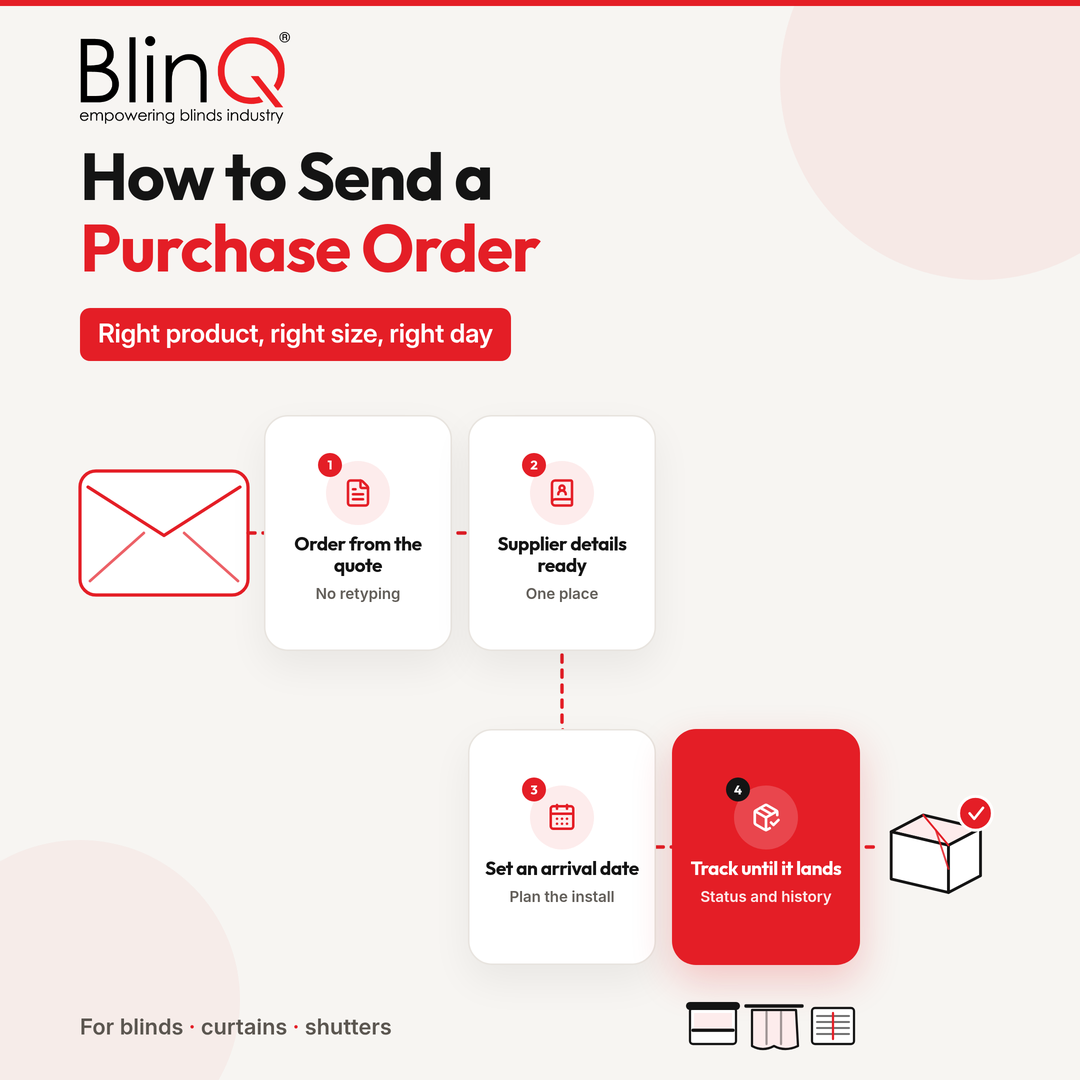
ORDER FROM THE APPROVED QUOTE
Raise the purchase order only once the customer has approved, and build it from the approved quote rather than retyping sizes and options. Every manual copy is another chance for a typo.
In BlinQ: raise a purchase order directly from an approved quote, and it is allocated straight to the job.
KEEP SUPPLIER DETAILS IN ONE PLACE
Ordering contacts, email addresses and account details should not live in one person's inbox. Store them where anyone placing an order can find them, so ordering does not stop when that person is away.
In BlinQ: supplier management saves all your supplier contacts in one place, replacing paper and spreadsheets.
HOW TO SEND A PURCHASE ORDER WITH AN ARRIVAL DATE
Every order should go out with a clear expected arrival date. That lets you book the install with confidence and chase the supplier early if the date slips.
In BlinQ: email purchase orders to your supplier with an estimated arrival date in a couple of clicks, with no manual spreadsheet entry, filing or attaching.
TRACK IT UNTIL IT LANDS
Sending the order is not the end of the job. Check open orders each week and let the customer know quickly if a date moves.
In BlinQ: the purchase order dashboard shows the status of each order, estimated arrival dates and installation dates, and keeps a history of every purchase order raised for each supplier.
Review your last five supplier orders and note any that were typed twice or sent without an arrival date. Those are the habits to change first.
See pricing:
https://www.blinq.com.au/pricing
Or book a demonstration:
https://calendly.com/blinq/team
How to send a purchase order
Purchase order to supplier
Fly screens orders
Order from approved quote
Supplier contacts
Estimated arrival date
Email purchase orders
PO dashboard
Supplier order history
Get Started
Workflow automation software for retailers and manufacturers of blinds, shutters & curtains.