How to Sell Blinds Online: A Made-to-Measure Setup Guide
Your website should price blinds the way your showroom does.
Sign Up
Start your 7-day free trial
Sell Blinds Online, One Price Book
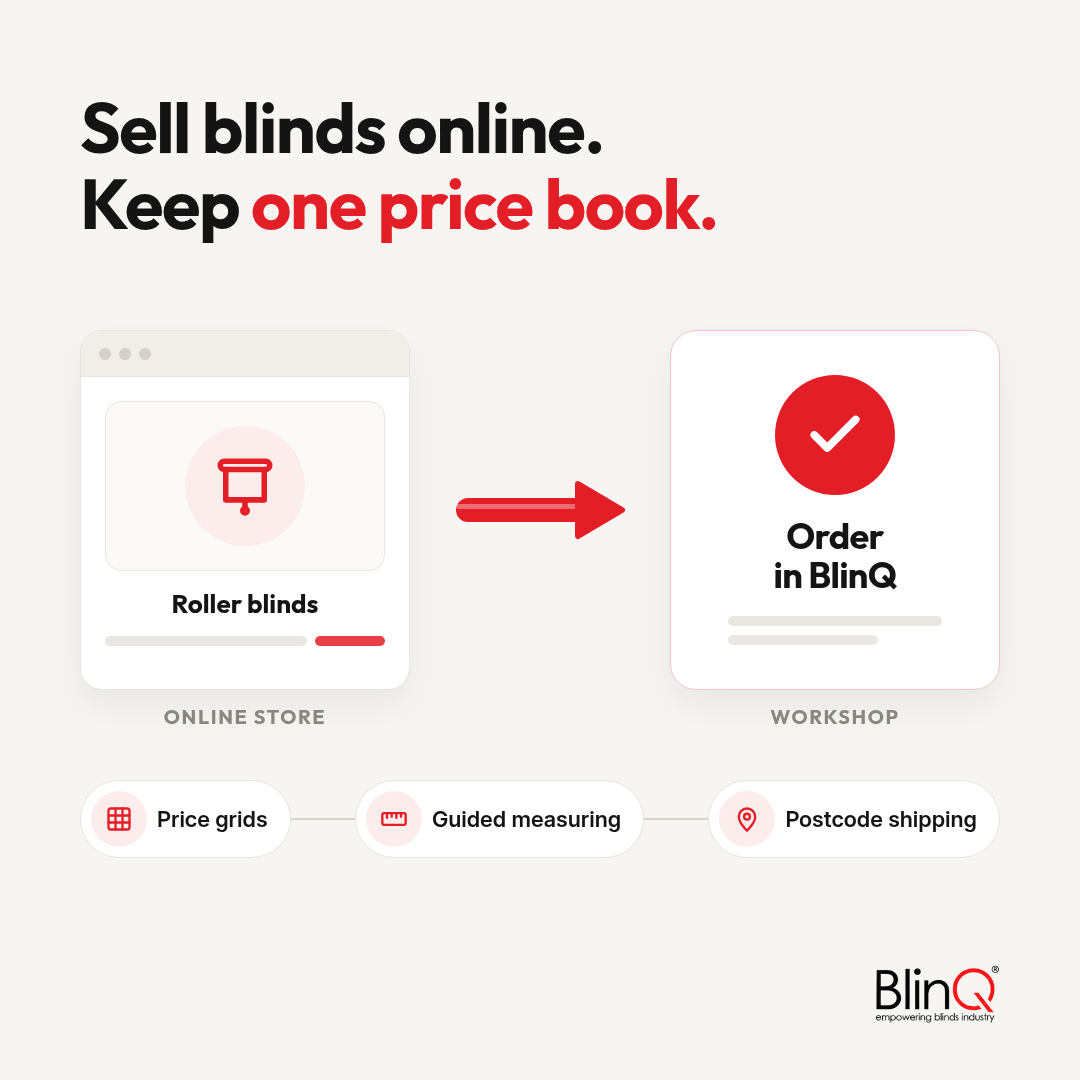
To sell blinds online made to measure, your website has to price, check and pass on an order the same way your showroom does. Many owners who try it end up re-keying web orders, fixing prices that don't match the price book, and calling customers about sizes that can't be made. Good blinds ecommerce software avoids all three. Here is a simple setup.
PRICE FROM THE SAME GRIDS
Made-to-measure blinds are priced by width and drop, so the website needs your real price grids, linked to the right fabrics and price groups. A separate online price list drifts out of date quickly.
In BlinQ: the iRollers eCommerce module links price grids to their related fabrics, and the width and drop price controller adjusts price sheets by a fixed dollar amount or a percentage, with every change tracked.
GUIDE THE CUSTOMER THROUGH MEASURING
Most problems with online orders start with a wrong size. Ask for one option at a time, explain recess fit and face fit in plain words, and only show the fields that apply to that product. A short measuring guide for each product type also helps.
In BlinQ: iRollers lets you customise product fields and calculations, and guided shopping steps the customer through checkout instead of one long form.
SHOW THE FULL COST BEFORE CHECKOUT
Surprise freight charges lose sales. Show delivery before the order is placed, and let undecided customers come back later without starting again.
In BlinQ: iRollers calculates shipping from the customer's postcode, and save to cart keeps their selections so the sale isn't lost.
SELL BLINDS ONLINE WITHOUT RE-KEYING ORDERS
A made-to-measure blinds website only pays off when the order lands where the rest of your work lives, not in an inbox.
In BlinQ: with iRollers plugged into BlinQ CRM, online orders flow directly into BlinQ with the customer details, product selections and order information, so there is no manual data entry.
Try it on your next quote. See pricing:
https://www.blinq.com.au/pricing
Or book a demonstration:
https://calendly.com/blinq/team
Sell blinds online
Blinds ecommerce software
Made-to-measure website
Width and drop grids
Fabric price groups
Guided measuring
Postcode shipping
Save to cart
Orders into the CRM
Get Started
Workflow automation software for retailers and manufacturers of blinds, shutters & curtains.