Blinds Sales Pipeline: See Every Lead, Quote and Job in Real Time
Every enquiry, one stage, one owner.
Sign Up
Start your 7-day free trial
Where Is the Work Stuck?
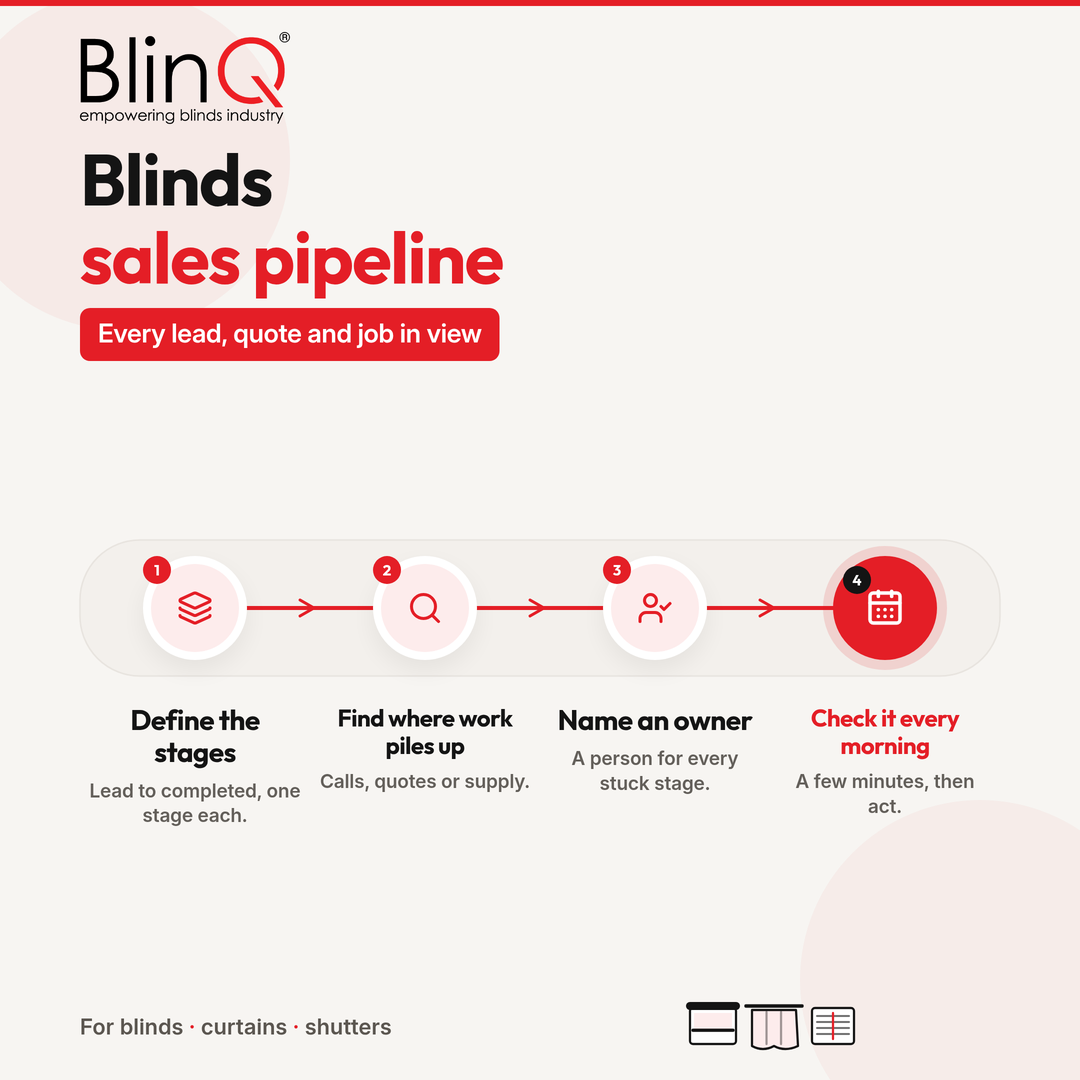
A blinds sales pipeline shows every lead, quote and job in one line of sight, so you can say right now how much work is waiting and where it is stuck. Without one, answering a simple question means opening spreadsheets, searching emails and messaging the team, and by the time you know, the moment to act has passed. Here is how to set up real-time visibility of your pipeline.
DEFINE THE STAGES OF YOUR BLINDS SALES PIPELINE
Keep the stages few and plain: new lead, measure and quote booked, quote sent, quote approved, job in progress, completed. Every enquiry should sit in exactly one stage at any moment, and everyone should agree what moves it to the next.
In BlinQ: leads, customers and quotes sit in one system, quotes carry a Pending or Approved status, and confirmed quotes convert into jobs.
LOOK FOR WHERE WORK PILES UP
A healthy pipeline moves. Lots of leads with few booked visits points to slow call-backs; lots of pending quotes points to follow-up; lots of approved jobs that are not ready to fit points to ordering or supply.
In BlinQ: search retrieves leads, customers and quotes from one dashboard of your team's work, and the visual job dashboard shows statuses such as Approved, On Hold, Check Measurement, Ready to Fit, Fitted, Cancelled and Completed.
KNOW WHO OWNS EACH STAGE
Visibility only helps if someone acts on it. Give every lead and job a named owner, so a stuck stage has a person to ask rather than a team to blame.
In BlinQ: jobs are assigned to staff from a simple drop-down list, and assigned staff show on the customer's record. Appointments are scheduled into connected Google or Office 365 calendars.
CHECK THE PIPELINE AT THE SAME TIME EACH DAY
Real-time data is wasted if nobody looks at it. Take a few minutes each morning to scan the stages, pick the stuck items and hand them out.
In BlinQ: real-time alerts on quote email opens and link clicks flag which pending quotes are warm, and reports give rapid access to Leads and Sales numbers when you want the wider view.
Map your stages on paper first, then check every open enquiry fits one. See pricing:
https://www.blinq.com.au/pricing
Or book a demonstration:
https://calendly.com/blinq/team
Blinds sales pipeline
Pipeline stages
Pending quotes
Lead to job
Where work piles up
Stage owners
Daily pipeline check
Real-time visibility
Window furnishing sales
Get Started
Workflow automation software for retailers and manufacturers of blinds, shutters & curtains.