Roller Blinds Quoting Software: Quote Every Roller Right
Every option captured, every price consistent.
Sign Up
Start your 7-day free trial
Same Roller, Same Price
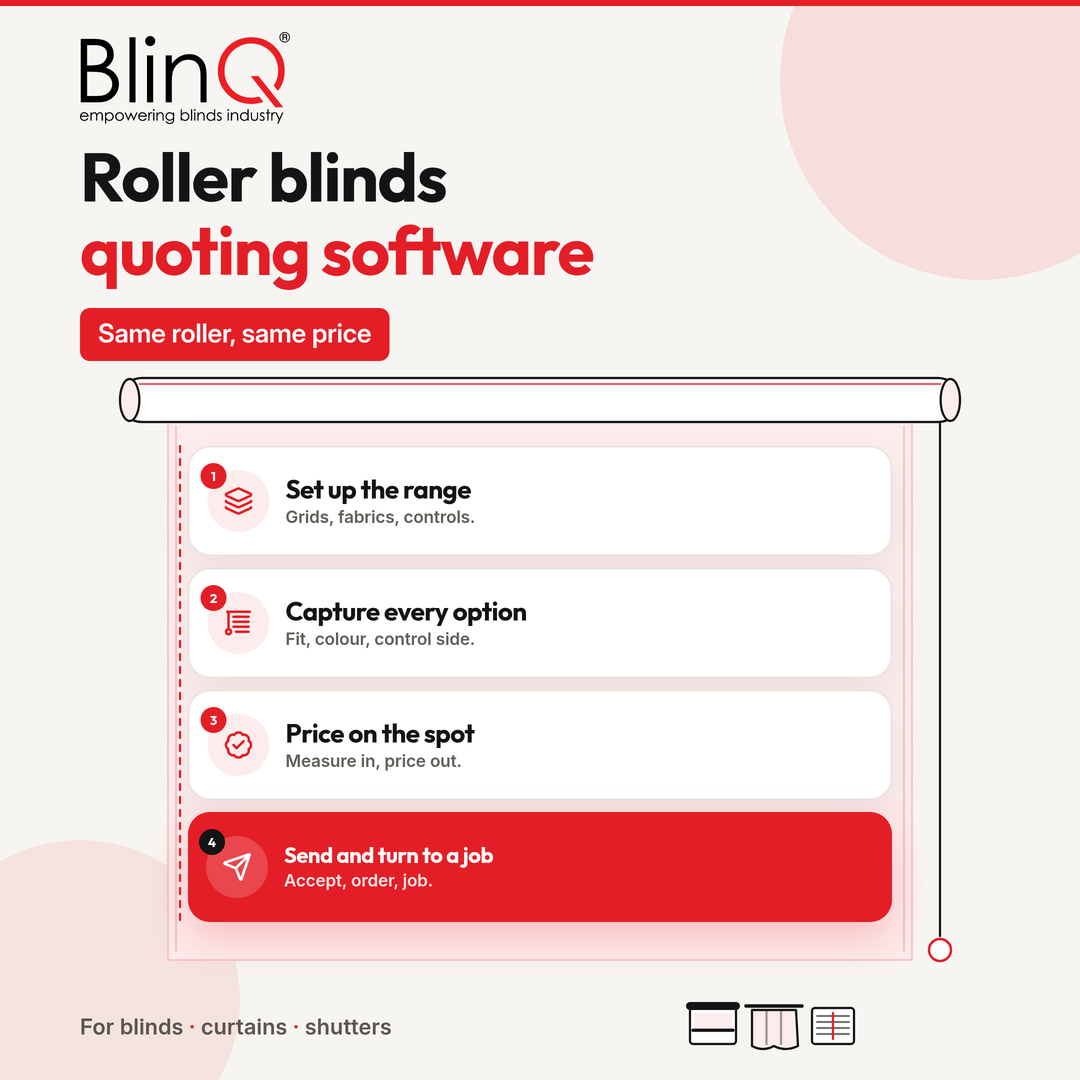
Roller blinds quoting software should price a roller the same way every time, whoever is holding the tape measure. Roller blinds look simple, but each one carries a fabric, a colour, a control, a fit and often extras, and a quote built from a price book and a calculator can miss any of them. Here is a method for quoting roller blinds consistently, and how BlinQ handles each step.
SET UP YOUR ROLLER BLINDS RANGE ONCE
Before anyone quotes, load each roller product with its supplier price grid, the fabrics and colours you sell, and the controls and fittings you offer. When the range is set up properly, nobody has to remember prices on the day.
In BlinQ: customise products and fields, and activate the calculations that manage price grids, materials and products in one place.
CAPTURE EVERY OPTION FOR EACH WINDOW
For every window, record the room, width, drop, fit, fabric, colour, control side and any extras. Missing one option is how a quote ends up too cheap or a blinds order comes back wrong.
In BlinQ: fabrics, colours, controls and fittings are selected on a clear quoting screen and organised as part of the quote, so each roller is configured the same way.
ROLLER BLINDS QUOTING SOFTWARE PRICES ON THE SPOT
Quote at the customer's home while you are measuring, so the price is given while the customer is still interested and the sizes are never retyped.
In BlinQ: create the quote on site; as you enter measurements, the system generates accurate pricing and the quote on the spot. You can hide details such as measurements from the customer's copy with simple tick boxes.
SEND IT, FOLLOW UP, TURN IT INTO A JOB
Send the quote while the visit is fresh, follow up when the customer is looking at it, and make accepting easy. Once accepted, order the fabric and hardware from the same details.
In BlinQ: email the quote with a personalised message, see when and how many times it was opened, let customers click and accept, convert the confirmed quote into a job and raise the purchase order from the approved quote.
Quote your next roller blinds job the same way, every time. See pricing:
https://www.blinq.com.au/pricing
Or book a demonstration:
https://calendly.com/blinq/team
Roller blinds quoting software
Roller blinds quotes
Set up your range once
Price grids
Fabric and colour
Controls and fittings
Price on the spot
Click and accept
Quote to job
Get Started
Workflow automation software for retailers and manufacturers of blinds, shutters & curtains.