When Email Goes Down: How to Keep Sending Blinds Quotes
Keep quotes, measurements and approvals moving even when email stalls.
Sign Up
Start your 7-day free trial
Send Blinds Quotes by SMS and Keep Jobs Moving
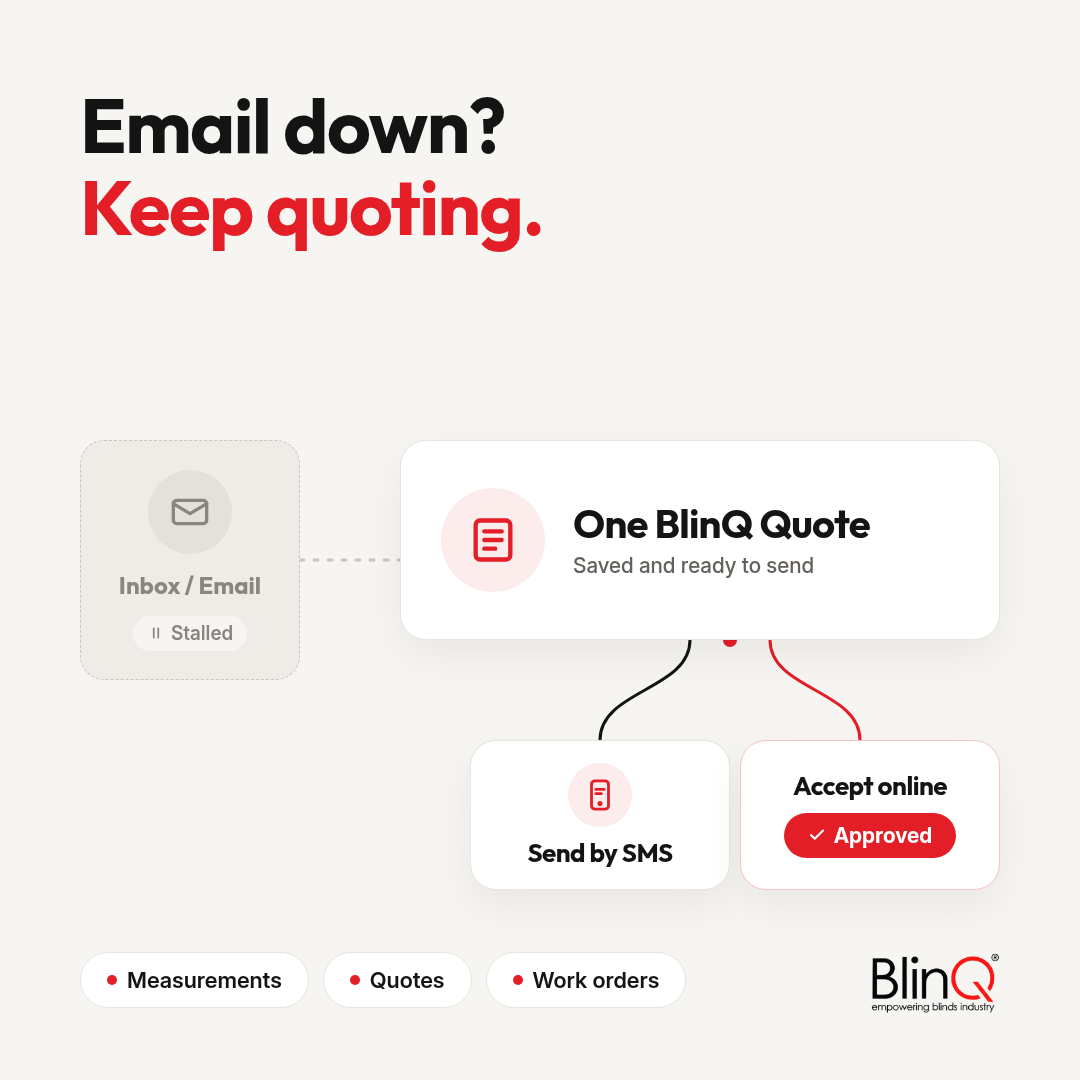
When email goes down, a blinds, curtains or shutters business cannot afford to stop quoting. If your prices sit inside spreadsheets on a shared drive and your quotes wait in an inbox draft folder, one email outage stalls new sales, supplier orders and deposits. Knowing how to send blinds quotes by SMS and store jobs outside your inbox keeps work moving.
SEPARATE QUOTES FROM YOUR INBOX
Do not leave quotes, room measurements and customer notes trapped inside old email threads. When every quote lives in one central system, your team can open, edit and issue it even while email servers are unreachable.
In BlinQ: leads, customer details, measurements, quotes and job statuses stay in one database, independent of your email client, so consultants keep quoting on site without missing a beat.
SEND BLINDS QUOTES BY SMS
When email delivery stalls, switch straight to text. Customers already check their phones faster than their inbox, and a direct quote link lets them review room totals right away without waiting for attachments to sync.
In BlinQ: send window furnishing quotes by email or SMS in a few clicks from the quote screen, and send Alert SMS notifications with Google Maps links so customers stay updated on appointments too.
LET CUSTOMERS ACCEPT QUOTES ONLINE
Chasing email replies slows down approvals. Give customers a clean online view where they can review the quote and confirm the job directly, without replying to a thread that might bounce or sit unread.
In BlinQ: customers click to accept their quote online, moving the job straight from pending to approved, while automated email and SMS follow-ups help keep open quotes moving.
KEEP SUPPLIER ORDERS AND RECORDS EXPORTABLE
An outage should not block the workshop either. Always keep work order sheets, cut details and quote records ready to view or export as PDFs so production and fitters can keep working.
In BlinQ: export quotes and work order sheets as printable files, Excel spreadsheets or PDFs, and track every customer note, deposit and purchase order inside the job record.
Keep your quoting independent of your inbox. See pricing:
https://www.blinq.com.au/pricing
Or book a demonstration:
https://calendly.com/blinq/team
Send blinds quotes by SMS
Online quote acceptance
Quoting without email
Window furnishing CRM
SMS quote delivery
Centralised quote records
Alert SMS with Google Map
PDF work order export
Automated quote follow-ups
Get Started
Workflow automation software for retailers and manufacturers of blinds, shutters & curtains.