Markup vs Margin: How Blinds Businesses Price for Profit
Know the number you keep.
Sign Up
Start your 7-day free trial
Price From Cost, Not Guesswork
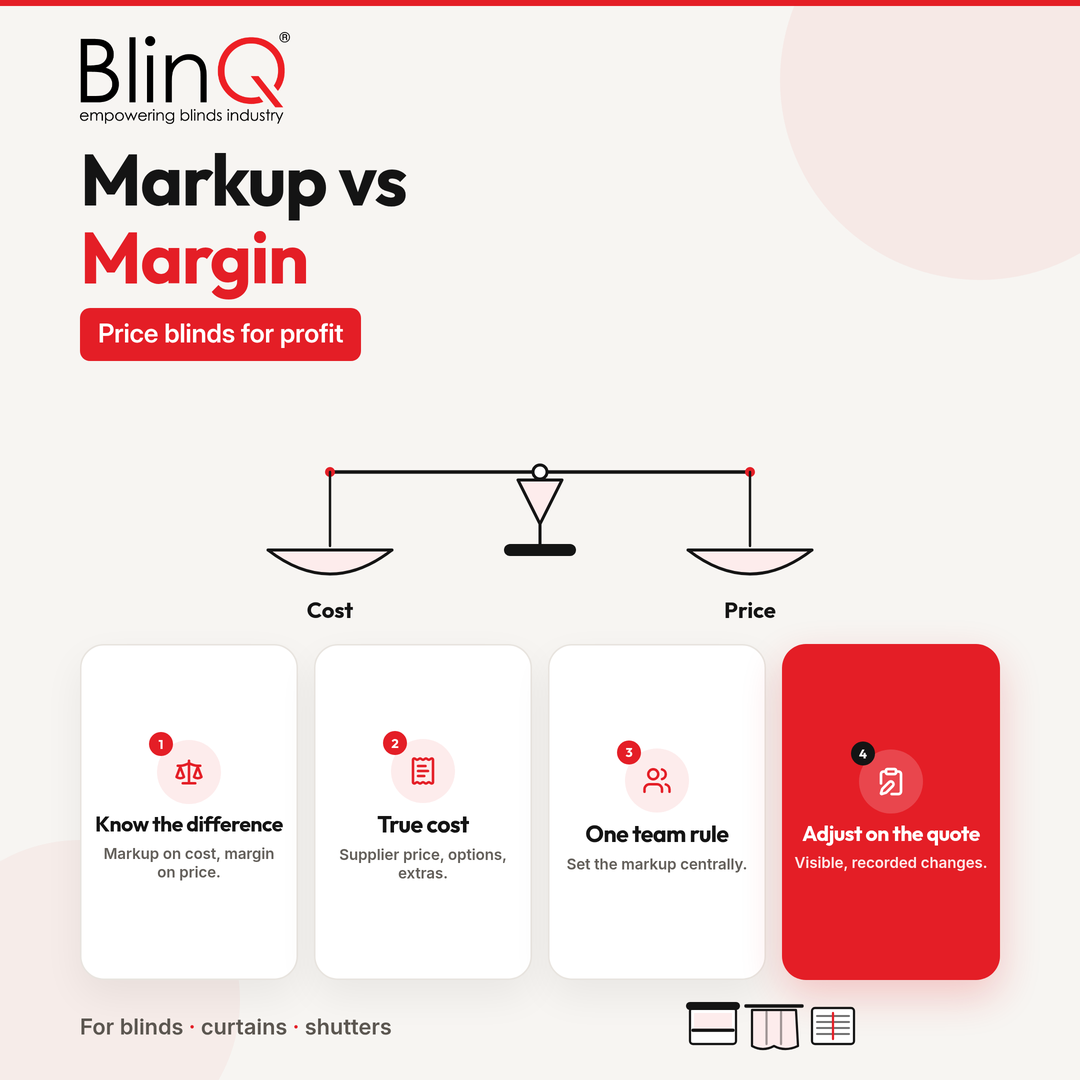
Markup vs margin is the pricing question that decides whether a blinds business makes money or just stays busy. Markup is what you add on top of your cost. Margin is the share of the selling price you keep. Mix them up, or let every salesperson choose their own number, and quotes look healthy while profit quietly slips. Here is how to set markups that hold up.
MARKUP VS MARGIN: KNOW THE DIFFERENCE
The same percentage gives two different results. Adding half again to your cost does not make half the selling price profit; it makes about one third. Decide which figure you manage to, and make sure everyone who quotes uses the same one.
In BlinQ: the Price Controller applies percentage markups or fixed values across suppliers, products and pricing groups, so the selling price comes from your rule rather than mental maths.
START FROM YOUR TRUE COST
A markup only works if the cost underneath it is complete. For blinds, that means the supplier price for the size, plus options, motorisation, accessories and fitting. Leave one out and your markup sits on a cost that is too low.
In BlinQ: supplier price grids and rule-based surcharges for motorisation, upgrades and oversize sizes are calculated inside the quote, so extras are not added by hand.
SET ONE MARKUP RULE FOR THE TEAM
Write your standard markup down by product group, then set it centrally. When the rule lives in the system, a new staff member quotes the same way as your most experienced salesperson, and nobody discounts by accident.
In BlinQ: pre-set your markup in the control panel for consistent pricing across all quotes. Price changes made through the Price Controller are tracked, and pricing can be reset if needed.
ADJUST ON THE QUOTE, NOT IN YOUR HEAD
Some jobs need a different number: a large commercial order, a repeat customer or a difficult install. Make the change on the quote itself so it is visible and recorded, not hidden in a rounded total.
In BlinQ: add a markup directly on an individual quote when a job calls for it. The quote history shows who made each change and when, and customer copies can hide details you choose, such as measurements, with simple tick boxes.
Check that every blinds quote carries the margin you meant to make. See pricing:
https://www.blinq.com.au/pricing
Or book a demonstration:
https://calendly.com/blinq/team
Markup vs margin
Markup and margin difference
How to price blinds
Blinds pricing for profit
Mark-up on quotes
Central mark-up rule
Price Controller
Rule-based surcharges
Quote change history
Get Started
Workflow automation software for retailers and manufacturers of blinds, shutters & curtains.