Plantation Shutters Quoting Software: Quote It Right Once
Set rates once, price on site, control every change.
Sign Up
Start your 7-day free trial
Accurate Shutter Quotes
Plantation shutters quoting software should remove the hand calculations that make shutter quotes slow and risky. Materials, panels, frames and sizes all affect the price, and one wrong figure on a high-value order can wipe out the margin on the job. A clear quoting process, set up once and followed on every job, prevents most of these errors and makes quotes faster to produce.
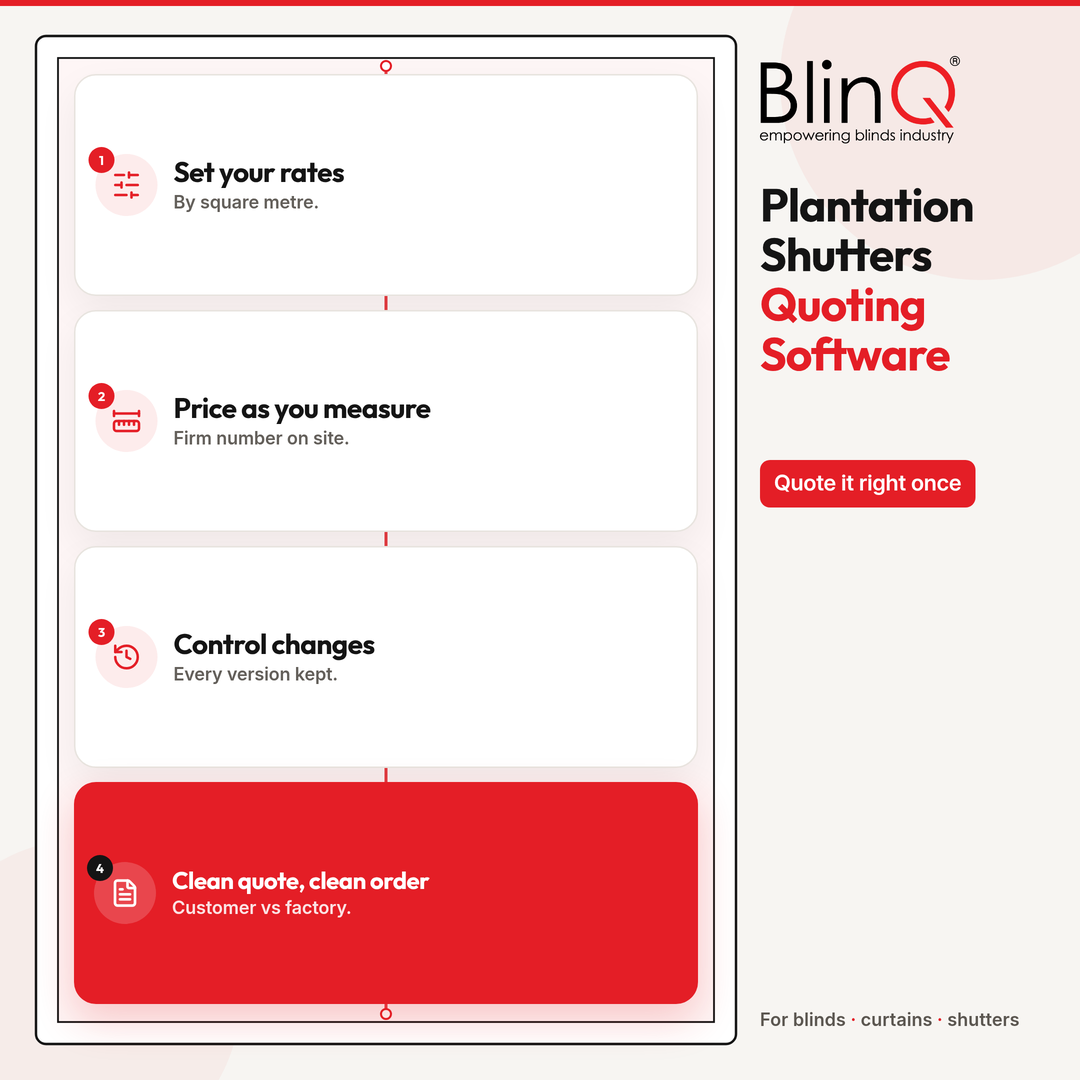
SET UP YOUR SHUTTER PRODUCTS AND RATES FIRST
Before quoting faster, make sure every shutter material has the right rate and the fields your team needs. Update rates when supplier prices change, not when a quote looks wrong, and make one person responsible for keeping them current.
In BlinQ: set square metre rates for plantation, aluminium and basswood shutters, and customise products and fields, including price grids and materials.
PRICE THE SHUTTERS WHILE YOU MEASURE
Quoting on site gives the customer a firm number while you are still in the room. Enter each opening as you measure it, in the same order every time, so the quote matches the house.
In BlinQ: as you enter measurements, the system generates accurate pricing and quotes on the spot, without price lists or calculators.
CONTROL CHANGES WITH PLANTATION SHUTTERS QUOTING SOFTWARE
Shutter customers often change panel layouts or colours after the first quote. Keep every version, so you can see exactly what changed before anything is ordered.
In BlinQ: track all changes throughout a quote's history, including who made what change and when, and view previous versions at any time.
SEND A CLEAN QUOTE AND A CLEAN ORDER
The customer needs a tidy quote, while the factory or supplier needs exact sizes. Keep the two documents separate so neither is confusing, and check sizes against the approved version before the order is sent.
In BlinQ: hide measurements on the customer's quote with simple tick boxes, export the work order sheet as PDF or Excel, and raise a purchase order directly from the approved quote.
Quote your next shutter job once, correctly. See pricing:
https://www.blinq.com.au/pricing
Or book a demonstration:
https://calendly.com/blinq/team
Plantation shutters quoting software
Shutters quoting software
Square metre shutter rates
Aluminium and basswood
Price while you measure
Quote version history
Hide measurements on quotes
Export work order sheet
Purchase orders from quotes
Get Started
Workflow automation software for retailers and manufacturers of blinds, shutters & curtains.