How to Manage a Mobile Sales Team in a Blinds Business
Your consultants are on the road. Your system goes with them.
Sign Up
Start your 7-day free trial
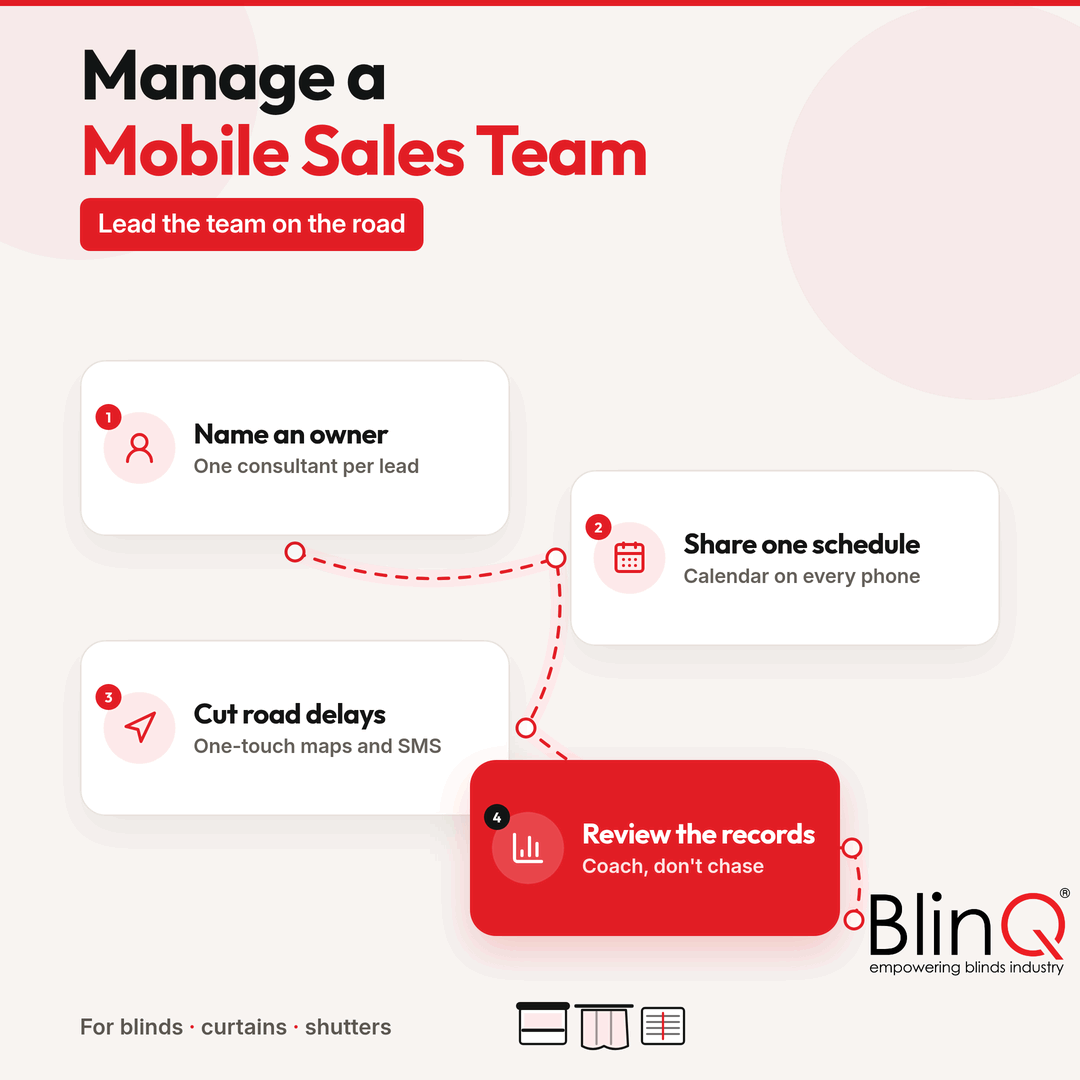
Lead the Team on the Road
Learning to manage a mobile sales team is a different job from running a showroom. Your consultants spend the day in cars and lounge rooms, so you cannot see what they are doing, and they cannot easily see what the office knows. Without a shared system, calls go unreturned, visits overlap and good leads cool off. Here is a practical approach for blinds businesses with consultants on the road.
GIVE EVERY LEAD A NAMED OWNER
Each lead and appointment should belong to one consultant, and everyone should be able to see who that is. When ownership is vague, two people chase the same customer, or nobody does.
In BlinQ: assign jobs between staff with a simple drop-down pick list, and track the customer's journey from initial lead to job completion.
KEEP ONE SHARED SCHEDULE
Consultants should never need to ring the office to find out where they are going next. Put every visit in the calendar they already carry on their phones, and keep changes in that one place.
In BlinQ: connect Google and Office 365 calendars, set appointments from within BlinQ and assign the preferred staff member for each job.
HOW TO MANAGE A MOBILE SALES TEAM ON THE ROAD
Cut out the small delays between visits: retyping addresses, hunting for phone numbers and ringing customers to say you are on the way. Each one eats into selling time.
In BlinQ: navigate to the job location with a single touch, and send customers instant SMS notifications from within BlinQ.
REVIEW THE WORK, NOT THE PEOPLE
Instead of asking each consultant for a verbal update, look at what the records show: quotes sent, quotes opened and jobs moving forward. Use the review to coach and to spot leads that need a follow-up call.
In BlinQ: see when and how many times a customer has opened a quote, and check progress on the visual job dashboard.
Next week, run your sales meeting from the records alone and see what questions are left.
See pricing:
https://www.blinq.com.au/pricing
Or book a demonstration:
https://calendly.com/blinq/team
Manage a mobile sales team
Field sales management
Sales consultants on the road
Named owner per lead
Shared team calendar
Assign jobs to staff
One-touch navigation
Quote open tracking
Sales team review
Get Started
Workflow automation software for retailers and manufacturers of blinds, shutters & curtains.