How to Reduce Supplier Delivery Charges on Blinds Orders
Batch the jobs, not the freight bills.
Sign Up
Start your 7-day free trial
Fewer Orders, Fuller Loads
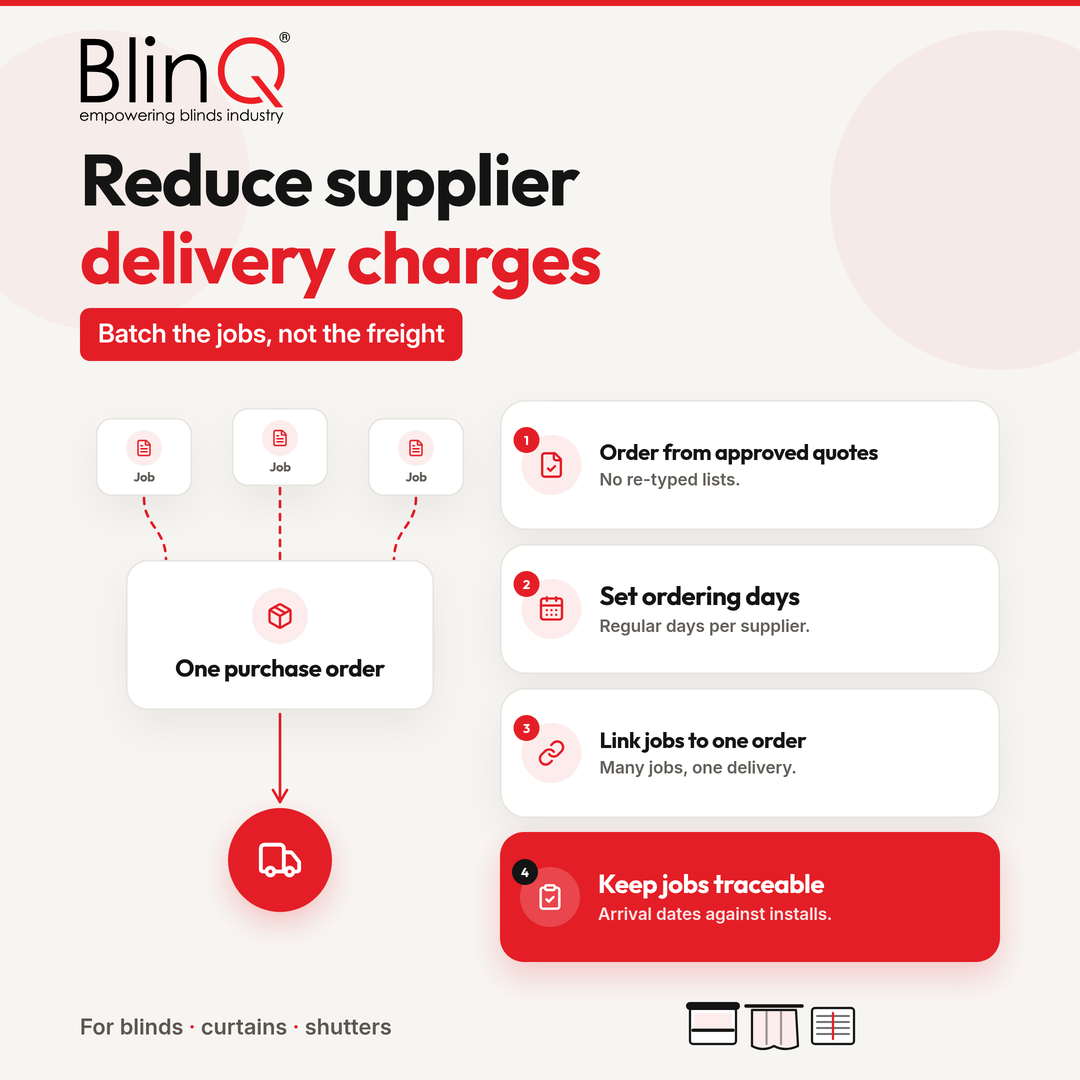
To reduce supplier delivery charges, stop sending a separate purchase order for every job when several jobs need the same supplier. Many blinds businesses raise orders one at a time as quotes are approved, and each small order can attract its own delivery cost. A simple ordering rhythm fixes most of that. Here is how to set it up.
ORDER FROM APPROVED QUOTES ONLY
Order from the approved quote, not from a re-typed list. Re-typing sizes and fabrics is where wrong orders start, and a wrong order costs a second delivery as well as a remake.
In BlinQ: raise a purchase order directly from an approved quote, so the order is allocated to the job.
SET ORDERING DAYS FOR EACH SUPPLIER
Choose regular ordering days for your main suppliers instead of ordering the moment each job is approved. Jobs approved in between wait a short time and go together, which also makes receiving easier.
In BlinQ: keep supplier contacts in one place, with a history of every purchase order raised for each supplier.
LINK SEVERAL JOBS TO REDUCE SUPPLIER DELIVERY CHARGES
On ordering day, combine every job for that supplier into one purchase order. One order means one delivery to receive and check, rather than several small ones arriving on different days.
In BlinQ: raise a purchase order to a supplier and link as many jobs as you want to avoid delivery charges.
KEEP EACH JOB TRACEABLE AFTER THE ORDER GOES
Batching only works if you can still see which job each item belongs to and when it should arrive. Record the estimated arrival date and check it against your installation dates.
In BlinQ: email purchase orders with an estimated arrival date in a couple of clicks, and use the purchase order dashboard to view order status and installation dates in one view.
Fewer, fuller orders mean fewer delivery charges, fewer boxes to check in and fewer loose ends for the office to chase each week.
See pricing:
https://www.blinq.com.au/pricing
Or book a demonstration:
https://calendly.com/blinq/team
Reduce supplier delivery charges
Batch supplier orders
Link jobs to one order
Supplier ordering days
Purchase orders from quotes
Fewer freight bills
Estimated arrival dates
Supplier order history
Blinds procurement
Get Started
Workflow automation software for retailers and manufacturers of blinds, shutters & curtains.