How to Track Blinds Job Progress from Approval to Fit
Clear stages, one owner, no guessing.
Sign Up
Start your 7-day free trial
Every Job, One Status
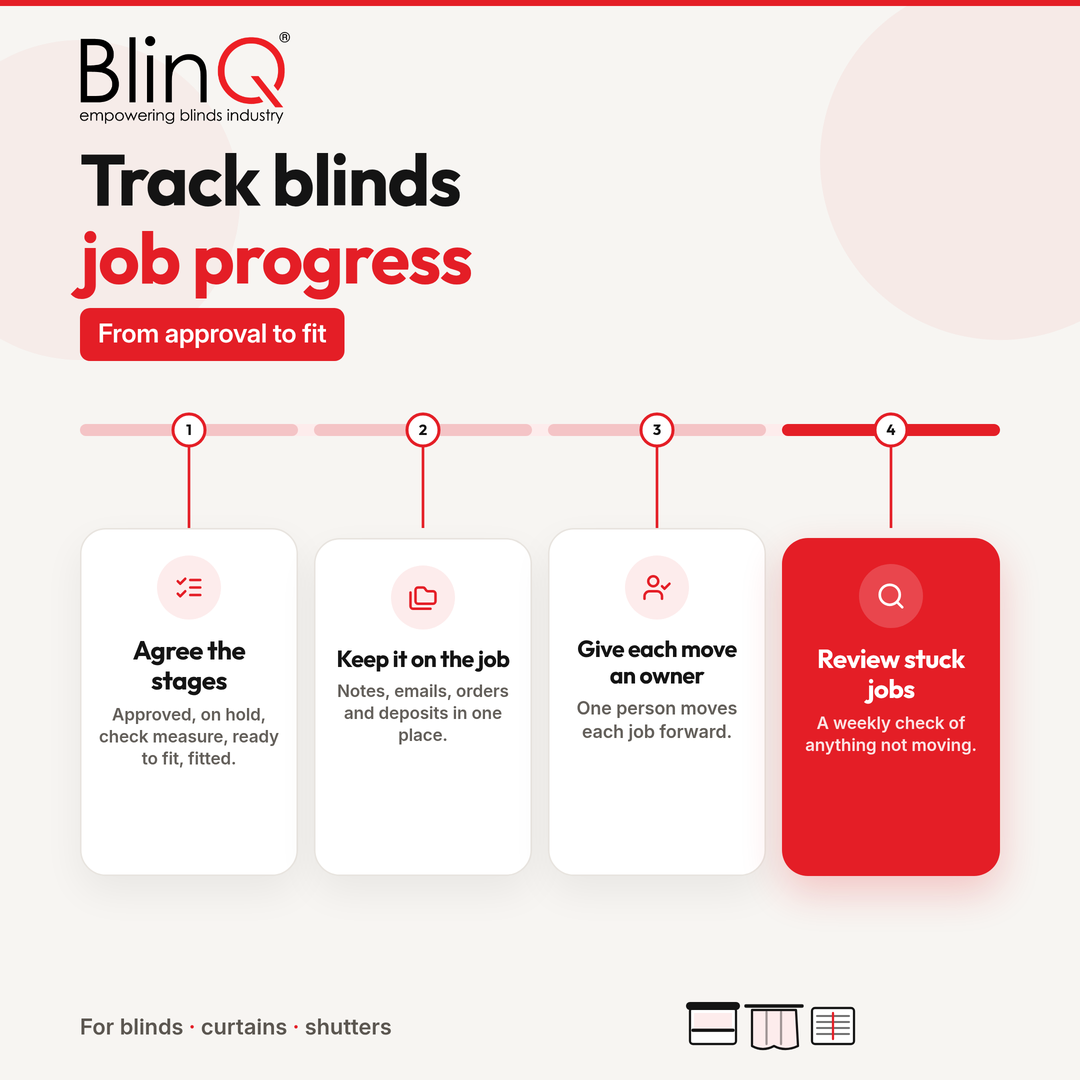
To track blinds job progress properly, every job needs one current status that the whole team can see and trust. When progress lives in diaries, whiteboards and memory, a simple customer call turns into a hunt through emails and a promise to ring back. Here is a simple way to set up job stages and keep every job moving.
AGREE THE STAGES EVERY JOB PASSES THROUGH
Write down the stages a typical job moves through after the quote is accepted, and keep the list short. Most blinds businesses need stages for approved, on hold, check measure, ready to fit, fitted and completed, plus one for cancelled work.
In BlinQ: the job tracking dashboard uses statuses such as Approved, On Hold, Check Measurement, Ready to Fit, Fitted, Cancelled and Completed, and specific statuses can be customised to fit your requirements.
TRACK BLINDS JOB PROGRESS IN ONE PLACE
A status only helps if it sits beside the detail behind it. Keep staff notes, emails, supplier orders and deposits on the job itself, so anyone in the office can answer a customer without asking around.
In BlinQ: view the progress of each customer's job in real time and see every activity on it, including staff notes, email correspondence, purchase orders and deposits.
GIVE EVERY MOVE AN OWNER
Jobs stall when nobody owns the next step. Decide who moves a job from check measure to ready to fit, and who confirms it is fitted. Update the status when the work happens, not at the end of the week.
In BlinQ: assign jobs to staff with a simple drop-down pick list, and see who is assigned on the customer's record.
REVIEW STUCK JOBS EVERY WEEK
Once a week, look for jobs that have sat too long in one stage, especially On Hold and Check Measurement. Each one needs a reason and a next action, or it quietly turns into a complaint.
In BlinQ: the visual dashboard shows where all your jobs are, so you can spot the ones that are not moving and push them towards completion.
Clear stages, one owner per step and a short weekly check are what keep jobs moving from approval to fit.
See pricing:
https://www.blinq.com.au/pricing
Or book a demonstration:
https://calendly.com/blinq/team
Track blinds job progress
Blinds job status
Job stages for blinds
Check measure stage
Ready to Fit and Fitted
Jobs on hold
Job owner per step
Weekly stuck job review
Job tracking dashboard
Get Started
Workflow automation software for retailers and manufacturers of blinds, shutters & curtains.