Blinds Price Grid: Keep Width and Drop Prices Current
One grid, one rule, every quote.
Sign Up
Start your 7-day free trial
Prices That Match Your Supplier
A blinds price grid only protects your margin if it matches what your supplier charges today. Many businesses set their width and drop grids up once, then patch them by hand when a new supplier price list arrives, and the old figures quietly survive in some quotes. Here is how to keep every grid current and every quote consistent.
KNOW HOW EACH GRID IS READ
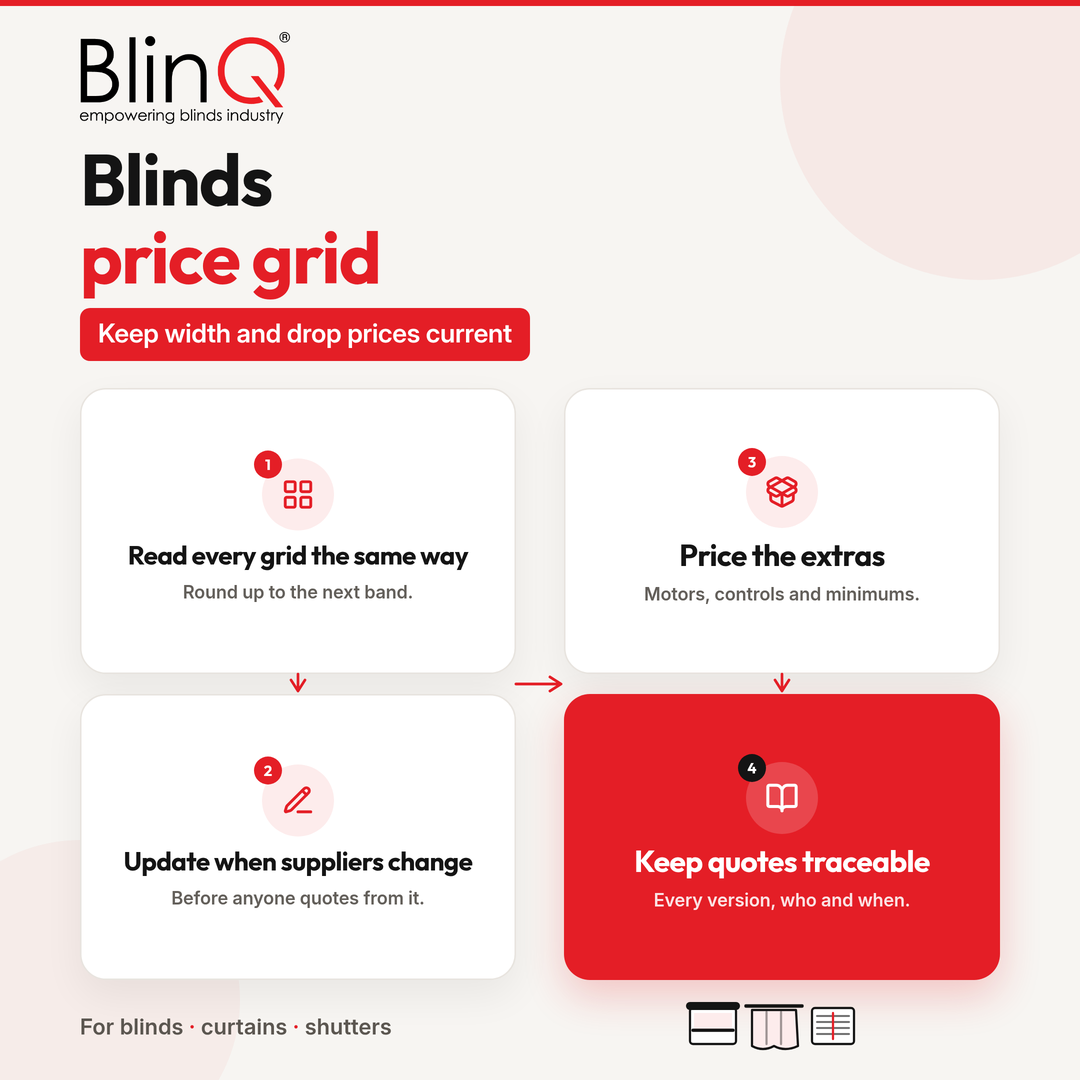
Each product's grid lists widths across and drops down, with a price where they meet. Decide how sizes between bands are handled, usually by rounding up to the next width and drop, and apply the same rule to every product so two salespeople never price the same window differently.
In BlinQ: as you enter measurements, the system generates pricing and the quote on the spot, so the same rule is applied every time.
UPDATE THE BLINDS PRICE GRID WHEN SUPPLIERS CHANGE PRICES
When a new list arrives, update the grid before anyone quotes from it, note the date it took effect, and check a handful of common sizes against the supplier's sheet. Keep your margin decision separate from the cost, so a price rise does not quietly erase it.
In BlinQ: you customise products and fields and activate the calculations that manage price grids, materials and products in one place, instead of in separate price books.
PRICE THE EXTRAS AND MINIMUMS
Grids rarely cover everything. Motors, special controls, fit types and minimum charges need their own lines, or they get forgotten at the kitchen table and come out of your margin.
In BlinQ: products and fields are set up to suit your range, and you control which fields appear on print copies and what the customer sees on their quote.
KEEP OLD QUOTES TRACEABLE
When prices change, customers with open quotes may ask why a new quote is different. Keep every version so you can show what was priced, by whom and when.
In BlinQ: the quote history tracks every change, who made it and when, and earlier versions of a quote can be viewed at any time.
Check your most quoted product's grid against the latest supplier list this week. See pricing:
https://www.blinq.com.au/pricing
Or book a demonstration:
https://calendly.com/blinq/team
Blinds price grid
Width and drop grid
Supplier price list
Price grid updates
Rounding to the next band
Extras and minimums
Margin protection
Quote history
Consistent quotes
Get Started
Workflow automation software for retailers and manufacturers of blinds, shutters & curtains.