Window Furnishing Dashboard Software: Live Job Status
See every job status without chasing the team.
Sign Up
Start your 7-day free trial
One Live Job View
Window furnishing dashboard software should tell you, right now, which quotes are still open and which jobs are moving, without a ring-around of the office. When that picture lives in spreadsheets, emails and a whiteboard, the status you hear at 9am is already stale by lunch. Here is how to run the day from one live view.
WHY SPREADSHEETS LAG BEHIND THE DAY
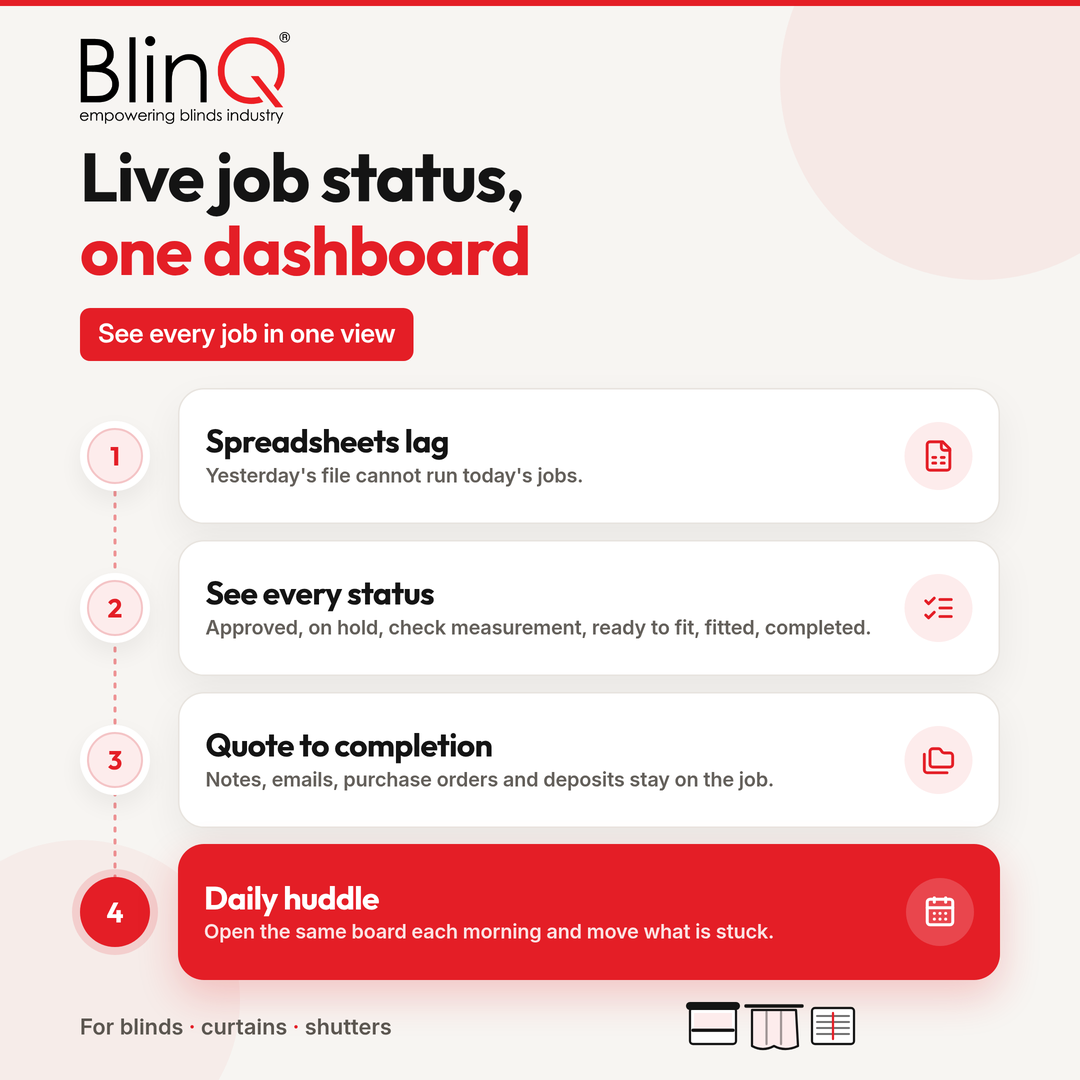
A spreadsheet is only as current as the last person who updated it. Quotes get approved in the van, jobs move to check measure or ready to fit, and the file on the shared drive stays yesterday's version. By the time you have merged the updates, the question has changed.
In BlinQ: quotes and jobs sit in one system, so a status change is recorded once and everyone sees the same record.
SEE EVERY JOB STATUS IN ONE DASHBOARD
You need a board that shows where each job sits in the process, not a list of file names. The usual stages in a blinds business are approved, on hold, check measurement, ready to fit, fitted, cancelled and completed. If a job has been on hold for a week, that should be obvious without opening ten records.
In BlinQ: the visual dashboard shows those job statuses, and you can add statuses to match your own process. You can also see where all your jobs are and move them forward towards completion.
FOLLOW EACH JOB FROM QUOTE TO COMPLETION
Status alone is not enough when a customer rings. You also need the notes, emails, purchase orders and deposits that explain why the job is where it is. That history should sit on the job, not in someone's inbox.
In BlinQ: track the customer's journey from the initial quote to job completion, including staff notes, email correspondence, purchase orders and deposits.
USE THE DASHBOARD IN THE DAILY HUDDLE
Open the same dashboard each morning. Ask only what is stuck, what is ready to fit today, and which approved jobs still need a purchase order. Then assign the next action and leave the board open for the team.
In BlinQ: retrieve leads, customers and quotes from a dashboard of your team's work, and move each job forward in the same view.
Run tomorrow morning from one dashboard. See pricing:
https://www.blinq.com.au/pricing
Or book a demonstration:
https://calendly.com/blinq/team
Window furnishing dashboard software
Blinds business dashboard software
Live job status
Visual job dashboard
Quote to job completion
Check measurement status
Ready to fit
Job notes and deposits
Daily operations huddle
Get Started
Workflow automation software for retailers and manufacturers of blinds, shutters & curtains.