Window Furnishing Pricing Software for Complex Products
Grids, square metres, making charges and rules in one place.
Sign Up
Start your 7-day free trial
One Method per Product
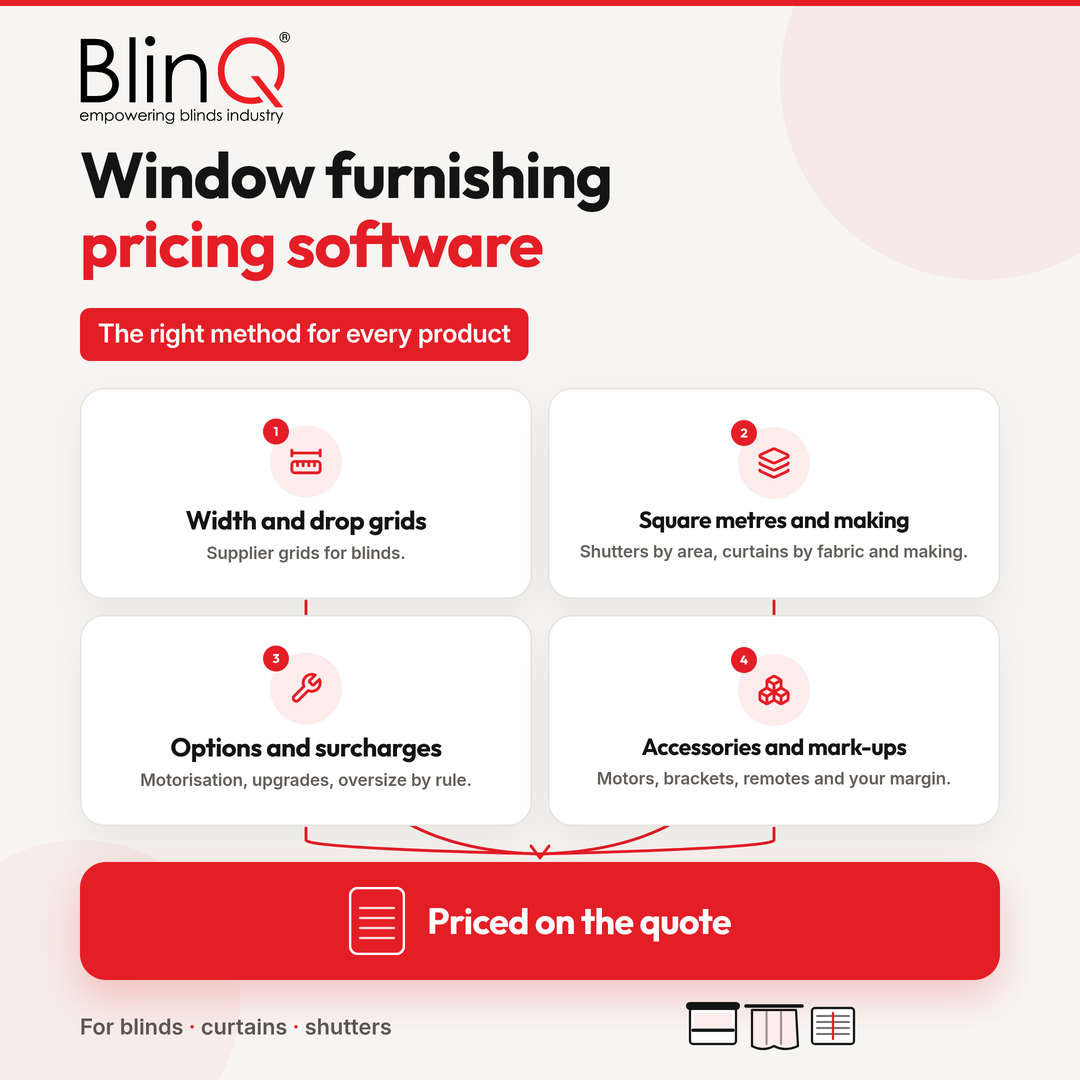
Window furnishing pricing software has to handle more than one way of pricing, because blinds, shutters, curtains and accessories are not priced the same way. A roller blinds grid, a shutter priced per square metre and a curtain built from fabric and making charges all need their own method. Forcing them into one spreadsheet is where quoting errors start. Here is how to match each product to the right pricing method.
PRICE GRID PRODUCTS BY WIDTH AND DROP
Most blinds come from supplier grids priced by width and drop. Load each grid as the supplier issues it, round sizes the same way every time, and never retype a grid into a quote by hand.
In BlinQ: activate the calculations to manage price grids, materials, products and fields, and the price is generated as you enter measurements.
USE AREA OR MAKING CHARGES WHERE THEY FIT
Shutters are often priced by the square metre, and the rate changes with the material. Curtains need fabric, making and your margin. Set each product up with the method that matches how you buy it.
In BlinQ: set up square metre pricing for plantation, aluminium and basswood shutters, and import fabric cut prices and making charges with your mark-up for curtains.
SET RULES FOR OPTIONS AND SURCHARGES
The base price is rarely the full price. Motorisation, upgrades and oversize charges are where complex products leak money if staff add them from memory. Write the rule once, then let every quote follow it.
In BlinQ: rule-based surcharges calculate motorisation, upgrade and oversize charges automatically, and product options such as fabrics, colours, controls and fittings are chosen on the quoting screen.
WINDOW FURNISHING PRICING SOFTWARE FOR ACCESSORIES AND MARK-UPS
Motors, brackets and remotes need a price too, and your margin should not depend on who builds the quote. Keep accessories in the catalogue, and set your mark-ups centrally.
In BlinQ: add extra items such as motors, brackets and remotes in the Accessories tab, and pre-set mark-ups in the control panel or adjust them on the quote.
Price every product the way you actually buy it. See pricing:
https://www.blinq.com.au/pricing
Or book a demonstration:
https://calendly.com/blinq/team
Window furnishing pricing software
Blinds pricing methods
Width and drop grids
Square metre pricing
Curtain making charges
Rule-based surcharges
Motorisation charges
Accessories pricing
Central mark-ups
Get Started
Workflow automation software for retailers and manufacturers of blinds, shutters & curtains.