Quote to Installation Workflow for Window Furnishing Jobs
Four stages that keep every job connected.
Sign Up
Start your 7-day free trial
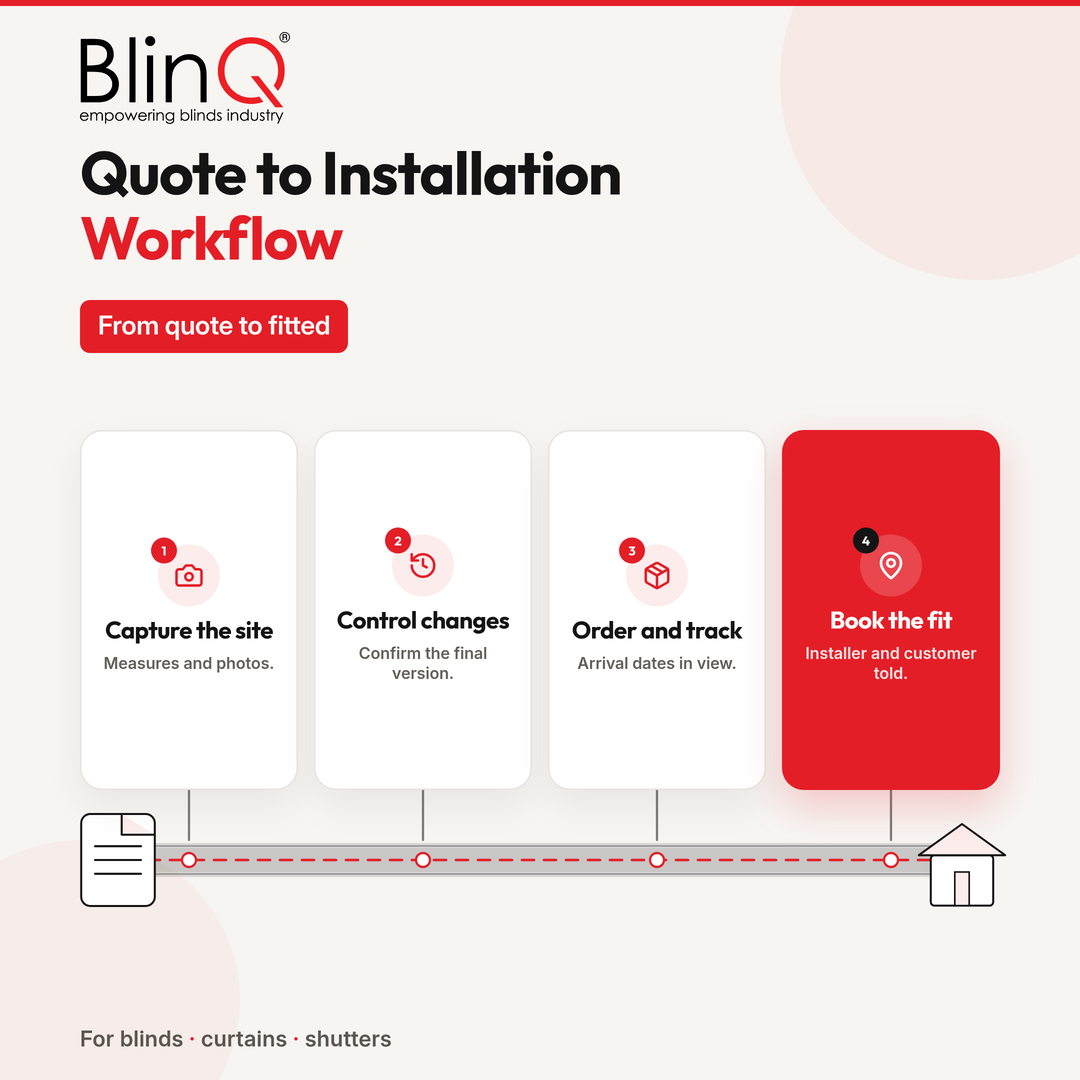
From Quote to Fitted
A clear quote to installation workflow stops a window furnishing job from stalling between the sale and the fit. Measurements, photos, product choices and appointments often live in different places, so the installer turns up missing a detail or the order goes in with an old size. Four stages, each with a clear owner, keep each job connected from the first visit to the final fit.
1. CAPTURE THE SITE ON THE QUOTE
Record products, measurements and site details at the first visit, and photograph anything unusual, such as tight recesses or obstructions. The person who measures is often not the person who installs, so the record has to speak for them.
In BlinQ: pricing is generated as you enter measurements, and you can take a photo, mark it up and store it on the customer's file with house plans and documents.
2. CONTROL CHANGES BEFORE ORDERING
Customers often change colours or sizes after the first quote. Confirm the final version with them in writing before any stock is ordered, because a change after ordering usually means a remake.
In BlinQ: track every change in the quote's history, including who made it and when, and view previous versions at any time.
3. ORDER AND TRACK THE STOCK
Order from the approved version and keep the expected arrival date in view, so the install can be booked with confidence.
In BlinQ: raise purchase orders directly from the approved quote, email them to suppliers with estimated arrival dates, and see purchase order status and installation dates on the PO dashboard.
4. BOOK THE FIT IN YOUR QUOTE TO INSTALLATION WORKFLOW
Book the install once stock is confirmed, assign the installer and give the customer the details. Make sure the installer can see the notes and photos from the first visit.
In BlinQ: schedule appointments into Google or Office 365 calendars with a preferred staff member, send the customer an SMS with a Google Map, and navigate to the job with a single touch.
Write down your four stages and who owns each one. Then see pricing:
https://www.blinq.com.au/pricing
Or book a demonstration:
https://calendly.com/blinq/team
Quote to installation workflow
Window furnishing workflow
Capture site details
Marked-up site photos
Confirm the final version
Order from approved quotes
Track supplier arrival dates
Book the install
Navigate to the job
Get Started
Workflow automation software for retailers and manufacturers of blinds, shutters & curtains.