Appointment Scheduling Software for Blinds Measure and Quotes
Every measure and quote visit in the right calendar.
Sign Up
Start your 7-day free trial
Book It Right First Time
Appointment scheduling software should make booking a measure and quote visit as quick as answering the phone. In many blinds businesses the sales diary sits in one calendar, the installers in another, and service visits on a sticky note. Double bookings, wasted drives and customers waiting for a call back follow. Here is how to set up bookings so every visit lands in the right place.
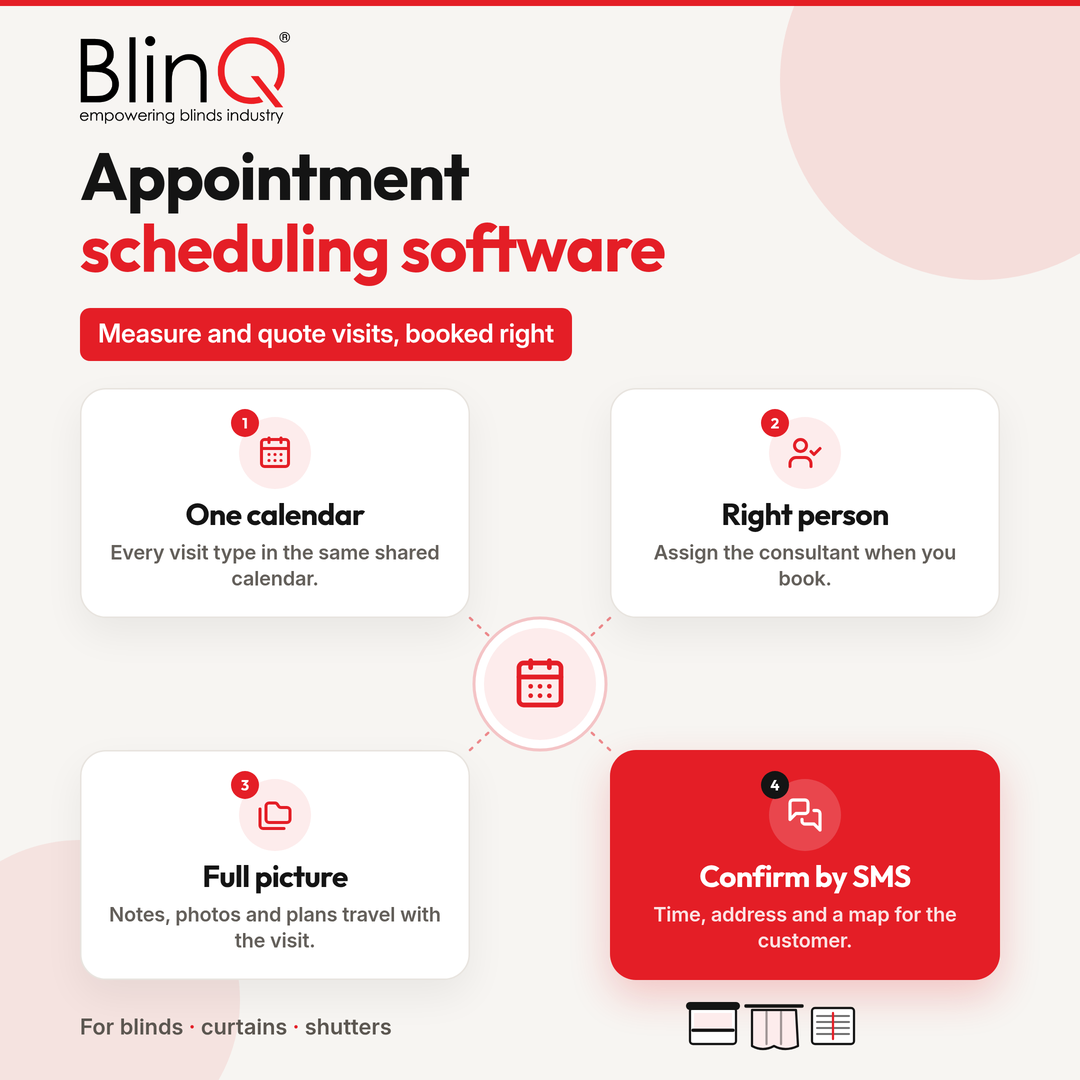
PUT EVERY VISIT TYPE IN ONE CALENDAR
Measure and quote visits, check measures and service calls all take a person and a time slot. Keep them in one shared calendar, labelled by visit type, so whoever answers the phone sees the real gaps in the day.
In BlinQ: connect your Google or Office 365 calendars and set appointments directly from BlinQ, so bookings land in the calendars your team already uses.
ASSIGN THE RIGHT PERSON AT BOOKING
Decide who goes before you hang up. Match the visit to the consultant who knows the product or the area, and block time when someone is away, so nobody is booked into leave.
In BlinQ: assign a preferred staff member to the appointment with a simple drop-down list, and block unavailable time in the appointment calendar to prevent clashing bookings.
GIVE THE CONSULTANT THE FULL PICTURE
A measure and quote visit goes better when the consultant knows what was discussed on the phone. Notes about rooms, access or parking should travel with the booking, not stay in the office.
In BlinQ: each appointment sits with the customer record, where notes, emails, photos and house plans are kept in the customer's Story, and site notes can be recorded during the visit.
APPOINTMENT SCHEDULING SOFTWARE THAT CONFIRMS THE VISIT
A booking is not finished until the customer knows the time and the address is right. Confirm by text, and make the drive easy for the person attending.
In BlinQ: send the customer an SMS from within BlinQ, with a Google Map, and use click and navigate to open the job location without retyping the address.
Get measure and quote visits booked properly the first time. See pricing:
https://www.blinq.com.au/pricing
Or book a demonstration:
https://calendly.com/blinq/team
Appointment scheduling software
Measure and quote bookings
Blinds appointment booking
Google Calendar sync
Office 365 calendar
Assign staff to visits
Block unavailable time
SMS with Google Map
Service visit booking
Get Started
Workflow automation software for retailers and manufacturers of blinds, shutters & curtains.