Blinds Measure Sheet: Capture Sizes Once, Quote Faster
Write the sizes down once, then never again.
Sign Up
Start your 7-day free trial
Measure Once, Enter Once
A blinds measure sheet is where most quoting errors begin, because the same sizes get written on paper at the customer's home and then typed again at the office. Each retype is another chance to swap a width and a drop, lose a control side or forget a note about the window. Here is how to set up a measure sheet that is captured once and used all the way to install.
DECIDE WHAT EVERY LINE MUST CAPTURE
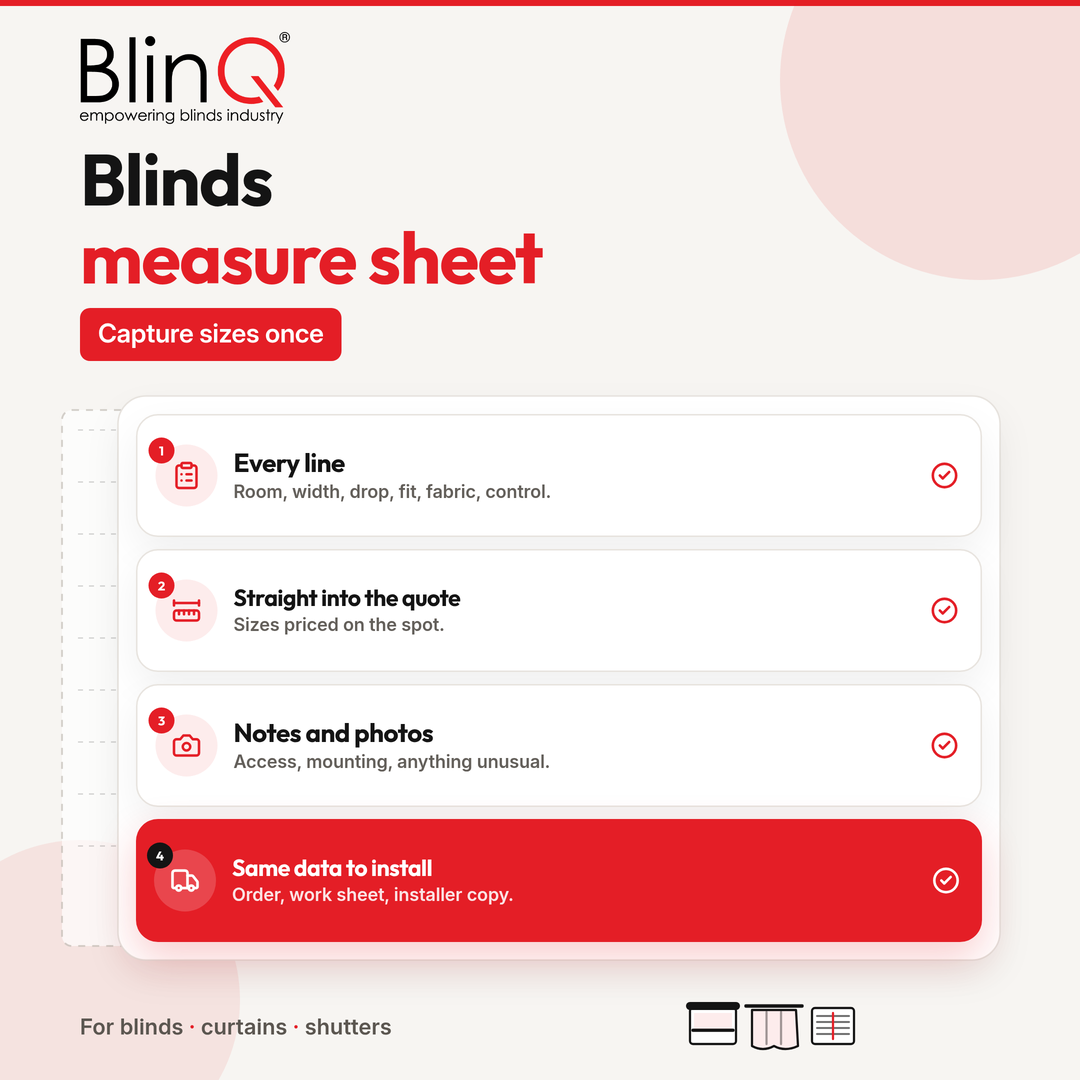
A good measure sheet has one line per window: the room, width, drop, fit type, product, fabric and colour, control side and any extras. If a field is often left blank, make it part of the routine so nobody has to ring the customer back.
In BlinQ: fabrics, colours, controls and fittings are selected on a clear quoting screen as part of the quote, and products and fields can be customised to suit your range.
ENTER MEASUREMENTS STRAIGHT INTO THE QUOTE
The simplest way to stop double entry is to record each size where it will be priced. When the consultant measures and quotes in the same visit, there is nothing to copy later and the customer sees the price before you leave.
In BlinQ: you create the quote on site, and as you enter measurements the system generates accurate pricing and the quote on the spot.
ADD SITE NOTES AND PHOTOS TO THE BLINDS MEASURE SHEET
Sizes alone do not tell the installer about tiled reveals, tight access or an awkward mounting surface. Record those details during the visit, while you are standing at the window, and take a photo of anything unusual.
In BlinQ: site notes are recorded during the customer visit, and you can take a photo, mark it up and store it on the customer's file with house plans and other attachments.
USE THE SAME DATA FROM QUOTE TO INSTALL
Once the customer accepts, the measurements should flow on without being rewritten for the workroom, the supplier or the installer. One record means everyone works from the same numbers.
In BlinQ: confirmed quotes convert into jobs, the work order sheet exports as PDF or Excel, purchase orders are raised from the approved quote, and the installer copy carries the measurements and product specifications.
Make your next measure the only time those sizes are written down. See pricing:
https://www.blinq.com.au/pricing
Or book a demonstration:
https://calendly.com/blinq/team
Blinds measure sheet
Digital measure sheet
One line per window
Measure and quote on site
No double data entry
Site notes and photos
Fabric, colour and controls
Work order sheet
Installer copy
Get Started
Workflow automation software for retailers and manufacturers of blinds, shutters & curtains.